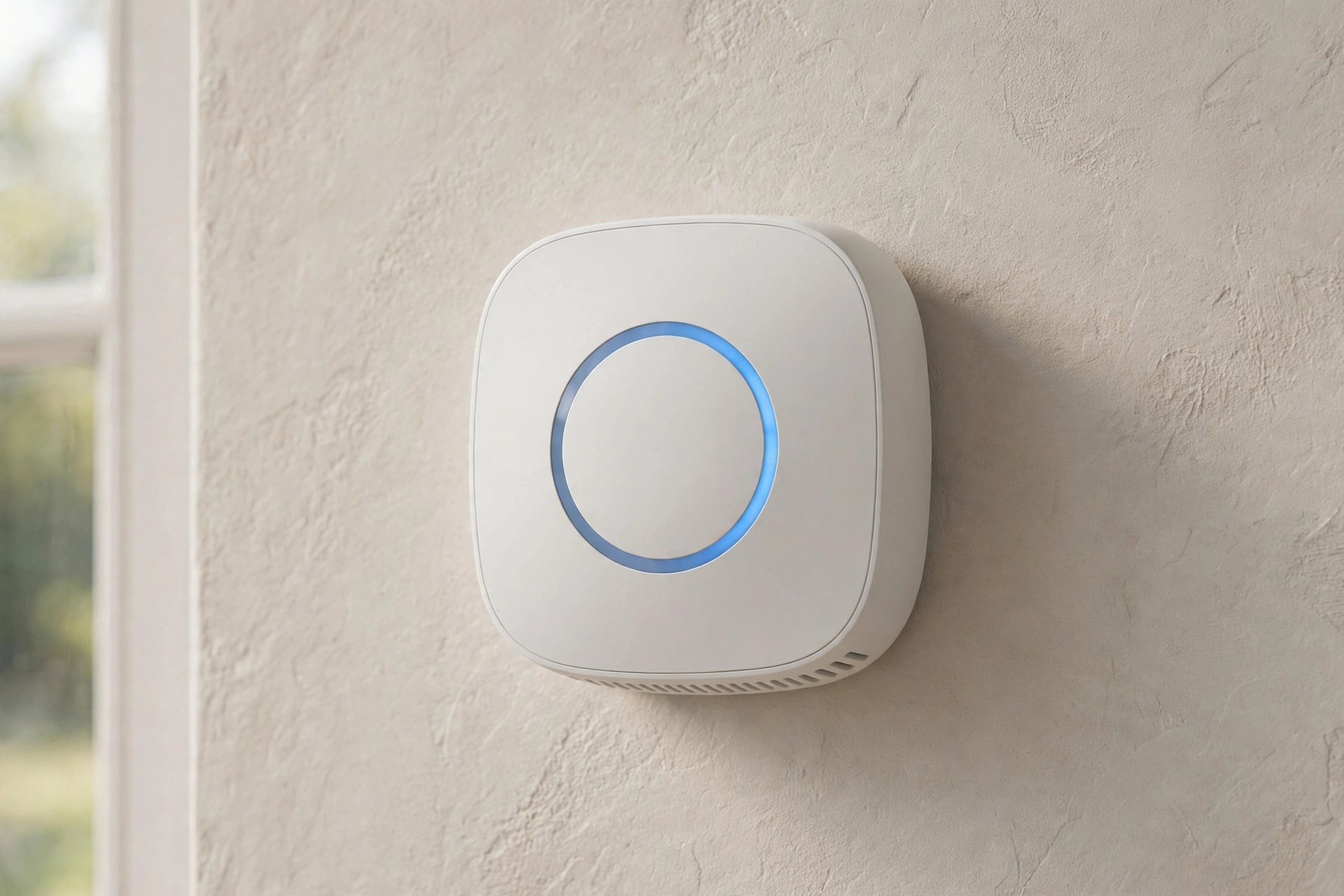
Smart Thermostat Savings: Reality Check 2026
Key takeaways
- Smart thermostat savings are real but modest and home-dependent — roughly single digits to low teens percent in favorable homes, near zero where good setback habits already exist.
- The biggest winners are households with erratic schedules, frequent travelers, and second homes; all-day-occupied and already-disciplined homes gain mostly convenience.
- On heat pumps, aggressive setbacks can trigger expensive auxiliary heat strips — use heat-pump-aware settings, modest 2–3°F setbacks, and proper aux lockout temperatures.
- Geofencing, occupancy sensing, scheduling, and energy reports do the real work; verify system compatibility before buying and enroll in utility rebate programs.
- Typical 2026 cost is $130–$300 for the unit plus $100–$250 pro install; with a $50–$100+ utility rebate, payback in a favorable home is roughly one to two years.
Smart thermostats promise effortless energy savings — learning your schedule, sensing when you leave, nudging temperatures while you sleep. The marketing often implies dramatic cuts to your heating and cooling bills. The reality, confirmed by two decades of field studies, is more modest and much more interesting: smart thermostat savings are real, but they are home-dependent, behavior-dependent, and smaller than the ads suggest. A household that already manages setbacks diligently may save almost nothing; a household with erratic schedules and an always-on system may save meaningfully. The device is not magic — it is automation of a good habit, and its value depends entirely on whether that habit was missing.
This reality check on smart thermostat savings separates the evidence from the marketing, shows which homes actually benefit, names the setup mistakes that erase the gains (including one that can spike heat-pump bills), and gives honest 2026 cost math. If you are buying one for the savings alone, read this first.
What the studies actually say — with the caveats
The most-quoted numbers come from the manufacturers themselves. Google’s Nest published analyses of its user data reporting average savings around 10–12% on heating and 15% on cooling bills — but these are manufacturer-funded studies of self-selected customers who opted into energy tracking, which is not a neutral sample. Independent evaluations, including multi-study reviews presented to energy-program evaluators, found roughly similar ranges — on the order of 10–13% heating savings and mid-teens cooling savings in the studied homes — while emphasizing that results varied widely by household.
Here is what the fine print always says and the ads never do: savings depend overwhelmingly on what the household did before the smart thermostat arrived. A home where someone already programs setbacks, or where the house sits empty all day on a schedule, has little left for the device to optimize — the thermostat cannot save energy you were not spending. Homes occupied all day, very tight and well-insulated homes (where setbacks achieve less because temperatures drift slowly), and homes where occupants override the automation constantly show the smallest gains. The U.S. Department of Energy’s long-standing guidance frames the underlying physics honestly: turning the thermostat back 7–10 degrees for 8 hours a day can save on the order of 10% a year on heating and cooling — the smart thermostat’s job is simply to make that setback happen automatically.
So treat the headline percentages as the upper-middle of what is possible in favorable homes, not as a promise. Real-world savings across all buyers likely span from near zero to the mid-teens percent, clustering in the single digits to low teens for typical households. That is still real money — just not the revolution the box implies.
Google Nest Learning Thermostat (4th Gen) with Temperature Sensor

Learns schedule and automates HVAC energy savings across rooms
*Affiliate Disclosure: As an Amazon Associate, Elevate Home earns from qualifying purchases. Pricing and availability subject to change.
Which homes benefit most (and which barely benefit)
| Home profile | Likely savings | Why |
|---|---|---|
| Erratic schedules, manual thermostat, system runs 24/7 | Highest — low teens % | Automation captures setbacks the household never did |
| Second home / frequent travelers | High | Geofencing and remote control prevent heating an empty house |
| Two workers, regular 9–5 absence | Moderate | Good setback potential, but a $30 programmable could do much of it |
| Someone home all day | Low | Little unoccupied time to exploit; comfort setpoints dominate |
| Already disciplined with a programmable thermostat | Minimal | The savings were already captured manually |
| Heat pump with electric backup | Variable — can be negative | Aggressive setbacks can trigger expensive auxiliary heat (see below) |
The pattern is clear: the thermostat saves the most where the human was the weakest link. If your household’s schedule is chaos — shift work, kids’ activities, travel — occupancy sensing and geofencing do genuinely useful work. If your life runs like clockwork and you already program setbacks, you are buying convenience and remote control, not savings. Both are legitimate reasons to buy; only one shows up on the utility bill.
The setup mistakes that erase the gains
The heat-pump trap. This is the big one. Heat pumps with electric-resistance backup heat (auxiliary heat strips) can be more expensive to run with aggressive setbacks: when the thermostat calls for a big temperature recovery, the system may fire the strips — which cost roughly three times more per unit of heat than the compressor — to catch up quickly. A smart thermostat aggressively set back overnight can trigger a strip-heated morning recovery that costs more than holding temperature all night. The fix: use a thermostat with heat-pump-aware algorithms (most major brands have them), set modest setbacks of 2–3 degrees rather than 8–10, and verify in the installer settings that auxiliary heat lockout temperatures are configured for your climate. If your winter bills spiked after installing a smart thermostat on a heat pump, this is the first suspect.
Fighting the automation. Studies consistently show that households overriding the schedule — cranking heat manually, disabling learning — capture little. If you buy the device, let it work for a month before judging it; constant manual overrides train some models into worse patterns.
Bad placement and missing sensors. A thermostat in a drafty hallway or sun-blasted wall makes bad decisions confidently. Remote room sensors (offered by several major brands) fix the classic “bedroom freezing while the hallway is fine” problem and let the system average or prioritize occupied rooms — but only if you place the sensors where you actually live and configure which rooms matter when.
Ignoring the utility programs. Many utilities offer demand-response programs that pay you — or give bill credits — for letting them nudge your thermostat during peak events, plus upfront rebates on the device itself (commonly $50–$100+, though programs change; check current availability with your utility). Skipping enrollment leaves the easiest money on the table.
Features that actually move the needle
Strip away the marketing and four features do the real work. Geofencing uses household phones’ location to set back when everyone leaves and recover before return — the single most valuable feature for irregular schedules. Occupancy sensing catches the cases geofencing misses. Learning/scheduling automates the setback routine so humans do not have to remember it. And energy reports create the feedback loop: households that actually look at the monthly report tend to save more, because awareness changes behavior the device cannot.
Features that mostly do not move the needle on savings: voice control, pretty industrial design, and hyper-detailed humidity graphs you will check twice. Buy for the four above; enjoy the rest as garnish. Compatibility matters more than brand prestige — verify your system type (especially multi-stage, heat pump with aux, or proprietary communicating systems) against the manufacturer’s compatibility checker before buying, and note that some high-end systems only reach full functionality with their own brand’s thermostat.
Smart thermostat compatibility: check before you buy
Nothing deflates the smart-thermostat experience like discovering your system speaks a different language. Run through this checklist against the manufacturer’s compatibility tool before purchasing.
The C-wire question. Most smart thermostats need continuous 24-volt power, supplied by a common wire (C-wire). Older homes often lack one at the thermostat location. Some models can “power-steal” without a C-wire, but power-stealing is a frequent source of phantom behaviors — short cycling, Wi-Fi dropouts, screens going dark — especially on multi-stage equipment. If you have no C-wire, budget for a licensed electrician to run one or install a manufacturer-approved power adapter kit; do not hope power-stealing will be fine.
Proprietary communicating systems. High-end systems from several major brands use proprietary digital communication between the thermostat, furnace/air handler, and outdoor unit — and they only deliver full functionality (variable-capacity modulation, detailed diagnostics) with the manufacturer’s own communicating thermostat. A generic smart thermostat will typically still work on these systems, but it downgrades a variable-speed system to crude on/off staging, throwing away the comfort and efficiency you paid for. If you own communicating equipment, the brand-matched smart thermostat is usually the right answer.
Heat pumps with auxiliary heat, multi-stage systems, and two-transformer setups all need correct terminal wiring and installer-menu configuration; this is where professional installation earns its fee. Millivolt systems (some gas fireplaces and very old furnaces) and line-voltage systems (electric baseboards) are generally incompatible with standard 24-volt smart thermostats — line-voltage homes need purpose-built line-voltage smart thermostats, a separate product category. Five minutes with the compatibility checker prevents all of this.
Honest 2026 cost math
Smart thermostats typically cost $130 to $300 for the unit; professional installation runs $100 to $250 if you do not DIY (most are designed for homeowner installation, but heat-pump and multi-wire systems are worth a pro). Utility rebates frequently cut $50 to $100+ off — check current availability, as programs change by year and utility.
Now the payback math, honestly framed. Take a household spending $2,000 a year on heating and cooling — plausible for many US homes. A 10% saving is $200 a year; a 5% saving is $100. Against a $200 device with a $75 rebate, payback lands between roughly one and two years in a favorable home — and several years or never in an already-optimized one. The device also delivers non-bill value: remote control, freeze alerts for second homes, maintenance reminders. Price those in if they matter to you, but do not let them launder a savings claim the evidence does not support.
“A smart thermostat automates a good habit. If the habit was already there, the device adds convenience. If it wasn’t, it adds savings. Know which household you are before you buy.”
Renters, note the boundary: most leases and landlords will not bless a thermostat swap, and a miswired install in a rental can cost you the deposit or worse. The savings math above assumes you own the home and the utility account — everyone else should focus on the no-install levers (schedules you actually keep, vents and filters) and skip the hardware.
Getting the most from your smart thermostat: a setup checklist
Whether you just bought one or have had one underperforming for a year, run through this: enable geofencing for all household members’ phones; set a schedule as a fallback rather than relying purely on learning; on a heat pump, confirm aux-heat lockout and use modest setbacks; place or add room sensors in the rooms you actually occupy evenings; enroll in your utility’s rebate and demand-response programs; and review the energy report monthly for the first season. Give the automation 30 days of minimal overrides to learn. If bills rise instead of fall on a heat-pump system, check the aux-heat runtime in the app’s history first — that single screen diagnoses the most common failure.
The bottom line
Smart thermostats earn a qualified recommendation: real, modest, home-dependent savings — typically single digits to low teens percent in favorable households, near zero where good habits already exist — plus genuine convenience and useful features like geofencing and freeze alerts. Buy one for what it actually does, set it up to avoid the heat-pump trap, and claim your utility rebate. Costs are 2026 US market ranges; get itemized local quotes. Check current rebate availability with your utility before you buy, and budget for professional installation if your system needs C-wire work or communicating-system configuration.
ecobee Smart Thermostat Premium

A strong alternative to our top pick — compare features and reviews before you buy.
*Affiliate Disclosure: As an Amazon Associate, Elevate Home earns from qualifying purchases. Pricing and availability subject to change.
Frequently asked questions
How much can a smart thermostat really save?
Typically in the single digits to low teens percent on heating and cooling bills in favorable homes — manufacturer studies reported 10–12% heating and 15% cooling, and independent evaluations found similar ranges, but those were favorable samples. Households with erratic schedules and no prior setback habits save the most; disciplined programmable-thermostat users and all-day-occupied homes save little. Treat headline percentages as what's possible, not what's promised.
Can a smart thermostat increase my heat pump bills?
Yes, if misconfigured — this is the most expensive smart-thermostat mistake. Aggressive overnight setbacks can trigger electric-resistance auxiliary heat during morning recovery, and strips cost roughly 3× more per unit of heat than the compressor. Use heat-pump-aware settings, keep setbacks modest (2–3°F), and verify auxiliary lockout temperatures are set for your climate. If winter bills spiked after installation, check aux-heat runtime in the app first.
Which smart thermostat features actually matter?
Geofencing (location-based setbacks when everyone leaves), occupancy sensing, automated scheduling, and the monthly energy report — which creates the feedback loop that changes behavior. Voice control and design aesthetics don't move the savings needle. Compatibility with your system type matters more than brand: verify heat-pump, multi-stage, or communicating systems against the manufacturer's checker before buying.
Do I need a C-wire for a smart thermostat?
Usually, yes. Most smart thermostats need a continuous 24-volt common wire for reliable power. Models that 'power-steal' without one often develop phantom issues — short cycling, Wi-Fi dropouts, blank screens — especially on multi-stage equipment. If your old thermostat has no C-wire, have an electrician run one or install the manufacturer's approved adapter kit rather than hoping power-stealing works out.
What does a smart thermostat cost and what's the payback?
$130–$300 for the unit, plus $100–$250 for professional installation if you don't DIY. Utility rebates commonly cover $50–$100+, though programs change — check current availability. For a household spending $2,000/year on heating and cooling, a 10% saving ($200/year) pays back a $200 device in about a year after rebate; at 5% savings it's closer to two years — in a favorable home.
Does thermostat placement affect smart thermostat performance?
Drafty hallways, sun-blasted walls, and spots near supply vents all cause bad decisions — the thermostat confidently conditions the wrong temperature. Use remote room sensors in the rooms you actually occupy, placed away from direct sun and drafts, and configure the system to average or prioritize those rooms. Good placement with sensors beats a premium thermostat in a bad location every time.
Keep reading
Comfort
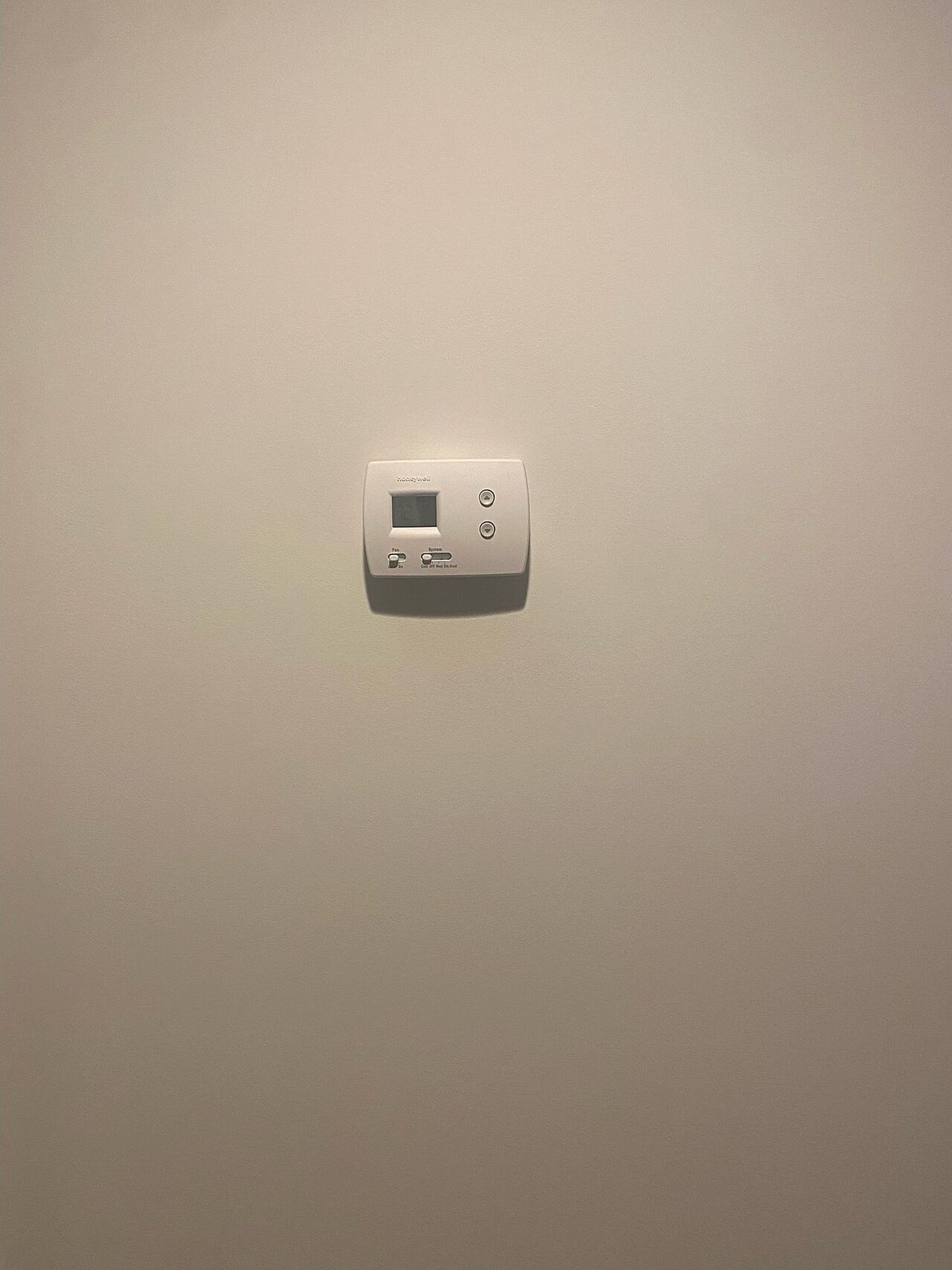
Thermostat Placement Mistakes: 2026 Guide
Thermostat placement mistakes that cause short-cycling and hot/cold rooms: hallway, sunlight, and draft errors…
Comfort
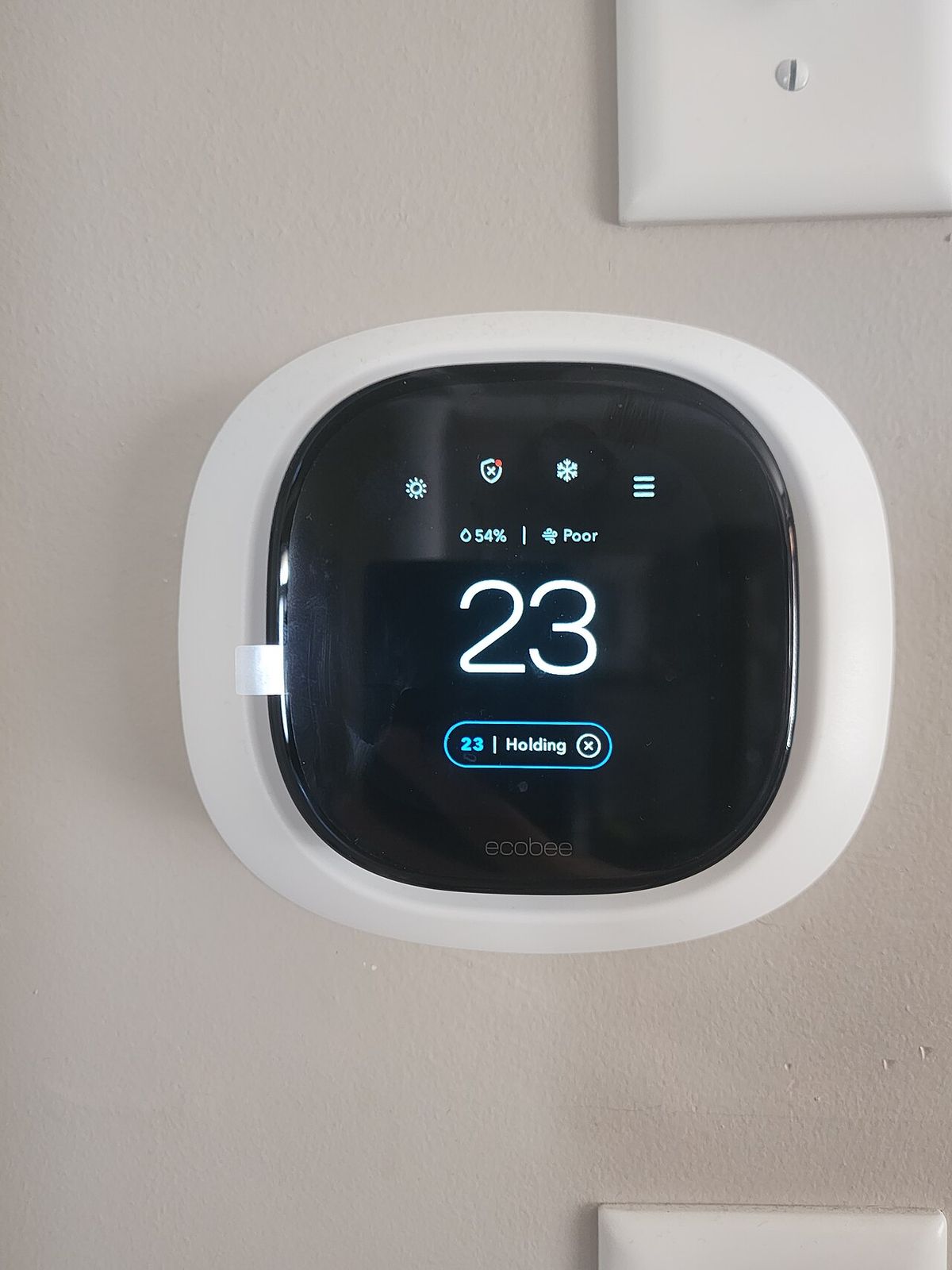
HVAC Zoning Systems: Cost & Guide 2026
HVAC zoning system cost in 2026: retrofit price bands, which homes benefit, airflow pitfalls of bad zoning, an…
Equipment
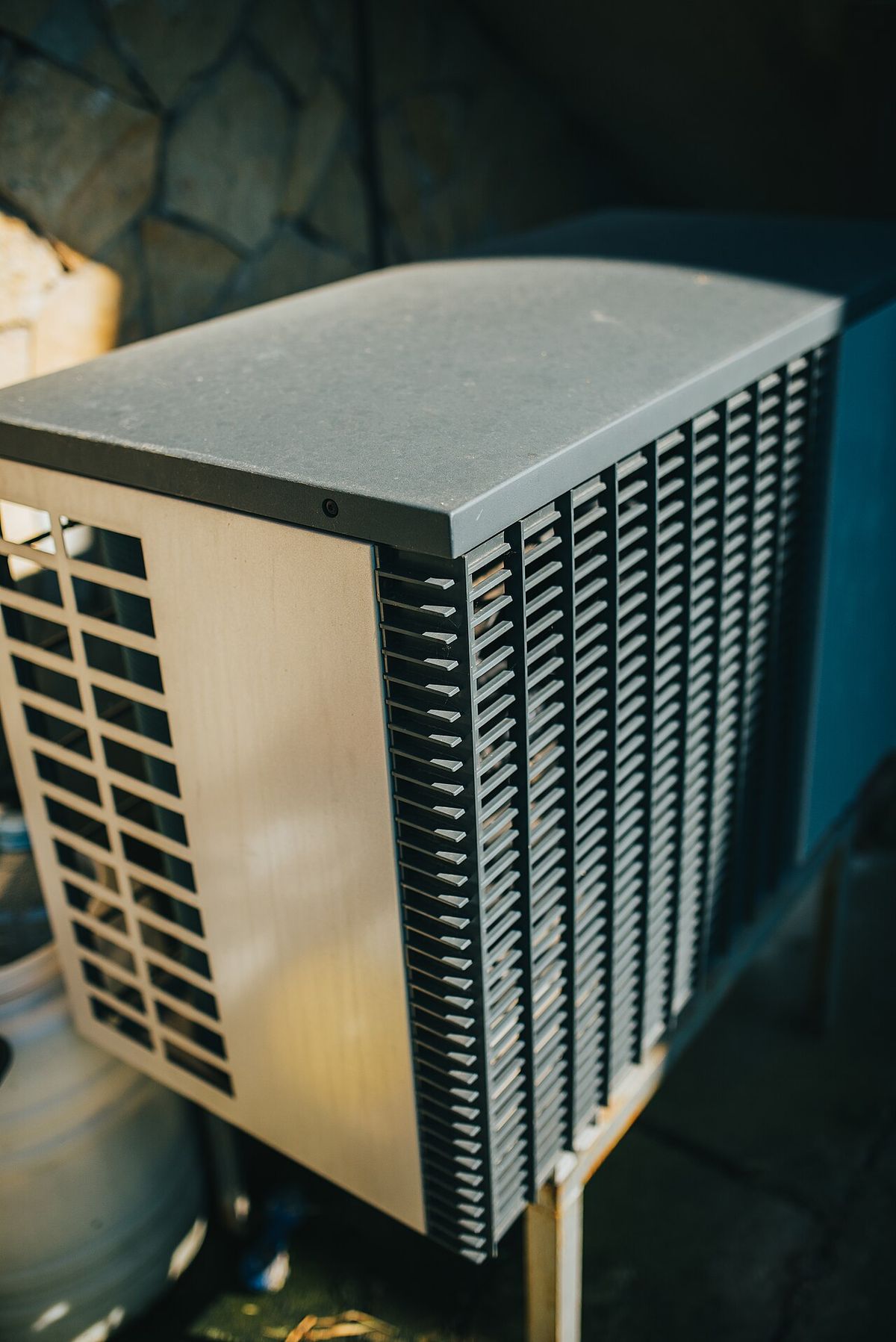
Two-Stage vs Variable-Speed HVAC: 2026 Guide
Two-stage vs variable-speed HVAC compared: comfort, humidity, cost premiums, repair-cost trade-offs, and which…
Heat Pumps
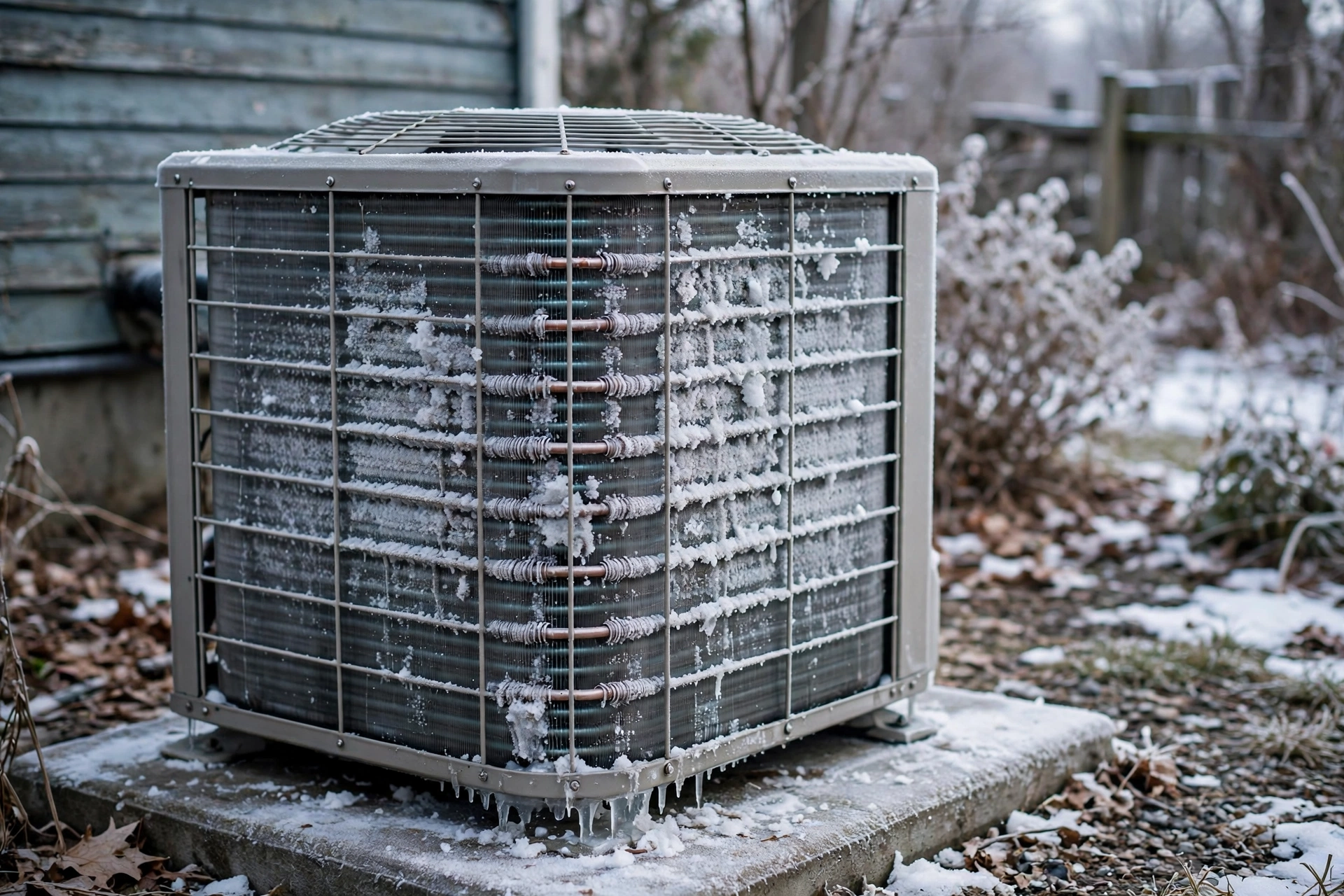
Heat Pump Defrost Cycle Explained: 2026
Heat pump defrost cycle explained: why it steams, blows cool air briefly, and stops the fan — what's normal, c…

Transfer Equipment
100A vs 200A Automatic Transfer Switch
100 amp vs 200 amp transfer switch: service-entrance vs subpanel topology, when each is required, costs, and l…

Pillar 01 · Energy Resilience
10kWh vs 13.5kWh vs 20kWh Home Battery: Which Size Is Right? (2026)
10kWh vs 13.5kWh vs 20kWh home battery compared: usable capacity, backup runtime, solar pairing, and which tie…