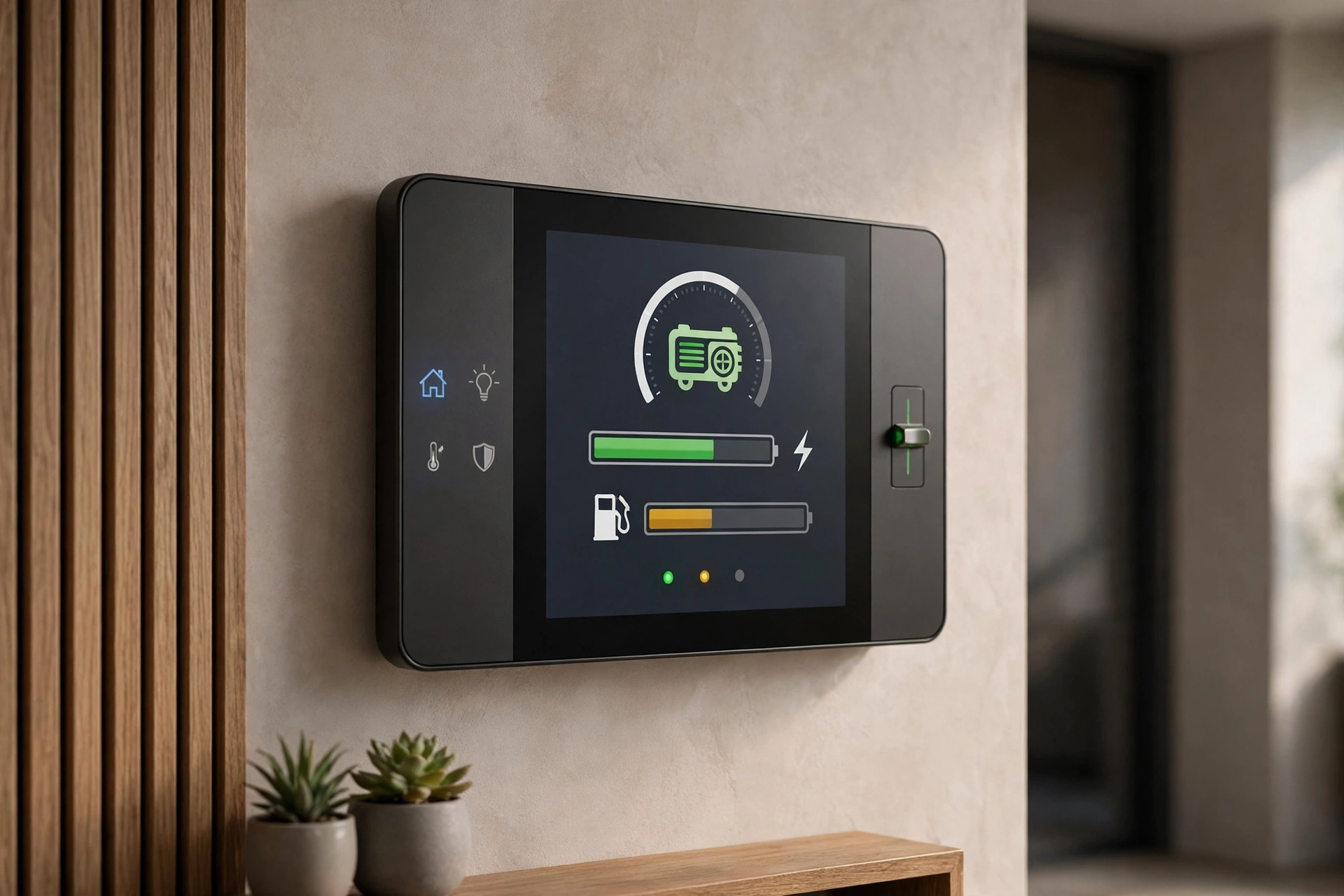
Generator + Smart Home Integration: 2026
Key takeaways
- ATS status monitoring with outage alerts is the highest-value integration — it tells you from anywhere whether the home is on utility or generator power.
- Load-shedding automation (Generac SMMs, Kohler LCM, or software-defined priorities in a smart panel) keeps the generator inside its limits during outages.
- Generac Mobile Link offers free basic monitoring with Premium from ~$5.49/month; Kohler OnCue Plus currently has no subscription fee — verify pricing before buying.
- Exercise alerts catch silently failed generators on a Tuesday instead of during a hurricane — enable them before anything else.
- Generator installation is strictly licensed-pro work (gas, electrical, permits); costs are 2026 US ranges, get itemized local quotes.
A standby generator is the most consequential machine in your home’s infrastructure — and for most owners, it’s also the most mysterious. It sits outside, runs its weekly exercise when nobody’s watching, and is supposed to simply work during the one week a decade when everything depends on it. Smart home integration changes that relationship: instead of hoping the generator is ready, you know. Instead of discovering a failed exercise three months later, your phone tells you the same afternoon.
This standby generator smart home integration guide covers what matters in 2026: monitoring transfer-switch status so you know you’re on generator power, load-shedding automation that keeps the generator inside its limits, what the Generac and Kohler apps actually do (and don’t do), exercise alerts and maintenance tracking, and realistic costs. The through-line: integration doesn’t make the generator more powerful — it makes it more trustworthy.
Knowing you’re on generator power: ATS status monitoring
The single most valuable integration is also the simplest: knowing, from anywhere, whether your home is on utility power or generator power, and being alerted the moment that changes. The automatic transfer switch (ATS) is the device that makes the switchover; monitoring its status is the foundation everything else builds on. Both major manufacturers expose this through their apps — Generac’s Mobile Link and Kohler’s OnCue Plus both show real-time generator and transfer-switch status — and both will push an alert when the generator starts, when utility power returns, and when the system transfers back.
Why this matters more than it sounds: at a primary home, you notice the outage because the lights flicker. At a second home, a rental property, or while you’re traveling, nobody notices — and an outage you don’t know about is a furnace that isn’t running, a sump pump that isn’t pumping, a refrigerator that’s warming. The ATS alert is the first domino in the response chain: outage → generator running → you’re notified → you verify temperatures, check cameras, and call the caretaker if the generator reports a fault instead of a clean run. Without that alert, you’re flying blind until the next visit. For the fullest picture, pair the ATS alert with a temperature sensor in the home’s coldest zone — the two alerts together tell you not just that the generator is running, but that it’s actually keeping the house safe, which is the outcome you care about.
Beyond the manufacturer apps, some homeowners bring ATS status into their broader smart home platform — Home Assistant, Control4, or similar — via relay outputs or integration modules. This lets generator status trigger wider automations: dim non-essential lighting, pause the EV charger, notify the whole household. These integrations are dealer or integrator territory, not DIY, because they touch the transfer switch wiring — but for the automation-inclined owner, they’re the path from “monitored generator” to “orchestrated backup power.”
Kasa Smart Plug with Energy Monitoring (EP25 4-Pack)

Automates scheduling and tracks electricity draw on individual plugs
*Affiliate Disclosure: As an Amazon Associate, Elevate Home earns from qualifying purchases. Pricing and availability subject to change.
Load-shedding automation: staying inside the generator’s limits
Most residential standby generators are sized for essential and comfort loads, not everything-at-once. A 24kW unit handles a lot — but the air conditioner, electric range, dryer, and EV charger all starting simultaneously can exceed it. Load shedding is the automation that prevents that: when the generator is running, non-essential loads are automatically disconnected or locked out, then restored when utility power returns.
The hardware lives at the transfer switch. Generac’s Smart Management Modules (SMMs) and Kohler’s Load Control Module (LCM) are the standard approaches: modules wired to heavy loads (AC condensers, water heaters, dryers) that shed those loads in a programmed priority order when the generator is running. Newer smart panels — Span in particular — take this further with per-circuit control and software-defined priorities: instead of fixed hardware modules, you define which circuits stay on during an outage and the panel enforces it. Either way, the design work is the same: list every major load, rank them by outage priority, and have the installer program the shed order. Do this during the generator installation — retrofitting load management later costs significantly more.
The honest limit: load shedding manages demand, it doesn’t create capacity. If your essential loads alone exceed the generator’s rating, no automation fixes that — you need a bigger generator or fewer “essentials.” A proper load calculation by the installing dealer is the prerequisite; the automation just enforces the plan.
What the Generac and Kohler apps do — and don’t do
Both manufacturers offer mature monitoring apps, and their capabilities are close enough that the app shouldn’t decide the generator brand. Here’s the verified 2026 picture:
| Capability | Generac Mobile Link | Kohler OnCue Plus |
|---|---|---|
| Real-time status & outage alerts | Yes — generator status, running hours, alerts by push/text/email (premium tier) | Yes — real-time power status, alerts by text/email/push |
| Free tier | Yes — basic monitoring free; Premium (alerts, history, remote features) from ~$5.49/month via web enrollment | Yes — OnCue Plus carries no subscription fee per current dealer documentation |
| Exercise scheduling & control | Yes — manage exercise schedule remotely | Yes — start/stop exercises and change schedule remotely |
| Maintenance tracking | Yes — maintenance schedule, history, dealer connection | Yes — maintenance logs and scheduling |
| Connectivity | Onboard Wi-Fi on 2019+ models; optional 4G LTE cellular module for outages that kill home internet | Ethernet or optional wireless kit; needs home network |
| Home automation hooks | Alexa integration; dealer-managed plans available | Programmable Interface Module (PIM) can switch relays — lights, shutters — remotely |
| What it won’t do | Won’t diagnose mechanical faults or replace annual service; cellular module is an extra purchase | Won’t diagnose mechanical faults or replace annual service; advanced features need LCM/PIM hardware |
The key insight from that table: the apps are monitoring and convenience layers, not maintenance replacements. They tell you the exercise ran (or didn’t), they log the fault code, they let your dealer see the same data — but the annual oil, filter, and battery service still happens with a wrench, on schedule, by a technician. The most valuable app feature for most owners is the dealer connection: your service dealer sees fault alerts and maintenance needs without you playing telephone, which is how small problems get caught before storm season.
One practical note on connectivity: if your internet dies in the same storm that kills your power — common — Wi-Fi-based monitoring goes dark exactly when you need it most. Generac’s cellular module exists for this reason. For second homes and outage-prone areas, cellular connectivity isn’t a luxury; it’s the point.
Exercise alerts: the feature that pays for itself
Standby generators self-exercise — typically 5–12 minutes weekly — to keep seals lubricated, charge the battery, and surface problems. The dirty secret of the industry is how many generators silently stop exercising: a dead battery, a tripped breaker on the charger circuit, a fault code nobody cleared. The owner discovers it during the first outage of the season, which is the worst possible time.
Exercise monitoring fixes this completely. The app logs every exercise; a missed exercise triggers an alert; you call the dealer on a Tuesday instead of discovering the failure during a hurricane. Pair this with the maintenance reminders — oil and filter annually or per the manual’s hour interval, battery every 2–3 years, air filter, spark plugs — and the generator moves from “hope it works” to “verified ready.” If you do nothing else in this guide, enable exercise alerts. It’s the highest-value five minutes in generator ownership.
Standby generator smart home integration: the full outage response
The mature setup — generator with monitoring, load management programmed, smart panel or home platform in the loop — produces an outage response that looks like choreography. Utility power fails; the ATS transfers in seconds; your phone confirms “on generator power”; non-essential loads shed automatically; the EV charger pauses; you get a single clean status instead of a dozen anxious questions. When utility returns, loads restore in priority order and you get the all-clear.
Building this is a project, not a purchase: the generator dealer handles the generator, ATS, and load modules; the smart-home integrator handles the platform automations; and the two need to coordinate on the handoff points (which relay signals what, which app is the source of truth for status). Hire accordingly — a generator dealer who’s done smart-home handoffs before, or an integrator who’s worked with your generator brand. Ask for references for the combined system, not just the generator.
Second homes and rentals: the absentee-owner case
Generator integration pays its highest dividends where the owner is absent — the vacation home, the rental property, the house you travel from half the year. The logic is simple: at your primary home you are the monitoring system, noticing the flicker and walking outside to check. Three states away, the app is the only witness. For absentee owners, three integrations move from nice-to-have to essential: cellular (not Wi-Fi) monitoring connectivity, so alerts survive the storm that kills the internet; the dealer-managed monitoring plan, so a professional sees the fault alert even if you miss the push notification on a busy day; and the temperature-sensor pairing, so a “generator running” alert is immediately followed by confirmation that the house is actually staying warm.
For rental properties, add the guest-communication layer: a short note in the house manual explaining that the generator runs automatically, that a weekly 10-minute exercise is normal (so guests don’t panic at the Saturday-morning rumble), and who to call — the property manager, not the owner — if the power behaves oddly. And set your own alerts for the events that need owner decisions: failed exercises, fault codes, and fuel-level warnings on propane units. A standby generator at an absentee property without monitoring is a hope-based strategy; the integration turns it into a verified one.
2026 cost ranges
Integration costs sit on top of the generator installation itself (a 22–24kW air-cooled standby system typically runs $10,000–$15,000+ installed in 2026 markets, varying widely with gas plumbing, electrical, and site work). The smart-home layer: manufacturer app monitoring is free at the basic tier, with Generac’s premium features from ~$5.49/month; the cellular module runs a few hundred dollars plus its service plan; load-management modules (Generac SMMs, Kohler LCM) add roughly $300–$800 per managed load installed; a smart panel like Span for software-defined load control runs several thousand installed; integrator programming for the combined automations typically $500–$2,000.
Costs are 2026 US market ranges; get itemized local quotes. Generator installation itself — gas plumbing, electrical, permits — is strictly licensed-professional work, and most jurisdictions require permits and inspections plus utility notification.
Next steps: getting quotes
If you’re buying the generator now, specify the integration in the original bid: app monitoring with cellular connectivity, load-management modules for your heavy loads with a written shed priority list, and the dealer’s monitoring/management plan. If the generator is already installed, start with the app and exercise alerts (often just an enrollment), then add load management and platform integration as a second project. Either way, get the load calculation in writing before anyone sizes anything — the automation can only enforce a plan that exists.
EF ECOFLOW Delta 3 Portable Power Station (1024Wh)

A strong alternative to our top pick — compare features and reviews before you buy.
*Affiliate Disclosure: As an Amazon Associate, Elevate Home earns from qualifying purchases. Pricing and availability subject to change.
Frequently asked questions
What's the most valuable smart home integration for a standby generator?
The most valuable integration is ATS status monitoring with outage alerts — knowing from anywhere whether you're on utility or generator power. Add exercise alerts (so a silently failed generator gets caught on a Tuesday, not during a hurricane), load-shedding automation for heavy loads, and dealer-connected maintenance tracking.
How much does Generac Mobile Link or Kohler OnCue Plus cost?
Generac Mobile Link offers free basic monitoring with Premium features (alerts, history, remote exercise control) from about $5.49/month via web enrollment; a 4G LTE cellular module costs extra. Kohler OnCue Plus currently carries no subscription fee and includes remote exercise control and alerts. Verify current pricing before buying — app pricing changes.
What is generator load shedding and how does it work?
Load shedding automatically disconnects non-essential heavy loads (AC, dryer, water heater) when the generator is running, in a programmed priority order, then restores them when utility power returns. Generac uses Smart Management Modules and Kohler uses a Load Control Module at the transfer switch; smart panels like Span do it in software. It manages demand — it can't create capacity beyond the generator's rating.
What can't generator monitoring apps do?
They monitor status, log exercises and faults, send alerts, track maintenance, and connect you to your dealer — but they can't diagnose mechanical problems or replace annual service (oil, filters, battery). Think of the app as the generator's reporter, not its mechanic. The annual wrench-turning service still happens on schedule.
Is cellular backup worth it for generator monitoring?
Yes, and for second homes or storm-prone areas it's close to essential: when the storm kills your internet along with your power, Wi-Fi monitoring goes dark exactly when you need it. Generac's 4G LTE cellular module keeps status and alerts flowing. If your monitoring only works when the power's on, it's decoration.
Who should install generator smart home integration?
Strictly licensed professionals — generator installation involves gas plumbing, high-voltage electrical, concrete pads, permits, inspections, and utility notification in most jurisdictions. The smart-home integration layer (platform automations, scenes) can involve your integrator, but anything touching the transfer switch or generator wiring belongs to the generator dealer or a licensed electrician.
Keep reading

Monitoring & Control
Generac Mobile Link Monitoring Guide
Generac Mobile Link app guide: remote status, exercise history, outage alerts, setup, subscription costs, and …
Hybrid Backup Systems
Smart Panels & Generator Integration
Smart electrical panel with generator integration: what Span can and can't do, how circuit control downsizes y…
Hybrid Backup Systems
Battery + Generator Hybrid Sizing Guide
Battery and generator hybrid sizing guide: how much battery for the night shift, how much generator for heavy …
Hybrid Backup Systems
Generator + Solar + Battery Hybrid Homes
How a generator with solar and battery backup works as one system: handoffs, integration hardware, sizing each…

Transfer Equipment
100A vs 200A Automatic Transfer Switch
100 amp vs 200 amp transfer switch: service-entrance vs subpanel topology, when each is required, costs, and l…

Pillar 01 · Energy Resilience
10kWh vs 13.5kWh vs 20kWh Home Battery: Which Size Is Right? (2026)
10kWh vs 13.5kWh vs 20kWh home battery compared: usable capacity, backup runtime, solar pairing, and which tie…