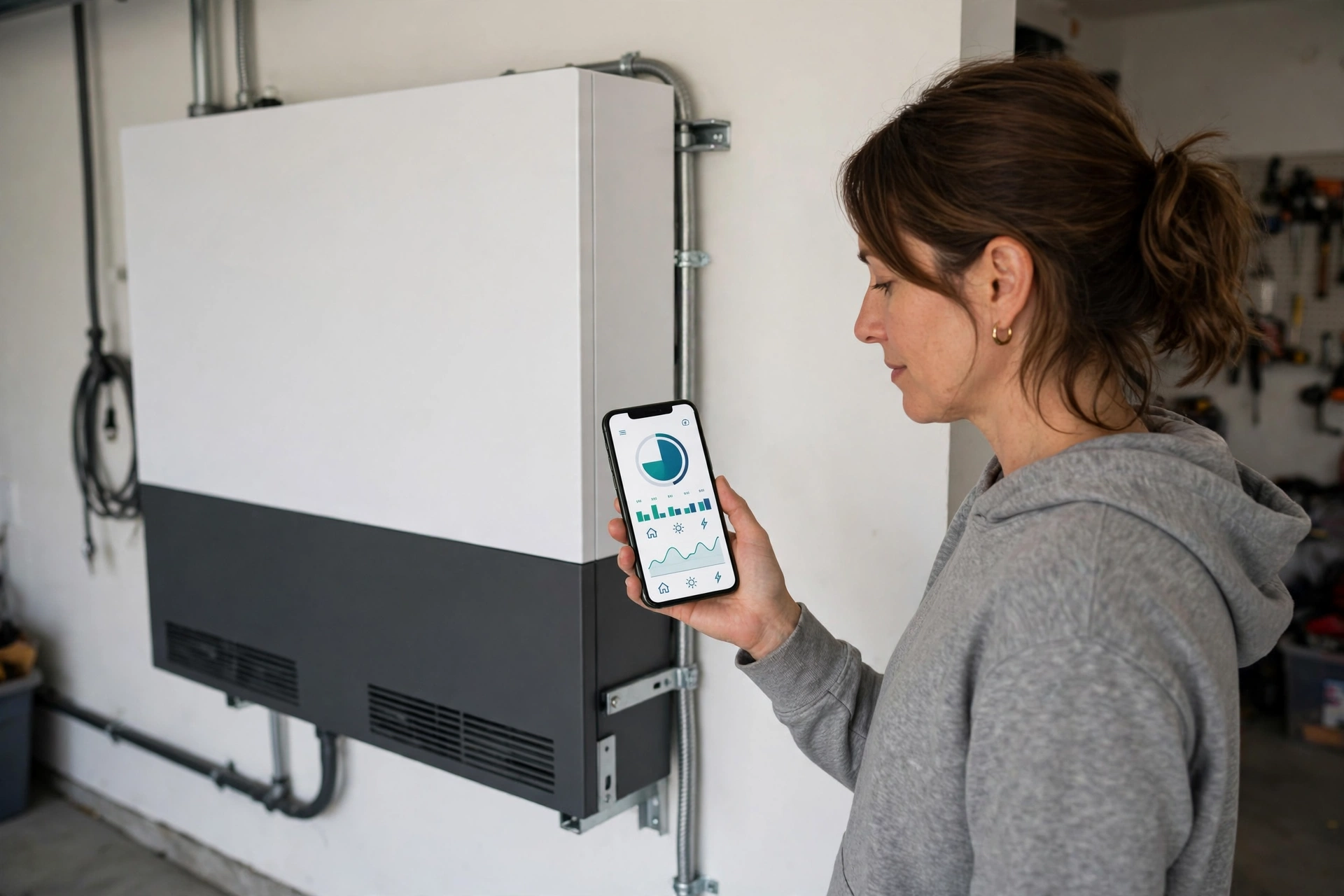
Home Battery Monitoring Apps Compared: 2026
Key takeaways
- The Tesla app remains the polish benchmark with Storm Watch auto-charging and the most mature virtual power plant programs; Enphase Enlighten leads on per-panel solar production data.
- The FranklinWH app plus aGate is the standout for circuit-level visibility and control during outages — a capability the others do not match.
- Generac PWRview takes the broadest whole-home view, with load prioritization, thermostat integration, and natural fit for battery-plus-generator hybrids.
- All four apps handle time-of-use charge/discharge scheduling; differences lie in interface polish, data depth, and grid-services participation — verify current features before buying.
- Treat the app as a tiebreaker between finalists, not the primary decision: rank hardware on power, capacity, expandability, and installer quality first.
You will open your battery’s monitoring app hundreds of times for every once you look at the hardware on the wall. It is where you check whether the system charged overnight, where you find out the grid went down while you were at work, and where the slow economics of time-of-use rates either become visible or stay invisible. Comparing home battery monitoring apps is not a side quest — for data-driven homeowners, the app is the product you actually live with.
This home battery monitoring app comparison covers the four apps behind the leading 2026 residential battery ecosystems — the Tesla app, Enphase Enlighten, the FranklinWH app, and Generac PWRview — on what you can actually see and control: real-time energy flows, historical data, charge and discharge scheduling, outage behavior, storm preparation, and virtual power plant participation. App quality alone should not decide which battery you buy, but when two systems otherwise fit, the software can break the tie.
Home battery monitoring app comparison: what a good app does
Before the comparisons, it helps to define the job. A battery monitoring app has four responsibilities. Visibility: show, in real time and historically, where energy is flowing — solar to home, solar to battery, battery to home, grid to home, home to grid — so you understand your system at a glance. Control: let you set how the battery behaves: backup reserve levels, charge and discharge schedules aligned with your utility’s rate windows, and storm preparation. Alerting: tell you when something needs attention — outages, faults, firmware updates, unusual consumption. Proof: produce the historical record that lets you verify the system is doing its economic job and diagnose problems with evidence rather than vibes.
Every app below does all four at some level. They differ in polish, depth, and which corners they cut. And one honest caveat: apps update constantly, and a weakness noted here may be fixed in next quarter’s release — weigh the ecosystem’s trajectory, not just today’s screenshots.
Victron Energy SmartShunt 500A Battery Monitor with Bluetooth

Precise state-of-charge tracking for custom home solar and battery arrays
*Affiliate Disclosure: As an Amazon Associate, Elevate Home earns from qualifying purchases. Pricing and availability subject to change.
Tesla app: the polish benchmark
The Tesla app is widely regarded as the most refined energy app in the industry, and it shows in daily use. The home screen presents the essential flow — solar, home, battery, grid — in a single clean visualization that non-technical family members can read. Historical views cover day, week, month, and year with production, consumption, and grid import/export broken out, which is exactly the record you need to verify time-of-use savings.
On control, the Tesla app offers backup reserve adjustment, scheduled charge and discharge windows for time-of-use optimization, and Storm Watch, which automatically charges the battery from the grid ahead of severe weather based on forecasts — a genuinely useful feature for storm-prone regions. Tesla also operates the most mature virtual power plant programs, letting enrolled owners earn payments for sharing stored energy during grid stress events; availability and compensation vary by utility and program, so check current offerings in your area.
The trade-offs: the Tesla app’s simplicity is deliberate, which means less granular circuit-level detail than some rivals, and the ecosystem is at its best when you are inside Tesla’s world. If you want the least fiddly experience and the deepest software feature set, this is the benchmark the others are judged against.
Enphase Enlighten: the solar data powerhouse
Enphase’s Enlighten platform comes from the company’s microinverter heritage, and that shows in its greatest strength: solar production monitoring. Because Enphase systems monitor at the panel level, Enlighten can show per-panel production — which panel is underperforming, which is shaded, which might need attention. For homeowners who think of themselves as solar operators first and battery owners second, no other app gives this depth of production insight.
On the battery side, Enlighten covers the essentials well: real-time flows, state of charge, historical consumption and production, and charge/discharge scheduling for time-of-use rate optimization. The modular IQ Battery 5P architecture — multiple ~5 kWh units with no single point of inverter failure — is reflected in monitoring that treats the system as a coordinated fleet rather than one box.
Where it trails: Enlighten’s interface carries the weight of its depth, and some owners find it less immediately intuitive than Tesla’s. Its virtual power plant and grid-services participation exists but is less prominent than Tesla’s programs. Choose Enlighten if granular solar data matters to you — particularly if you already have Enphase microinverters and want one platform for the whole system.
FranklinWH app: strong hardware control, maturing software
The FranklinWH app reflects the company’s hardware-first strengths. It provides real-time monitoring of energy production, consumption, and battery status, historical usage patterns, and control over charging and discharging behavior, including personalized energy-saving plans. Where it stands out is the aGate smart panel integration: with aGate, owners get circuit-level visibility and control — the ability to see and manage individual circuits from the app, prioritizing what stays powered during an outage. That is a meaningful capability gap over apps that only see the whole home as one load.
The honest assessment from installer and owner feedback is that the FranklinWH app’s user experience trails the Tesla app’s polish — capable and improving, but a step behind on intuitiveness. The company has been investing in software, so trajectory matters here. If circuit-level control during outages is a priority — deciding from your phone that the pool pump stays off while the well pump and refrigerators stay on — the FranklinWH plus aGate combination is the strongest offering in this comparison.
Generac PWRview: whole-home energy management
Generac’s PWRview takes the broadest view of the four: it is designed as a whole-home energy management platform covering solar, storage, and consumption together, with load prioritization and time-of-use management. Given Generac’s generator heritage, PWRview also plays naturally in hybrid configurations — a PWRcell battery paired with a Generac standby generator, managed as one system, where the battery handles everyday resilience and the generator covers rare multi-day outages.
PWRview’s distinctive strength is smart-home integration depth, including thermostat integration (such as ecobee) that ties HVAC — the largest residential load — into energy management decisions. For homeowners building toward a fully orchestrated home, that integration matters. The trade-off is that Generac’s software polish is generally considered a notch below Tesla’s, and its grid-services and virtual power plant participation is less developed than Tesla’s programs.
Side-by-side: what you can see and control
| Capability | Tesla app | Enphase Enlighten | FranklinWH app | Generac PWRview |
|---|---|---|---|---|
| Real-time energy flows | Yes — clean, simple | Yes, plus per-panel solar detail | Yes | Yes — whole-home view |
| Historical data | Day/week/month/year | Deep, panel-level history | Historical usage patterns | Historical with load detail |
| TOU charge/discharge scheduling | Yes | Yes | Yes, with energy-saving plans | Yes |
| Storm preparation | Storm Watch auto-charging | Standard reserve controls | Standard reserve controls | Generator-aware management |
| Circuit-level control | Limited | Limited | Yes, with aGate smart panel | Load prioritization |
| Smart-home integration | Tesla ecosystem | Growing integrations | Growing integrations | Strong, incl. thermostat tie-in |
| Virtual power plant | Most mature programs | Available, less prominent | Supported in select programs | Less developed |
| Overall polish | Benchmark | Deep but denser UI | Capable, improving | Capable, improving |
Verify current features before buying: apps update frequently, and program availability (especially virtual power plants) varies by utility and changes over time.
Which app fits which homeowner
- Choose the Tesla app if: you want the most polished, least fiddly daily experience; Storm Watch-style automation appeals to you; or virtual power plant earnings are part of your plan — Tesla’s programs are the most mature.
- Choose Enlighten if: you are a solar-data person who wants per-panel production insight, or you already run Enphase microinverters and want one platform for everything.
- Choose the FranklinWH app if: circuit-level visibility and control during outages is the priority — the aGate combination is unmatched here — and you can tolerate software that is good rather than best-in-class.
- Choose PWRview if: you are building a whole-home energy management setup, especially a battery-plus-generator hybrid, or deep smart-home and thermostat integration is central to your plan.
And the meta-advice: the app should be a tiebreaker, not the decision. Rank systems first on power output, capacity, expandability, warranty, and installer quality against your actual loads. Then let the software decide between finalists — because you will live in the app every day, but you will live with the hardware for a decade.
Costs and the software question
App quality does not change system pricing directly, but the ecosystem does shape value. Systems with mature virtual power plant programs can generate ongoing payments that offset cost — treat these as a bonus, not a promise, since programs and compensation change. For a configuration sized to back up a large home’s essential and comfort loads, installed costs commonly fall in the mid-teens to mid-$20,000s for a single-unit-class installation, climbing into the high $20,000s to mid-$30,000s or more for larger configurations.
Costs are 2026 US market ranges; get itemized local quotes.
Getting the most from your app after installation
The app keeps paying long after the installer leaves — if you use it deliberately. In the first month, check the real-time flows at different times of day until the pattern feels obvious: when the battery charges, when it discharges, what your evening peak looks like. Set a monthly reminder to review the historical views — you are looking for drift: rising grid imports, a battery that no longer reaches full charge, solar production that sags on one section of the roof. Catching drift early is how a five-minute monthly check saves a service call.
Configure alerts aggressively and seasonally. Outage notifications and fault warnings should reach your phone immediately, always. Backup reserve deserves a seasonal policy: higher reserve through storm and freeze season, lower reserve when you want maximum arbitrage — most apps make this a thirty-second adjustment, so actually do it. Keep firmware updates enabled; manufacturers ship meaningful improvements — better storm response, smarter scheduling — and an un-updated system quietly falls behind.
Finally, share access with the household. The app should not live only on one person’s phone — during an outage, whoever is home needs to see the battery’s state of charge and adjust priorities. Most platforms support multiple users or shared logins; set that up on day one, along with the installer’s and manufacturer’s support numbers saved where you can find them in the dark.
Next steps: evaluating apps before you buy
Do not evaluate apps from marketing screenshots. Ask each installer bidding on your project to walk you through the live app on their own phone or a demo unit — set a backup reserve, check the historical views, find the outage alerts. Ask specifically: how do I schedule charging around my utility’s time-of-use windows? What happens in the app during an outage? Which virtual power plant programs are available at my address right now? The installer who can answer fluently is also, usually, the installer who will configure your system well — and configuration quality is what turns a good app into good outcomes.
Frequently asked questions
Which home battery app is the best in 2026?
For most owners, the Tesla app — it is widely considered the most polished, with the cleanest daily interface, Storm Watch automatic pre-charging, and the most mature virtual power plant programs. Enphase Enlighten wins for solar-production depth, and FranklinWH wins for circuit-level outage control via aGate. Match the app to what you will actually use daily.
Can these apps schedule charging around time-of-use rates?
Yes, all four support scheduling charge and discharge windows around time-of-use rates — this is table stakes in 2026. The differences are in interface polish and granularity. Ask your installer to demonstrate TOU scheduling on the live app during the quote process, configured to your utility's actual rate windows.
Do any apps automatically prepare for storms?
Tesla's Storm Watch automatically charges the battery from the grid ahead of forecast severe weather. The other platforms rely on backup reserve settings you configure yourself. If you live in a storm-prone region, Storm Watch is a genuine differentiator — though you can approximate it elsewhere by raising your reserve manually when storms threaten.
Can I earn money from my battery through the app?
Through virtual power plant (VPP) programs, which let utilities draw on enrolled home batteries during grid stress events in exchange for payments. Tesla's programs are the most mature; others participate more selectively. Treat VPP earnings as a bonus rather than a promise — availability and compensation vary by utility and change over time.
Which app lets me control individual circuits?
Only the FranklinWH app paired with its aGate smart panel offers true per-circuit visibility and control — seeing and toggling individual circuits from your phone during an outage. The others manage the home more as a whole, with load prioritization features of varying depth. If circuit-level control matters, that combination is the standout.
How much weight should the app carry in my buying decision?
It should be a tiebreaker, not the deciding factor. Rank systems first on continuous power output, usable capacity, expandability, warranty terms, and installer quality against your measured loads — then let the app decide between finalists. You will live in the app daily, but you will live with the hardware for a decade.
Keep reading
Emerging Tech
AI Home Energy Management: 2026 Guide
AI home energy management in 2026: rate optimization, storm pre-charging, and load orchestration. What platfor…
Battery Comparisons
Anker Solix X1 vs Tesla Powerwall 3: 2026 Comparison
Anker Solix X1 vs Tesla Powerwall 3 for 2026: modular expansion math, power per stack, installer network reali…
Explainer
Virtual Power Plant Home Battery: Earn Money in 2026
Can a virtual power plant home battery earn you money? We explain VPP programs, typical payments, battery leas…
Buyer's Guide
Home Battery Warranty: What to Know Before You Buy
Home battery warranty decoded: years vs cycles vs throughput, capacity-retention guarantees, what voids covera…
Interactive Tool
Home Battery Size Calculator: What Size Do You Need?
How many kWh of battery storage do you need? Our free home battery size calculator estimates your backup need,…
Interactive Tool
Power Outage Cost Calculator: What Blackouts Cost You
What do blackouts really cost you? Our power outage cost calculator totals food loss, hotels, lost work, and f…