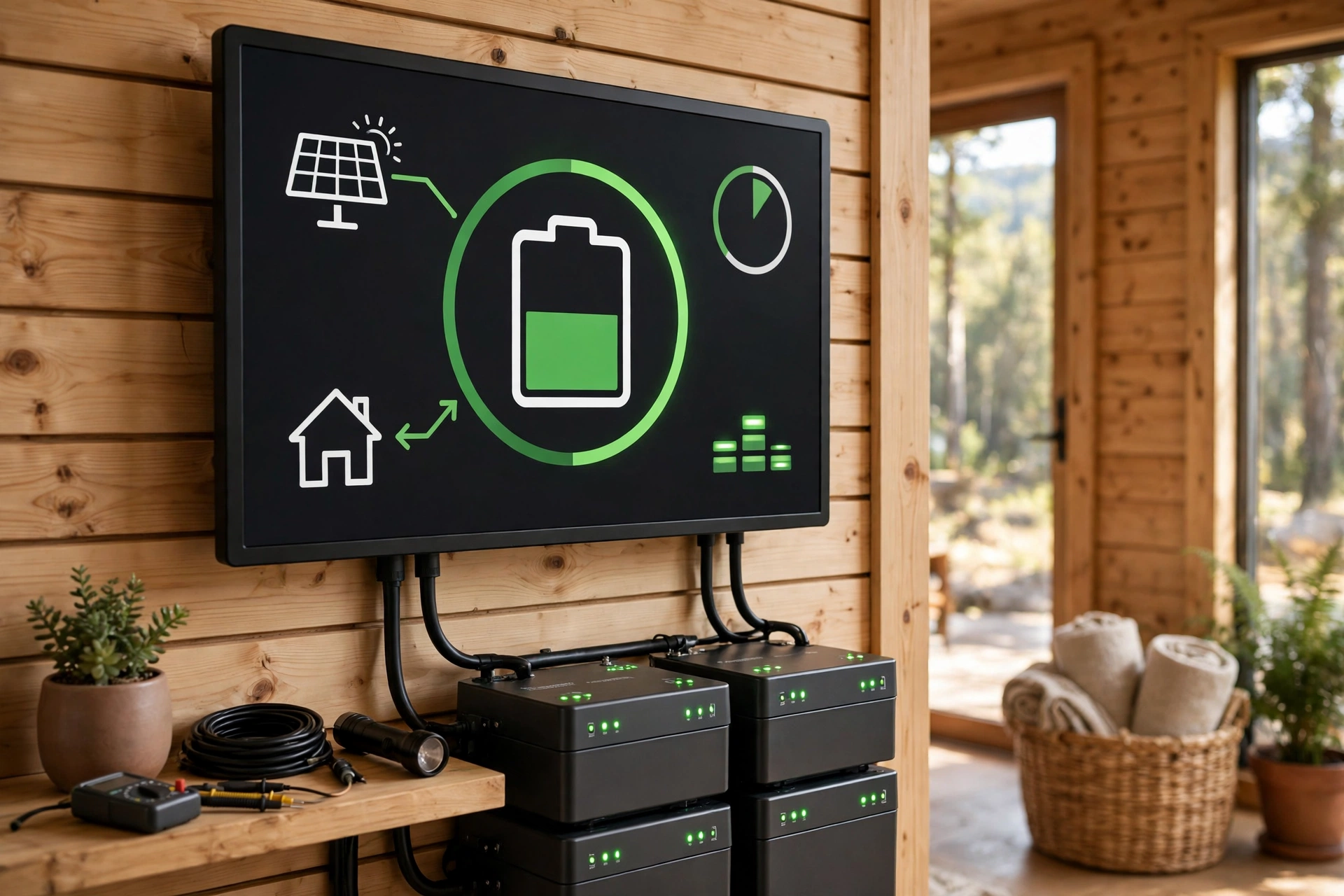
Vacation Home Battery Monitoring Guide
Key takeaways
- Treat the monitoring app as the house reporting in: state of charge, grid status, battery temperature, and solar production together reveal outages, faults, and storm damage from anywhere.
- Enable severe-weather pre-charging (Storm Watch / Storm Guard) so NWS alerts automatically fill the battery before storms — the highest-value automation for an absent owner.
- Configure six alerts on day one — outage/restored, low SOC at 30% and 15%, system faults, temperature warnings, pre-charge confirmation, unusual consumption — and add a second contact.
- The router is the weak link: put networking gear on a small UPS and use cellular gateway backup where supported, or the battery works fine while appearing dead to you.
- Cold can suspend lithium charging below freezing and heat accelerates degradation — verify your model's temperature behavior and keep environmental alerts set year-round.
A battery at a vacation home does two jobs, and only one of them is backup power. The other is standing watch. When you are three hundred miles away and a storm is rolling toward the lake house, the battery's monitoring app is the difference between knowing — the grid is down, the battery is at 92 percent, the house is fine — and the particular dread of wondering. Vacation home battery monitoring turns stored energy into situational awareness, and it is the highest-value, lowest-effort part of owning a second-home battery system.
This guide covers what to watch in the app (state of charge, grid status, temperature, and solar production), which alerts to configure on day one, storm-season checklists for before you leave and while you are away, the connectivity and environmental gotchas that blindside second-home owners, and how to share access with a property manager or neighbor. No new hardware required — just the monitoring your battery already includes, set up deliberately.
Vacation home battery monitoring: the battery as sentinel
Every modern home battery ships with a monitoring app — the manufacturer's phone app plus, on many systems, a web dashboard — showing real-time state of charge, whether the grid is up or down, solar production if panels are installed, and the battery's temperature and health status. For a primary residence, that is convenience. For a vacation home, it is a remote sensor suite for the entire property: a grid outage at 2 a.m. shows up as a push notification; a battery that stops charging shows up as a flat production curve; a system fault shows up long before the next visit.
The mindset shift is what matters. Stop thinking of the app as a battery gauge and start thinking of it as the house reporting in. Grid status tells you whether the neighborhood lost power. State of charge tells you how long the house can run critical loads — well pump, sump pump, freeze-protection heat, the refrigerator — before you need to act. Solar production tells you the panels are intact and unshaded after a storm. Temperature readings tell you the battery is operating within its safe envelope. Together, those four numbers answer the only question that matters from far away: is the house okay?
Victron Energy SmartShunt 500A Battery Monitor with Bluetooth

Precise state-of-charge tracking for custom home solar and battery arrays
*Affiliate Disclosure: As an Amazon Associate, Elevate Home earns from qualifying purchases. Pricing and availability subject to change.
The four numbers to watch
State of charge (SOC). The headline number: what percentage of the battery's usable capacity is available right now. For a vacation home, SOC is really a countdown clock — at 90 percent with only the sump pump and refrigerator on backup, the house may ride for days; at 20 percent with the heat running, you may have hours. Learn your home's typical overnight SOC drain in each season so an abnormal reading registers instantly. A battery that drops 40 percent overnight in October when it usually drops 10 is telling you something changed — a load stuck on, a failing component, or a sensor worth investigating.
Grid status. The app shows whether the home is on grid power or islanded on battery. This is your outage detector and your recovery confirmation in one: the alert that the grid dropped at the lake house, and the alert three days later that it returned, bracket the entire event. If the grid is down and SOC is falling faster than your loads justify, that is the signal to call someone local.
Battery temperature. Lithium batteries operate within a defined temperature envelope — commonly around −4°F to 122°F for operation, with charging restricted at the cold end on many systems — and the app reports where the battery sits inside it. For an unoccupied home this matters more than owners expect: a garage that hits 115°F in an Arizona August or a cabin that drops below freezing in January pushes the battery toward its limits, triggering protective derating or shutdown. Temperature trends also reveal HVAC failures indirectly — a battery bay that suddenly tracks outdoor temperature may mean the conditioned space lost its conditioning.
Solar production (if installed). The daily production curve is a health report for the whole roof. A clean bell curve means panels are working; a flat zero on a sunny day means an inverter fault, a tripped breaker, or storm damage; a sudden step-change downward means shading from a fallen branch or new growth. After any major storm, the production curve is the first thing to check — it tells you whether to send someone up a ladder or relax.
Alert setup: configure these on day one
Monitoring only works if the app taps you on the shoulder instead of waiting to be opened. Every major battery platform supports push notifications and email alerts; the exact menu paths differ, but the alert set you want is universal. Configure these before you leave after installation day:
| Alert | Why it matters for a vacation home | Suggested threshold |
|---|---|---|
| Grid outage / grid restored | Your primary early-warning for storms and utility events | Immediate notification |
| Low battery state of charge | Countdown warning before the house goes dark | 30% and again at 15% |
| System fault or offline | The battery or gateway lost communication — investigate | Immediate notification |
| High/low battery temperature | Environmental stress or HVAC failure at the property | Manufacturer warning thresholds |
| Severe-weather pre-charge | Storm Watch / Storm Guard auto-charging the battery ahead of NWS alerts | Confirm it is enabled |
| Unusual consumption | A load stuck on — well pump running dry, heat left high | Above your seasonal baseline |
Two of those deserve emphasis. First, the severe-weather features: Tesla's Storm Watch and Enphase's Storm Guard monitor National Weather Service alerts for your area and automatically charge the battery to full when severe weather threatens — overriding your normal self-consumption or time-of-use schedule. For a vacation home, this is the single most valuable automation in the system: it means the battery is at 100 percent before the hurricane arrives without you lifting a finger. Confirm it is enabled; on some systems it is on by default, on others it needs a toggle in the app's settings.
Second, alert fatigue management. Route critical alerts (outage, low SOC, faults) as push notifications with sound, and informational ones (daily summaries, firmware updates) to email. Add a second contact — a property manager, a neighbor, a family member — to the critical alerts if the platform supports multiple users. An alert nobody sees is just a log entry.
The storm-season playbook
Vacation-home battery ownership has a seasonal rhythm, and storm season is when the system earns its keep. Run this playbook at the start of the season and before each extended absence.
Before you leave: verify the battery is at or near full charge and the severe-weather pre-charge feature is enabled. Confirm the backed-up loads are the right ones — sump pump, well pump, refrigerator, freeze-protection heat in winter, and a minimal set of lights — and that nothing discretionary (EV charger, hot tub, dehumidifier on a timer you forgot) is draining the battery. Check that the monitoring app is logged in on your phone and that push notifications are allowed at the OS level — app updates and phone migrations silently break this more often than anyone admits. Note the current SOC and take a screenshot; it is your baseline.
While you are away: glance at the app weekly in calm weather — SOC trend, production curve, any fault flags. During a storm watch, check daily: confirm pre-charging engaged, watch grid status, and track SOC through the event. If SOC falls below your comfort threshold during an extended outage and the grid shows no sign of returning, that is the trigger to call your local contact — not to panic, but to have eyes on the property and, if needed, to shed loads remotely where the platform allows it.
After the storm: check the solar production curve for damage signatures, confirm the battery recharged once the grid returned, and review any fault alerts. If the system went offline during the event, do not just wait — offline is itself a fault state worth a service call. Schedule a professional inspection if anything looks abnormal; storm-season faults caught early are service visits, caught late are equipment replacements.
Heat, cold, and humidity: the environmental threats
An unoccupied home's battery faces environmental stresses that an occupied home's never sees, because nobody is there to notice the garage hitting 120°F or the crawlspace flooding. Heat is the slow killer: sustained high temperatures accelerate battery degradation, and most manufacturers' warranties assume operation within specified temperature ranges — chronic overheating can complicate warranty claims. If the battery lives in a garage or outbuilding in a hot climate, confirm ventilation is adequate and consider whether the space needs active cooling; a simple temperature alert threshold gives you the data to decide.
Cold is the abrupt one. Many lithium systems restrict or suspend charging below freezing to protect the cells, which means a winter outage at a cold cabin can leave the battery unable to recharge from solar until it warms — precisely when you need it most. Batteries installed in conditioned spaces avoid this; batteries in unheated garages in northern climates need the manufacturer's cold-weather guidance followed to the letter, and some systems include internal heating for exactly this scenario. Check your model's low-temperature charging behavior in the spec sheet before the first winter, not during it.
Humidity and flooding deserve a line too: batteries and standing water do not mix, and an unoccupied home's slow leak becomes a flood over weeks. If the battery is in a basement or low-lying outbuilding, a water sensor with remote alerting near the equipment — a $30 device — is cheap insurance that integrates with the same “house reporting in” mindset.
Connectivity is the weak link — harden it
Here is the failure mode nobody puts in the brochure: the battery's gateway needs internet to report to you, and the most common reason a vacation-home battery goes “offline” is not a battery fault — it is the router. A power blip reboots the router, the router fails to reconnect, and the battery keeps working perfectly while you stare at stale data. Harden this link deliberately: put the networking gear (modem, router, the battery gateway) on a small UPS so brief outages do not drop connectivity, and if the platform supports it, enable cellular backup for the gateway so monitoring survives even when the home's internet does not.
Also plan for the human side of connectivity. If you change phones, the authenticator app, the app login, and the push-notification permissions all need to migrate — do it before you leave, and verify with a test alert. If the system supports a web dashboard as well as the phone app, bookmark it and confirm the login works from a second device. Redundancy in access is as important as redundancy in power.
Sharing access with people you trust
A monitoring system only you can see is a single point of failure — vacations, dead phone batteries, and poor cell coverage happen. Most battery platforms support multiple user accounts or shared access: add your property manager with full visibility, and a trusted neighbor with at least alert access. Walk them through the app once — what SOC means, what a grid-outage alert looks like, and the simple triage: grid down + battery above 50 percent means wait; grid down + battery below 20 percent means call a licensed electrician; any fault alert means call you first.
Document the system for the house itself, too. A laminated sheet near the main panel with the battery model, the installer's 24-hour number, the monitoring login (or where to find it), and the “what to do in an outage” basics turns a panicked housesitter into a competent one. Keep the installer's service agreement current — for a vacation home, a maintenance plan with remote diagnostics is worth more than it costs, because the alternative is discovering problems on arrival.
Next steps
If you already own the battery, this weekend's project is free: open the app, enable severe-weather pre-charging, configure the six alerts in the table above, add your local contact as a second user, and harden the network gear with a small UPS. If you are still shopping, make remote monitoring a selection criterion — compare platforms on multi-user access, cellular backup options, alert granularity, and whether storm pre-charging is automatic — and tell the installer it is a vacation home, because placement, connectivity planning, and cold-weather configuration all change when nobody is there to notice. Use a licensed installer for the work, with proper permits and inspection where your jurisdiction requires them — remote properties are exactly where unpermitted electrical work goes undiscovered until it causes a claim denial.
The battery in the garage is worth five figures. The awareness of what it is doing, from anywhere, is what makes those five figures work while you are not there to watch.
Frequently asked questions
What should I actually watch in the battery app for a vacation home?
State of charge (your countdown clock), grid status (outage detector), battery temperature (environmental stress indicator), and solar production (roof health report). Together they answer the only question that matters from far away: is the house okay? Learn your seasonal baselines so abnormal readings register instantly.
Can my property manager see the battery status too?
Yes — most platforms support multiple users or shared access. Add your property manager with full visibility and a trusted neighbor with alert access, and walk them through basic triage once: grid down plus healthy battery means wait; low battery or any fault alert means call. An alert nobody sees is just a log entry.
How do I prepare the battery before hurricane or storm season?
Enable the severe-weather pre-charge feature (Tesla Storm Watch, Enphase Storm Guard, or your platform's equivalent), which auto-charges the battery to full on National Weather Service alerts. Before leaving, verify full charge, confirm only essential loads are on backup, and make sure push notifications work on your phone. Check the app daily during the event.
What if the monitoring app shows the system offline?
The most common cause is not a battery fault — it is the home's internet. A router that fails to reconnect after a power blip leaves the battery working fine but invisible to you. Put networking gear on a small UPS, and use cellular backup for the gateway if your platform supports it. If the system stays offline, treat it as a fault worth a service call.
Do heat and cold affect a vacation-home battery differently?
Heat accelerates degradation and can complicate warranty coverage if the battery chronically exceeds its rated envelope; cold can suspend charging below freezing on many lithium systems. Keep batteries in conditioned or ventilated spaces per the manufacturer's spec sheet, set temperature alerts, and confirm your model's low-temperature charging behavior before the first winter.
What does vacation-home monitoring cost beyond the battery itself?
Basic remote monitoring is included with every modern battery system at no extra cost. Budget a small UPS for the networking gear ($50–$150), optionally a water sensor near basement equipment (~$30), and consider a maintenance plan with remote diagnostics — worth more for a vacation home than a primary residence. Costs are 2026 US market ranges; get itemized local quotes.
Keep reading
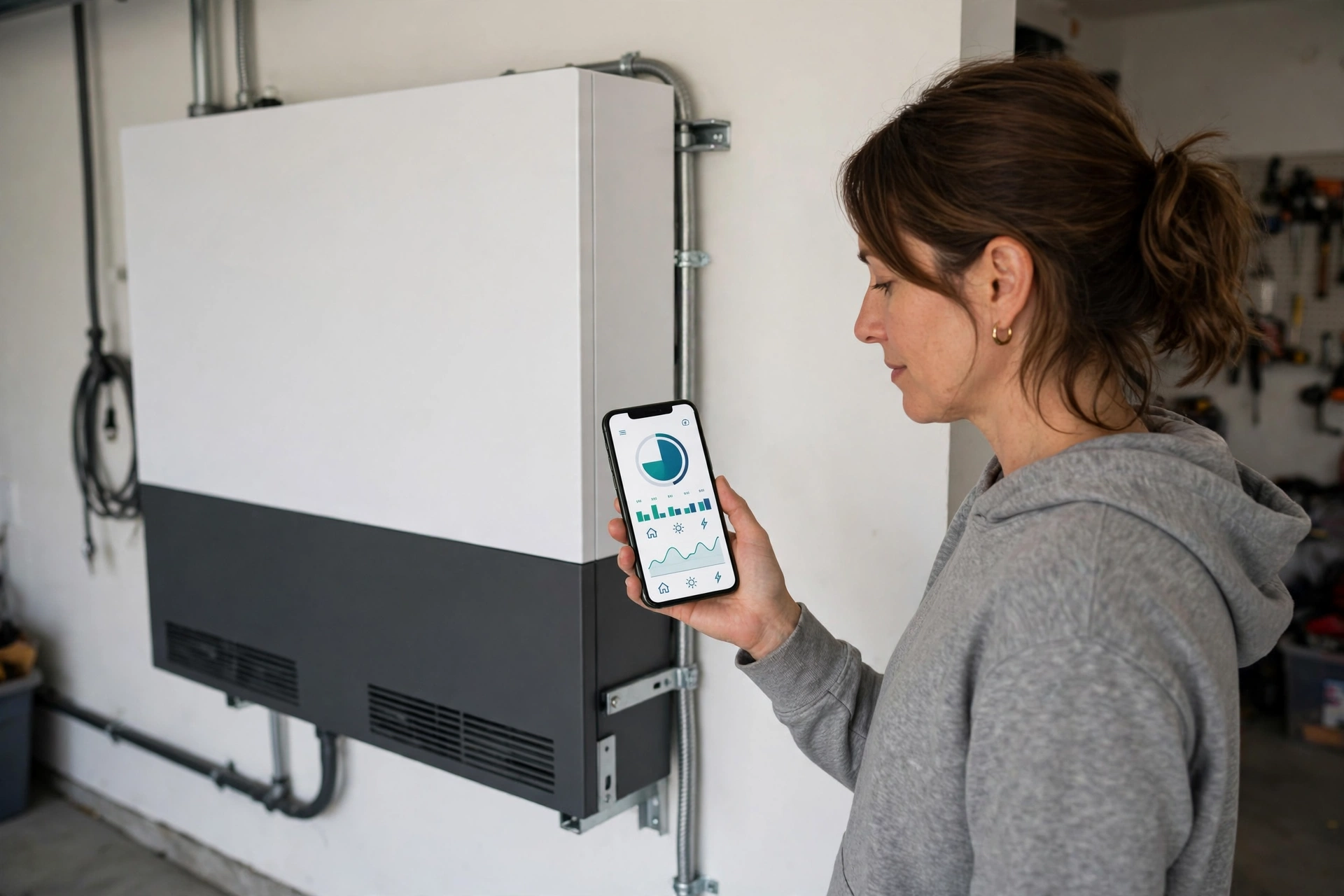
Monitoring
Home Battery Monitoring Apps Compared: 2026
Home battery monitoring app comparison for 2026: Tesla app vs Enphase Enlighten vs FranklinWH app vs Generac P…

Storm Readiness
Home Battery Storm Preparedness Checklist (2026)
Home battery storm preparedness checklist for 2026: size critical loads, pre-storm charging, storm-mode settin…
Second Homes
Vacation Home Remote Monitoring: 2026 Guide
Vacation home remote monitoring guide for 2026: the water, freeze, power, and camera sensor stack, cellular ba…
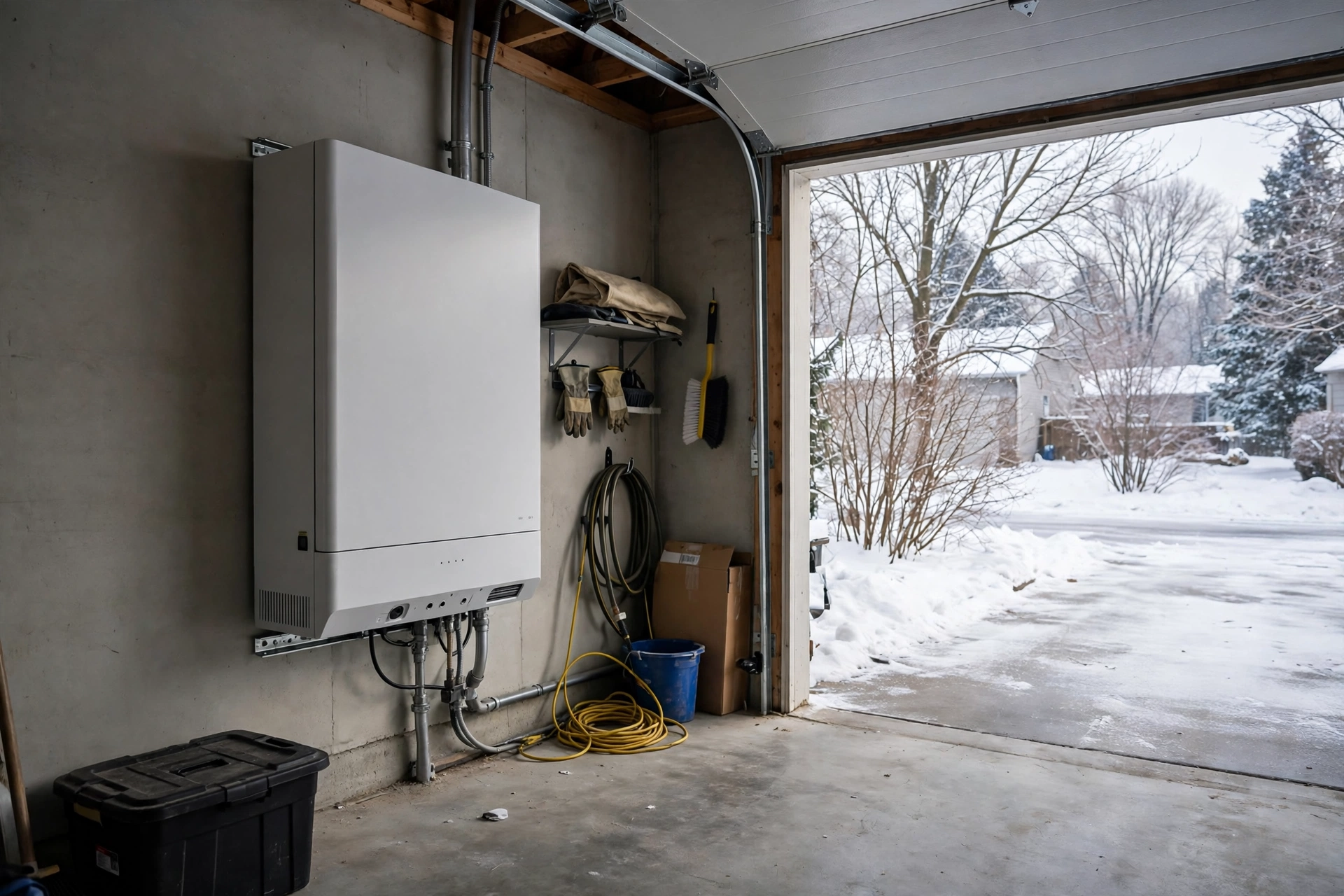
Installation
Home Battery Cold Weather Garage Installation: 2026 Guide
Home battery cold weather garage installation guide: temperature limits, insulated enclosures, heating pads, L…
Interactive Tool
Home Battery Size Calculator: What Size Do You Need?
How many kWh of battery storage do you need? Our free home battery size calculator estimates your backup need,…
Interactive Tool
Power Outage Cost Calculator: What Blackouts Cost You
What do blackouts really cost you? Our power outage cost calculator totals food loss, hotels, lost work, and f…