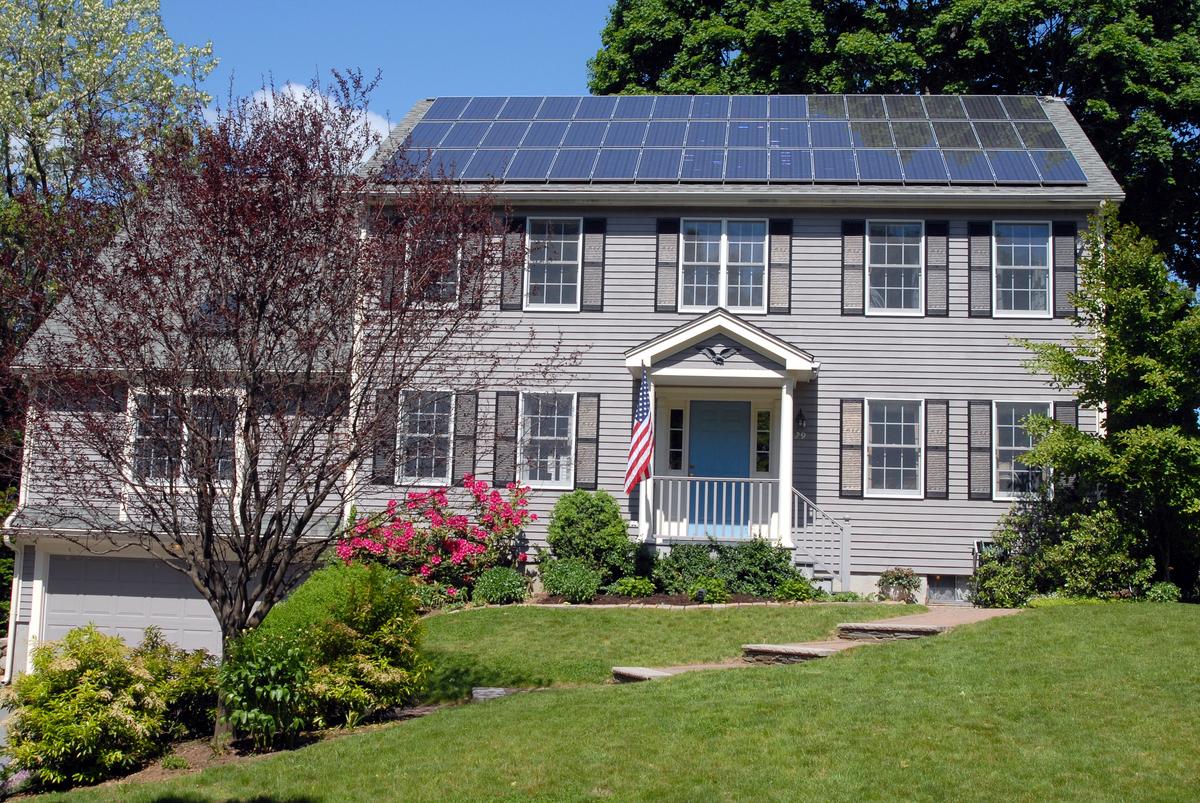
Home Battery Not Charging From Solar: 7 Causes and Fixes (2026)
Key takeaways
- A battery that will not charge from solar is usually a settings, production, or communication issue — not a dead battery.
- Check state of charge versus reserve first: a battery at 100% or at its reserve level is not expected to charge.
- Charging needs surplus solar: if the house uses more than the panels produce, there is nothing left to store.
- A mode, schedule, or storm-watch change is the most common reason a healthy system suddenly stops charging as expected.
- Inverter error codes, CT faults, and BMS temperature protection are installer-level causes — gather the readings first, then call.
A home battery not charging from solar is usually a settings, solar-production, or communication problem — not a dead battery: start by checking whether the battery is already full or sitting at its reserve level, whether the system is in a mode that holds charge for backup instead of charging, and whether your panels are actually producing power right now, because those three checks explain most "not charging" reports without any repair at all.
That sounds dismissive, but it matches how these systems behave. A home battery only charges when three things are true at the same time: the panels are producing more power than the house is using, the battery has room to accept charge, and the inverter and gateway agree that charging is what the system should be doing right now. Break any one of those conditions and the battery sits still while the sun shines — and the app often reports that state with a calm, unhelpful message like "backup ready" or "standby" that looks like a fault when it is not.
This guide works through the causes in diagnostic order, cheapest and most likely first, so you can rule out the easy ones in minutes and arrive at a useful answer — either a fix you can do yourself or a precise description for your installer. It applies to the common architectures: AC-coupled batteries such as the Tesla Powerwall and Enphase IQ Battery, DC-coupled systems, and solar-ready portable stations used as home backup. One safety line up front: everything below is observation and settings review. Do not open a battery, inverter, or gateway enclosure, and do not work on DC solar wiring yourself — panels produce voltage whenever light hits them, and battery faults can be a fire risk. If you find heat, swelling, a burned smell, or damaged wiring, stop and call your installer.
Start With the 60-Second Checks
Before you diagnose anything, confirm what the system is actually doing right now. Open the manufacturer's app and note four numbers: solar production in watts or kilowatts, home consumption, battery state of charge as a percentage, and whether the battery shows charging, discharging, idle, or standby. Then check the physical basics: the battery breaker in your panel is on, the battery's own enable switch is on, any external disconnect is closed, and the unit's status light is lit and not red or flashing a fault pattern.
Now compare solar production with home consumption. If the panels are producing 800 watts and the house is using 1,200 watts, there is simply no surplus to store — the battery cannot charge from solar that the house already consumed. This is the single most common cause of "my battery never charges" complaints on cloudy days, in winter, and in homes where a heat pump, water heater, or EV charger runs through the middle of the day. If production exceeds consumption and the battery still does not charge, you have a real fault or settings issue, and the causes below apply in order.
EF ECOFLOW 12kWh Power Station: DELTA Pro Ultra with Extra Battery, 120/240V 7200W AC Output, LiFePO4 Home Battery Backup Expandable to 90kWh

Solar-chargeable 12kWh home battery for readers diagnosing solar-charging failures; verified live via fallback render + prior-day curl check
*Affiliate Disclosure: As an Amazon Associate, Elevate Home earns from qualifying purchases. Pricing and availability subject to change.
Cause 1: The Battery Is Full or Sitting at Its Reserve
A battery at 100 percent does not need to charge, and most systems will report that state without explaining it. More subtly, a battery sitting at its reserve level also will not charge from solar in some modes: if you set a 30 percent backup reserve and the battery is at 30 percent, the system may hold it there and send surplus solar to the grid or to the house instead of topping the battery up, depending on the mode. Tesla's own troubleshooting guidance makes the same point — a Powerwall at its reserve or at 100 percent state of energy is not expected to charge.
Check the reserve setting in the app and compare it with the current state of charge. If they match, the system is behaving as configured; lower the reserve temporarily and watch whether charging resumes. Also check for a full-charge calibration quirk: some batteries pause charging near the top of the range to balance cells, then resume. A battery that sits at 97 to 100 percent for hours on a sunny day is usually finished, not broken.
Cause 2: The Wrong Mode, Schedule, or Storm Setting
Modern batteries are mode machines, and a mode change — by you, by a software update, by a utility program, or by a storm-watch feature — is the most common reason a previously healthy system stops charging the way you expect. In backup-only mode, the battery holds its charge for an outage and may not cycle daily. In time-of-use mode, the system may deliberately wait to charge until off-peak hours or until solar would otherwise be exported at a low rate. In a storm-watch or storm-prep mode, the battery may charge from the grid to full and then sit there, ignoring solar until the event passes.
Review every mode and schedule in the app: the operating mode, the reserve percentage, any charge and discharge windows, and any utility or virtual-power-plant enrollment that can override local settings. If anything changed recently — a new electricity plan, a firmware update, a newly enabled storm feature — that change is your prime suspect. Set the system to plain self-consumption with a low reserve for one sunny day as a test; if charging resumes, the hardware is fine and the mode was the cause. Readers weighing how modes and reserves affect daily cycling should also read our guide to home battery degradation, since holding a battery at full charge for long periods has its own long-term cost.
Cause 3: Not Enough Solar Is Actually Being Produced
A battery cannot store solar power that never arrives. Partial shade is the classic culprit: a single shaded panel can drag down a whole string on older string-inverter systems, and even on panel-level systems the shaded panels contribute little. Dirt, leaves, snow, and bird debris cut output; so does a panel that has failed or a string that has gone offline. Season matters too — a system that charges happily in June may barely cover the house in December, when days are short and the sun is low.
Compare today's production with a known-good sunny day for the same month, not with the system's nameplate rating. A 10-kilowatt array rarely produces 10 kilowatts; 7 to 8 kilowatts at solar noon on a clear summer day is normal, and far less under cloud. If production is near zero while the sun is out, look for a tripped solar breaker, an inverter showing an error or offline status, or a rapid-shutdown device that has tripped. If production is merely low, shade and soiling are more likely than hardware failure. Note the time pattern as well: a battery that charges in the morning but stops at midday may be hitting a temperature or export limit, while one that never starts charging points to a settings or communication fault instead.
Cause 4: Inverter or Charge Controller Fault
The inverter (or the charge controller on DC-coupled and off-grid systems) is the traffic cop between panels and battery. If it faults, trips, or goes offline, charging stops even though the panels and battery are individually healthy. Common triggers include grid-voltage or frequency excursions, overheating in a hot garage or sun-baked wall, a firmware update that stalled, and ground-fault or arc-fault protection tripping after storm damage.
Check the inverter display or app for an error code and write it down verbatim before resetting anything — that code is the most valuable thing you can hand your installer. Many inverters recover from a transient fault with a simple restart following the manufacturer's sequence (usually AC off, DC off, wait, DC on, AC on), but repeated faults after a restart are a hardware or wiring problem, not a glitch. Never reset a fault repeatedly to force charging; protection trips exist to prevent damage. If the inverter is completely dark with no display and no lights, check its AC breaker and DC disconnect first — a dark inverter is often a power-supply problem, not a dead inverter.
Cause 5: Communication or Current-Transformer (CT) Failure
Many systems decide when to charge based on measurements from current transformers — small sensors clamped around conductors that tell the gateway how much solar is being produced and how much the house is using. If a CT is installed backwards, on the wrong phase, or has come loose, the gateway's picture of power flow is wrong, and it may conclude there is no surplus to store even when there is. Tesla's troubleshooting documentation specifically lists CT orientation and phase measurement as checks when a Powerwall will not charge from solar.
Symptoms of a CT or communication fault include solar production shown as zero or negative in the app while the inverter reports normal production, home consumption that looks wildly wrong, and a battery that charges fine from the grid but never from solar. Communication failures show up similarly: a gateway that lost Wi-Fi or cellular connectivity may fall back to a default mode, and a battery that cannot talk to the inverter cannot coordinate charging at all. Check the gateway's connectivity lights, confirm the app shows recent data rather than stale readings, and — if your system has them — verify that CT clamps are fully closed and have not been disturbed by recent electrical work. CT placement and gateway wiring are installer territory; your job is to report the symptom precisely, not to move sensors inside a live panel.
Cause 6: Battery Management System Protection — Temperature, Cells, or Fault Lockout
Every lithium battery has a battery management system (BMS) that can refuse charging to protect the cells. Cold is a common trigger: lithium iron phosphate batteries in particular charge slowly or not at all below freezing, and some systems wait until the pack warms up before accepting charge. Heat is the other end — a battery baking in a hot garage may throttle or pause charging. Cell imbalance, where one cell group drifts out of range, can also lock out charging until the system balances or a technician intervenes.
Check the battery's reported temperature if the app shows it, and note whether the problem is seasonal — first cold snap of winter is a strong hint. A battery that stopped charging after months of normal service and shows a fault code, a rapidly falling capacity, or physical swelling is not a settings problem; treat it as a warranty and safety matter and contact the manufacturer or installer. Our companion guide to home battery failure modes explains which symptoms mean "replace soon" and which mean "stop using it now." Firmware can also play a role here: a stalled or failed update can leave a battery in a protective state, which is why a system that stopped charging right after an update deserves a support call rather than repeated resets.
Cause 7: Wiring, Breakers, Fuses, and Disconnects
Finally, the unglamorous cause: something in the path between panels, inverter, and battery is open. A tripped breaker, a blown DC fuse, a corroded or loose MC4 connector, a disconnect left open after maintenance, or cable damage from rodents, weather, or yard work can all stop charging while every major component reports itself healthy. On the DC side, a single open connection can take out a whole string; on the AC side, a tripped battery breaker isolates the battery entirely.
Visually inspect what you can safely see without opening enclosures: breakers in the on position, disconnect handles closed, no obviously damaged or chewed cable, no water intrusion around outdoor equipment. Do not pull fuses or open DC disconnects under load, and do not work on wiring that shows heat damage, melting, or a burned smell — that is an immediate call to your installer and, if there is any sign of fire risk, to emergency services. If the system stopped charging right after roof work, panel cleaning, or electrical work, tell your installer exactly what changed; recent-work faults are usually found fast.
Symptom Decoder: Match What You See to the Likely Cause
Use this table before you call anyone. It turns vague symptoms into a short, testable hypothesis.
What Healthy Solar Charging Should Look Like
To judge whether your system is underperforming or simply having a bad-weather week, compare against realistic expectations rather than the marketing number on the box. A residential array produces roughly 70 to 80 percent of its nameplate rating at solar noon on a clear day, after inverter losses and temperature effects. Charging power to the battery is whatever remains after the house takes its share, so a 10-kilowatt array on a home using 2 kilowatts at midday should be sending roughly 5 to 6 kilowatts to the battery at peak — and far less in the morning, late afternoon, or under cloud.
If your numbers sit far below these ranges on a clear day with the house load accounted for, work the causes in order: mode and reserve, then production, then inverter, then communication, then BMS, then wiring. Homeowners planning a system that avoids this class of problem from the start should read our guide to adding a battery to existing solar, which covers AC-coupled versus DC-coupled retrofits and why the coupling choice changes how charging failures present. If you are deciding between architectures rather than diagnosing one, the DC-coupled versus AC-coupled comparison explains the trade-offs.
When to Call Your Installer
Call your installer — rather than continuing to troubleshoot — if any of these apply: a fault code that returns after a manufacturer-approved restart; solar production at zero in sunshine with no tripped breaker you can identify; app readings that contradict the inverter; any swelling, heat, leaking, or burned smell; any damage to wiring, connectors, or enclosures; or a system still under warranty where DIY intervention could void coverage. When you call, have ready: the battery's state of charge and reserve setting, the current mode, solar production and house consumption at midday, any error codes verbatim, and when the problem started and what changed just before it. That five-minute brief often turns a multi-visit diagnosis into a single visit with the right part.
Also worth asking your installer about: whether your CTs were verified after installation, whether your gateway firmware is current, and whether your reserve and mode settings still match your actual goal — backup security, bill savings, or a mix. Many "faults" turn out to be settings that made sense when the system was commissioned and no longer match how the household uses power.
The Verdict
A home battery not charging from solar is most often the system doing exactly what it was told to do — holding a reserve, following a mode schedule, or waiting out weather that leaves no surplus. Work the cheap checks first: state of charge versus reserve, mode and schedule, and production versus consumption at midday. If those check out and the battery still will not charge, the fault usually sits in the inverter, the gateway's view of power flow, or the battery's own protection logic — all installer territory, all diagnosable faster with the error codes and readings you gathered in the first ten minutes.
Do not buy a replacement battery to solve a charging problem until the cause is identified. A new battery connected to the same misconfigured gateway, shaded string, or faulty inverter will behave exactly like the old one. Fix the cause, verify a full sunny-day charge cycle, and only then judge whether the battery itself needs attention.
Frequently asked questions
Why is my home battery not charging from solar even though the sun is out?
The most common reasons are that the battery is already full or at its reserve level, the system is in a mode that holds charge for backup instead of daily cycling, or the house is using more power than the panels produce, leaving no surplus to store. Check state of charge versus reserve, the operating mode, and midday solar production versus home consumption before assuming a fault.
Can a shaded solar panel stop my home battery from charging?
Yes. On string-inverter systems a single shaded panel can collapse the output of its whole string, and on any system shaded panels contribute little power. If charging drops sharply during certain hours, look for new shade from trees, chimneys, or neighbouring structures, and check whether one string's production has fallen while others are normal.
Should I reset my inverter if my battery is not charging from solar?
A single restart following the manufacturer's sequence can clear a transient fault, but first write down any error code verbatim — it is the most useful information for your installer. If the fault returns after a restart, do not keep resetting it; repeated protection trips indicate a wiring, inverter, or battery problem that needs professional diagnosis.
Does cold weather stop a home battery from charging?
Extreme cold can cause a battery management system to slow or pause charging to protect lithium cells, especially lithium iron phosphate chemistry below freezing. If charging problems appear with the first cold snap and recover as the battery warms, temperature protection is the likely cause; persistent failure in mild weather points elsewhere.
When should I call an installer instead of troubleshooting myself?
Call your installer if a fault code returns after a restart, solar production reads zero in sunshine, app readings contradict the inverter, or you see swelling, heat, leaking, or damaged wiring. Home batteries and DC solar wiring are not user-serviceable, and working inside enclosures can void warranties and create safety risks.
Keep reading
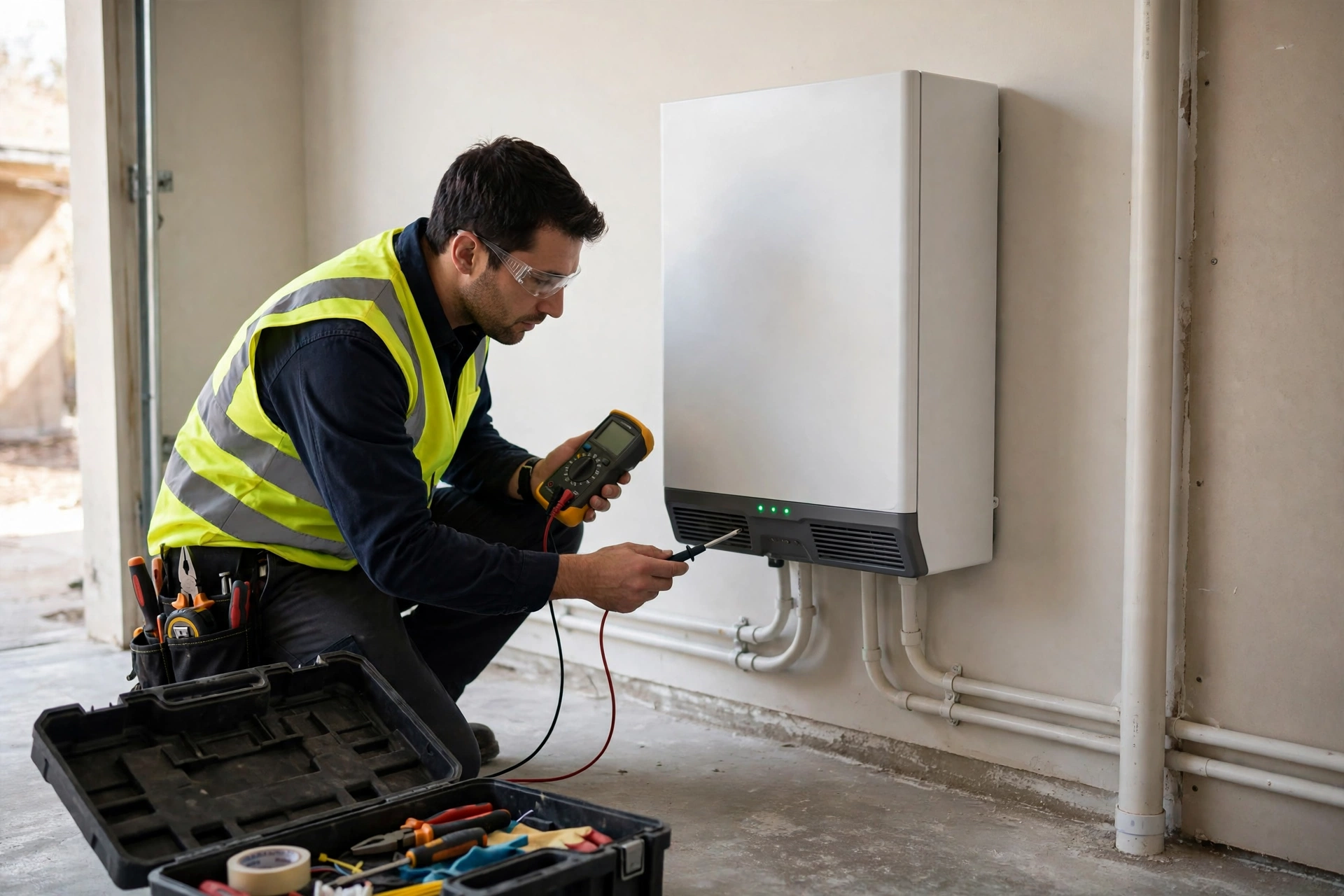
When Backup Power Fails
Home Battery Failure Modes: What Actually Goes Wrong
Home battery failure modes explained: BMS faults, stuck contactors, and firmware bricks — what actually goes w…
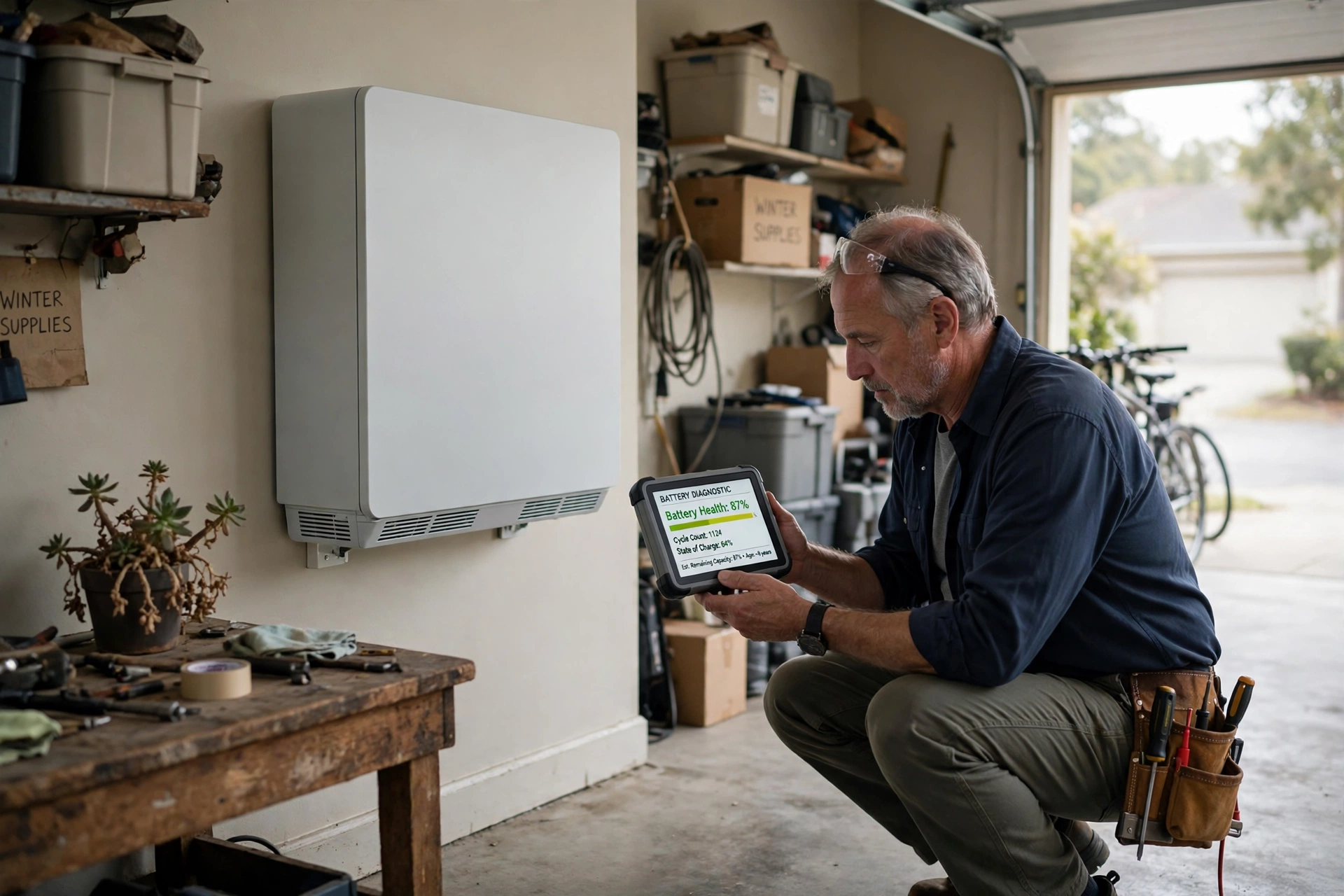
Capacity, Cycles, and Time
Home Battery Degradation: What to Expect Over 10 Years (2026)
Home battery degradation explained: how much capacity LFP and NMC batteries lose per year, what speeds it up, …
Retrofit Guide
How to Add Battery to Existing Solar: 2026 Retrofit Guide
How to add battery to existing solar in 2026: AC vs DC coupling, inverter compatibility, net-metering impacts,…
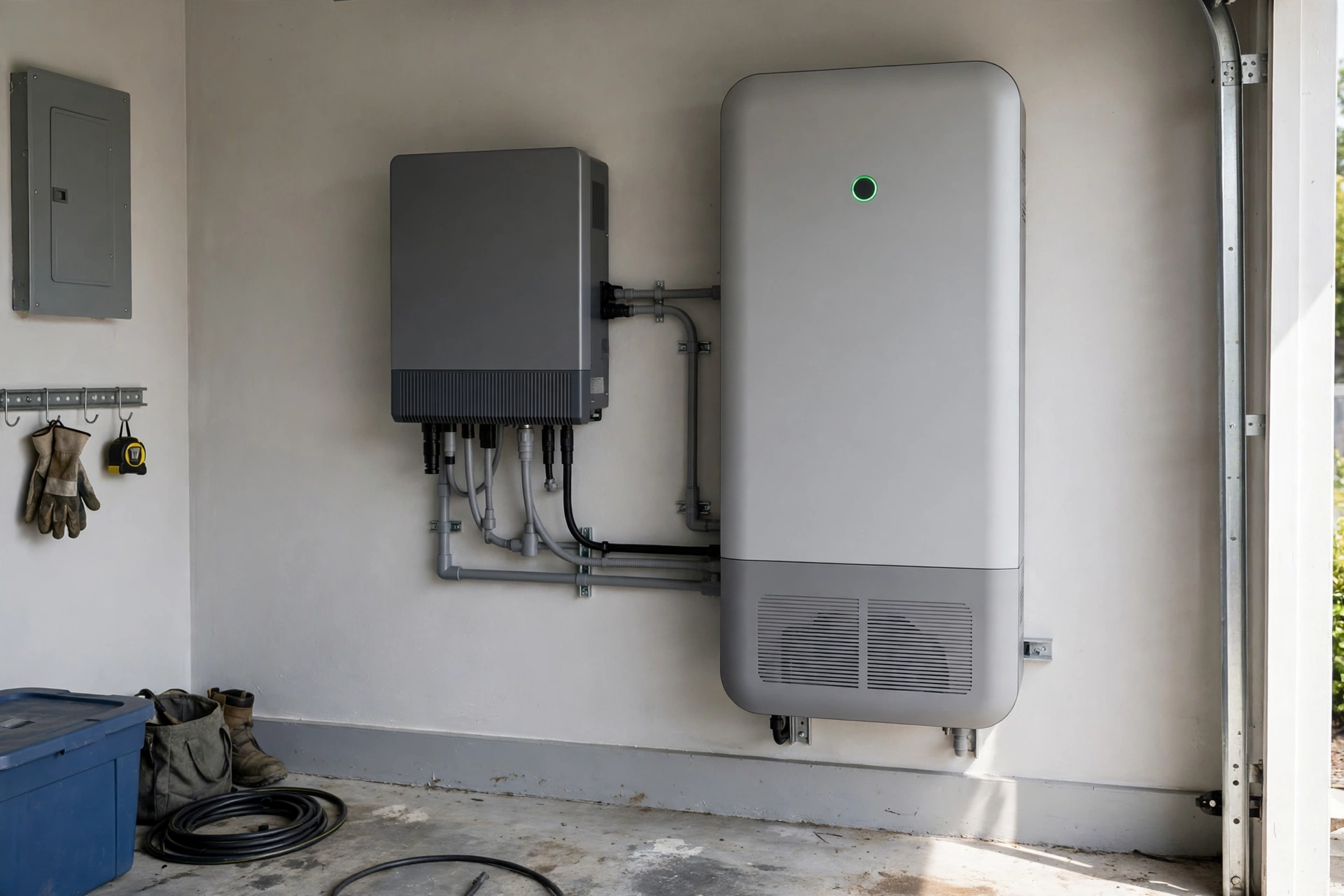
Battery Design
DC-Coupled vs AC-Coupled Home Battery Systems: Which Architecture Wins?
DC-coupled vs AC-coupled home battery systems compared: efficiency, retrofit cost, outage behavior, and brand …
Interactive Tool
Home Battery Size Calculator: What Size Do You Need?
How many kWh of battery storage do you need? Our free home battery size calculator estimates your backup need,…
Interactive Tool
Power Outage Cost Calculator: What Blackouts Cost You
What do blackouts really cost you? Our power outage cost calculator totals food loss, hotels, lost work, and f…