Pool Automation Systems: 2026 Equipment Guide
Key takeaways
- Commit to one equipment brand per pad: proprietary digital communication means same-brand pairings get full pump, light, and salt-system integration while cross-brand setups often fall back to basic relay control.
- Spec relay capacity for the pad you'll own in five years — count every current and planned device, add spares, and buy the panel that fits; replacing an undersized panel later costs far more than oversizing now.
- New-build automation is cheapest and best: run conduit everywhere, automate key valves, provision 60–100A pad service, and lock the brand before the builder defaults to theirs.
- Retrofit success hinges on a compatibility checklist: brand inventory, variable-speed pump digital controllability verified with manufacturers, honest relay counts, and a licensed electrician's assessment of pad service and permits.
- Automation typically adds a few thousand dollars installed ($1,500–$4,000+ hardware plus actuators, electrical, and programming); demand itemized quotes and include startup programming in scope.
Pool automation promises the dream: pump schedules, heater, salt system, lights, and water features all controlled from your phone instead of a walk to the equipment pad. The reality is that automation works beautifully — when the equipment pad was specified for it — and becomes an expensive disappointment when it wasn't. The difference is rarely the automation panel itself. It's relay limits, brand-mismatched equipment that can't communicate digitally, and retrofit pads that were never wired for control. This 2026 pool automation system equipment guide covers what to put on the pad so automation actually works, whether you're building new or retrofitting.
One scope note: this guide covers the equipment-pad side — panels, relays, brand ecosystems, and retrofit compatibility. Voice control, smart-home platform integration (Alexa/Google/HomeKit-style ecosystems), and whole-home automation tie-ins are covered separately in our smart-home pillar's pool automation integration guide. All costs are 2026 US market ranges; get itemized local quotes.
What pool automation actually controls
A pool automation system is a centralized controller — an outdoor panel with relays, low-voltage valve actuators, temperature sensors, and a communication bus — that orchestrates the equipment pad. Typical controlled equipment: variable-speed pump schedules and speeds, heater setpoints and on/off, salt chlorine generator output, pool and spa lights (colors and shows), automated valves (pool/spa mode switching), water features, and sometimes chemical feeders or robotic cleaner scheduling.
What it does for you: replaces mechanical time clocks with phone-app scheduling, coordinates equipment so the salt cell only runs when the pump does and the heater only fires at adequate flow, enables one-touch “spa mode” scenes, and lets you check and adjust everything remotely. What it doesn't do: maintain your water chemistry, fix undersized equipment, or compensate for a pad that was never designed for control.
Dolphin Nautilus CC Plus Wi-Fi Robotic Pool Cleaner
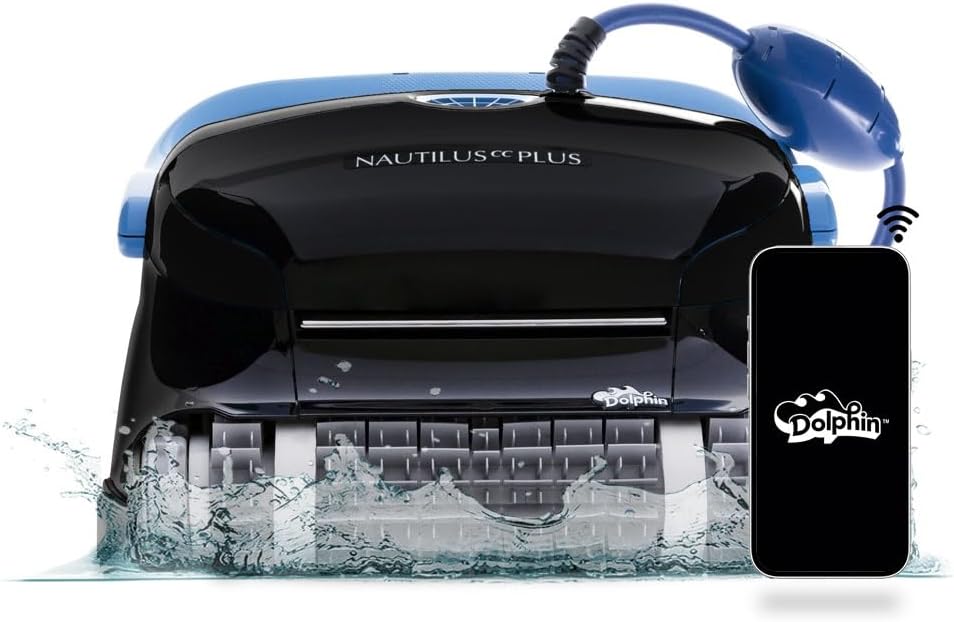
Autonomous wall-climbing scrubbing of pool floors and waterline
*Affiliate Disclosure: As an Amazon Associate, Elevate Home earns from qualifying purchases. Pricing and availability subject to change.
The commit-to-one-brand rule
The single most important automation decision is made before you buy the panel: commit to one equipment brand per pad. Pentair, Hayward, and Jandy each run proprietary digital communication between their controllers and their equipment. A Pentair pump talks fluently to a Pentair panel — full speed control, status readouts, diagnostics. That same Pentair pump on a Hayward panel may only get basic relay on/off control, losing the variable-speed scheduling that was the point of buying it.
Cross-brand combinations can work — heaters and salt systems from other brands often integrate adequately, since their control needs are simpler — but digital control of the sophisticated equipment (variable-speed pumps, color LED light shows, salt system diagnostics) is where same-brand pairing pays. The industry shorthand is blunt and accurate: Ford computers don't control Chevy engines. If your pad already has a brand majority (say, a Pentair pump and filter), the path of least resistance is that brand's automation. If you're building new, pick the brand first and spec the whole pad inside it.
Pool automation system equipment: the big three ecosystems
All three major systems exist and are actively sold and supported in 2026 — verify current models and specs on the manufacturers' spec sheets, since lineups evolve. Compare them on architecture and positioning rather than chasing feature-list parity:
| System | Positioning | Architecture notes |
|---|---|---|
| Pentair IntelliCenter | The enthusiast favorite; modular and actively updated | Modular design for easier upgrades; over-the-air firmware updates on the main panel; color touchscreen on the outdoor panel; full programming possible at the pad itself |
| Hayward OmniLogic / OmniPL | Strong value; streamlined for typical residential pads | OmniPL positioned as the cost-effective full-featured option; check relay counts against your equipment list |
| Jandy iAquaLink (AquaLink) | Dealer-centric; long-installed-base | Primarily available through dealers; historically firmware updates required board swaps rather than OTA — verify current-generation capabilities on the spec sheet |
Honest positioning: pool owners debate these the way truck owners debate brands — all three run pools successfully, and the quality of your installer and your builder's brand relationship often matters more than the panel choice. Pentair tends to get the nod from automation enthusiasts for its update model and pad-side interface; Hayward competes well on value; Jandy's dealer network suits owners who want full-service support. None of them is a wrong answer if the rest of the pad matches.
Relay limits: the spec everyone underbuys
Here's the technical detail that ruins retrofits: every automation panel has a finite number of relays — the switched outputs that turn equipment on and off. A basic panel might offer 5; larger configurations offer 8 or more, sometimes expandable. Every controlled device consumes relay capacity: the pump, the heater, the salt system, each light circuit, each water feature, the blower, the cleaner booster.
The failure mode is predictable: an owner buys the entry-level panel for the equipment they have today, then adds landscape lighting, a second water feature, or a heat pump next year — and discovers the panel is full. Upgrading means replacing the panel, not adding a relay. Spec relay capacity for the pad you'll have in five years, not the pad you have today. Count every device you might ever automate, add two spare, and buy the panel that fits that number. The step-up cost at purchase is a fraction of a panel replacement later.
Related: check whether the panel includes a breaker subpanel (load center) or needs a separate one. Some configurations bundle it; budget models don't — and the electrician's separate subpanel work can erase the savings. Your quote should make this explicit.
Spec'ing automation at new-build time
New construction is where automation is cheapest and best — the marginal cost of conduit, valve actuators, and sensor wiring during construction is small, while retrofitting the same things later means trenching and rework. The new-build spec checklist:
Brand commitment: pick one brand for pump, filter-adjacent equipment, salt system, heater (where brand matters), lights, and automation. Tell the builder the brand is non-negotiable — builders have distributor relationships and will default to their preferred brand unless you specify.
Conduit and wiring: run conduit to every location that might ever hold controlled equipment — future water features, landscape lighting transformers, auto-cover motors. Wire is cheap; trenching twice is not.
Valve actuators on key valves: pool/spa switching, water feature lines, and solar diverter valves should be automated from day one if there's any chance you'll want app control.
Panel capacity: relay count for the five-year pad, load center included, and physical pad space for the panel plus future expansion modules.
Electrical service: have the licensed electrician provision adequate service to the pad — automation panels, heat pumps, and salt systems add up. A 60–100A feed to the pad area is typical planning; your electrician sizes it to the actual load.
Automation typically adds a few thousand dollars installed at new-build time — the best money in the project for owners who value convenience, and nearly impossible to replicate cheaply later.
Buy relay capacity for the pad you'll own in five years. The panel is the cheapest part of the project to oversize and the most expensive to replace.
Retrofit compatibility: making automation work on an existing pad
Retrofitting automation onto an existing pad is absolutely doable — it's also where most disappointment originates. Work through this compatibility checklist before buying anything:
1. Inventory the pad by brand. List every piece of equipment and its brand. If the pad is already single-brand, that brand's automation is the natural choice. If it's mixed, identify which equipment needs digital control (variable-speed pump first, then salt system, then lights) and which can live on simple relay control (heaters, single-speed booster pumps, basic features). Mixed pads can be automated successfully — but go in knowing which integrations will be full-featured and which will be basic.
2. Check the variable-speed pump's controllability. This is the retrofit's make-or-break question. Confirm your specific pump model can be controlled by the automation panel you're considering — same-brand is the safe answer; cross-brand may work through relay or adapter but verify with both manufacturers' compatibility guidance, not a forum post.
3. Count relays honestly. List every device to automate, now and planned. If the count exceeds the panel's capacity, you're buying the bigger panel or planning a second phase — decide before purchase, not during install.
4. Assess the electrical. A licensed electrician should verify the pad's service can carry the automation panel plus everything it switches, and handle permits. Retrofits often reveal undersized feeds or aging subpanels — budget for the possibility.
5. Plan the physical install. The panel needs wall or pad space near the equipment, protected from direct sprinkler assault and with service clearance. Cable runs to valve actuators and sensors need routing — surface conduit is fine, but it should be in the quote.
Retrofit automation typically costs more than new-build — more labor, more electrical remediation, more compromise. It's still worth it for most owners who want app control; just budget honestly and verify compatibility before the panel ships.
Costs and what drives them
Automation panels themselves span roughly $1,500–$4,000+ for the hardware depending on capacity and brand, with total installed costs typically adding a few thousand dollars once electrical work, valve actuators ($200–$400+ each installed), sensors, and programming are included. New-build installs land at the lower end of total cost; retrofits with electrical remediation land higher.
What drives the price: relay capacity, whether a load center is included, number of valve actuators, distance and difficulty of wire runs, and the electrician's service upgrade work if needed. Get the quote itemized by these lines — a lump-sum “automation: $6,000” tells you nothing about what's actually included. Costs are 2026 US market ranges; get itemized local quotes.
Scenes and schedules owners actually use
Once the pad is automated, a handful of programs deliver most of the value. Spa mode: one button rotates valves to spa, fires the heater to temperature, and sets the pump for jet action — the single most-used automation feature in existence. Freeze protection: temperature sensors trigger pump circulation when air nears freezing, the cheapest freeze insurance available (it does not replace winterization in hard-freeze climates, but it covers the marginal nights). Away/vacation mode: holds filtration and chemistry baselines with minimal feature runtime while you are gone.
Feature scheduling earns its keep for entertainers: waterfalls and deck jets on a Friday-evening schedule, lights running color shows on weekends. And chemical automation — ORP/pH sensing with acid and chlorine feeders — is the frontier where well-equipped pads are heading; it layers onto the same panel-and-relay architecture, which is another argument for buying panel capacity ahead of need. Program the scenes at installation, while the installer is still on site — panels left on factory defaults are the most common form of automation buyer's remorse.
Next steps: speccing automation at build time
Get two to three itemized quotes from pool builders (new construction) or pool equipment installers with automation experience (retrofits). Each quote should: name the specific panel model and its relay count versus your device count, confirm brand compatibility for each piece of controlled equipment (especially the variable-speed pump), list valve actuators and sensors individually, state who does the electrical work (licensed electrician) and who pulls permits, and include startup programming — a panel installed but never programmed is a very expensive time clock.
Ask every bidder the same question: “Show me that my pump will have full digital control under this panel, not just relay on/off.” Then ask what happens when you add two more devices in three years. The bidder who answers both with specifics — model numbers, relay math, expansion options — is the one who has done this before. That's who you want wiring your pad.
Frequently asked questions
What does a pool automation system actually do?
A centralized controller (outdoor panel with relays, valve actuators, sensors, and a communication bus) that orchestrates the equipment pad: pump schedules and speeds, heater setpoints, salt system output, lights, automated valves, and water features — all from a phone app instead of a walk to the pad. It coordinates equipment (e.g., salt cell only runs with the pump) and enables one-touch scenes like spa mode.
Why does everyone say to stick with one equipment brand?
Because the three major brands use proprietary digital communication: a Pentair pump gets full speed control and diagnostics from a Pentair panel but may only get basic relay on/off from another brand's panel. Cross-brand setups can work — heaters and simple devices integrate adequately — but the sophisticated equipment (VS pumps, LED light shows, salt diagnostics) is where same-brand pairing pays off.
How do Pentair IntelliCenter, Hayward OmniLogic, and Jandy iAquaLink compare?
Pentair IntelliCenter (modular, over-the-air updates, full pad-side programming — the enthusiast favorite), Hayward OmniLogic/OmniPL (strong value for typical residential pads), and Jandy iAquaLink (dealer-centric, large installed base). All three run pools successfully; installer quality and brand-matched equipment usually matter more than the panel choice. Check current spec sheets — lineups evolve.
How many relays do I need in an automation panel?
Count every device you'll ever automate — pump, heater, salt system, each light circuit, each feature, plus planned additions — add two spare, and buy the panel that fits that number. Entry panels with ~5 relays fill fast; upgrading later means replacing the panel. Also check whether a breaker load center is included or a separate electrician-installed subpanel is needed.
Can I retrofit automation onto my existing equipment pad?
Yes, with homework: inventory the pad by brand, verify your variable-speed pump gets full digital control (not just relay on/off) under the panel you're considering, count relays for current plus planned devices, and have a licensed electrician verify pad service capacity and permits. Mixed-brand pads can be automated, but know in advance which integrations will be full-featured versus basic.
What should an automation quote include?
Get two to three itemized quotes naming the panel model and relay count versus your device list, confirming brand compatibility per device (especially the VS pump), listing actuators and sensors individually, and stating who does electrical work and permits (licensed electrician). Include startup programming in the scope — and ask what adding two more devices in three years looks like.
Keep reading
Equipment
Variable-Speed Pool Pumps: 2026 Motor Rule Guide
Variable speed pool pump requirements 2026: DOE pump and motor rules, compliant replacements, scheduling for r…
Sanitization
Saltwater Chlorinator Buying Guide: 2026
Best saltwater chlorinator for pool owners (2026): cell sizing rules, brand-ecosystem fit, replacement-cell co…
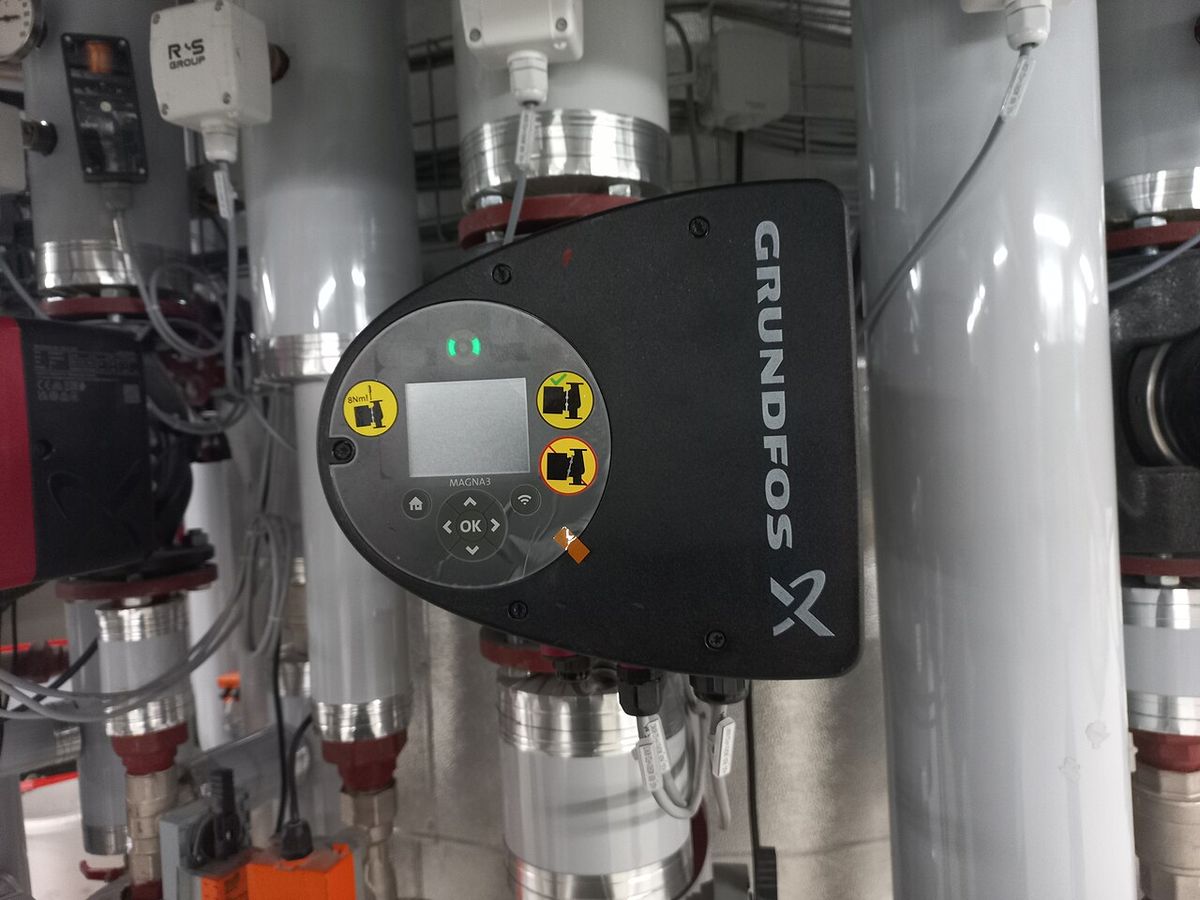
Equipment
Pool Pump Sizing Guide: 2026
Pool pump sizing guide 2026: turnover math, matching pump to filter flow and plumbing, reading THP labels, and…
Outdoor Smart
Pool Automation Integration Guide: 2026
Pool automation system guide for 2026: Pentair vs Hayward vs Jandy ecosystems, what to automate, smart-home br…

Transfer Equipment
100A vs 200A Automatic Transfer Switch
100 amp vs 200 amp transfer switch: service-entrance vs subpanel topology, when each is required, costs, and l…

Pillar 01 · Energy Resilience
10kWh vs 13.5kWh vs 20kWh Home Battery: Which Size Is Right? (2026)
10kWh vs 13.5kWh vs 20kWh home battery compared: usable capacity, backup runtime, solar pairing, and which tie…