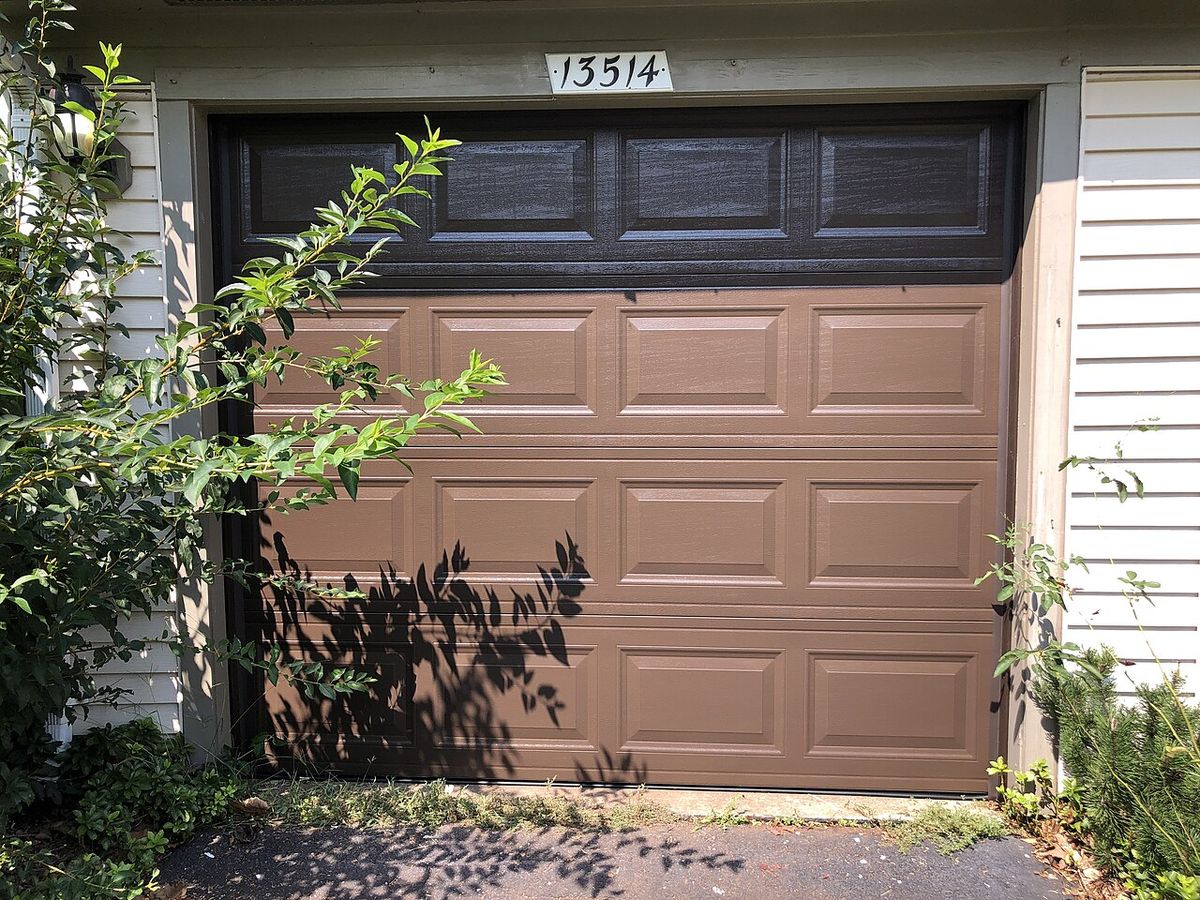
Smart Garage Door Opener Guide: 2026
Key takeaways
- myQ dominates built-in smart openers with strong vehicle and delivery integrations, but its third-party smart-home integrations have shifted before — verify the current state before buying.
- Tailwind is the retrofit pick: it wires into most existing openers, adds phone control and excellent auto-close-on-departure, with better third-party compatibility.
- Require a spoken PIN for voice opening, tune geofences tight, remove visor remotes from cars parked outside, and lock the interior garage door.
- Battery backup is close to non-negotiable on new openers; on old ones, verify the manual release works and everyone knows how to use it.
- Opener replacement and spring work belong to licensed garage-door pros — high-tension springs cause serious injuries; retrofit controllers are reasonable DIY.
The garage door is the largest moving object in most homes — and the least supervised. It’s also, statistically, one of the most common entry points for break-ins, usually through an opener left open, a remote visor-clipped in a car parked outside, or a keypad code that hasn’t changed in a decade. A smart garage door opener doesn’t just add phone control; it adds supervision: alerts when the door’s been open too long, automatic closing at night, and a log of every open and close.
This guide compares the smart garage door landscape for 2026 — myQ, Tailwind, and native integrations — on car compatibility, guest access, battery backup, and security hardening, with clear guidance on where DIY ends and a garage-door professional begins.
Smart garage door opener options: myQ, Tailwind, and native integrations
myQ: the incumbent with the subscription asterisk
Chamberlain/LiftMaster’s myQ is the dominant smart garage platform in North America, and most new openers from those brands ship with it built in. The basics are free and genuinely useful: open/close from the phone, real-time status, alerts when the door opens or stays open, and scheduled closing (the “close the garage at 10 p.m.” routine that prevents the classic overnight exposure).
The asterisk: myQ’s deeper smart-home integrations have moved behind paywalls and shifting partnerships over the years. Native Google Home/Alexa control has been inconsistent — at various points requiring subscriptions or third-party bridges — which frustrates buyers who assume “smart opener” means “works with my smart home.” Before buying a myQ opener for its integrations, verify the current state of the specific integration you want; myQ’s capabilities have changed more than once, and forum advice from 2023 may not describe 2026.
Where myQ shines regardless: the vehicle integration. Many newer cars (Tesla, and others via subscription or built-in Homelink-style systems) can trigger myQ openers geofenced to your driveway — the door opens as you turn onto your street, no phone-fumbling. And the myQ ecosystem includes the myQ Smart Garage Camera and integrations with delivery services (in-garage package delivery), which are genuinely differentiated features.
Tailwind: the retrofit specialist
Tailwind takes the opposite approach: instead of replacing your opener, it’s a controller that wires into most existing openers (made after the early 1990s with safety sensors) and makes them smart. For homes with a perfectly good “dumb” opener — especially higher-end belt-drive units — Tailwind is the economical path to the same core features: phone control, status, alerts, and automatic open/close.
Tailwind’s standout feature is its vehicle-based auto-open/close, which uses a small sensor in the car (or phone-based geofencing) to open the door on arrival and — critically — close it automatically on departure. The auto-close-on-leave is the feature myQ owners most often envy: no more wondering whether you closed the door after backing out. Tailwind also plays better with third-party smart-home platforms in many setups, since it presents as a more standard device.
The trade-offs: it’s an add-on, so you’re managing two vendors (opener + controller); installation involves low-voltage wiring at the opener (straightforward but more hands-on than a built-in); and vehicle-sensor batteries need periodic replacement. For new opener purchases, a built-in smart opener is usually cleaner — Tailwind’s sweet spot is upgrading what you already own.
Native integrations: HomeKit, and the rest
The third path is an opener with native support for your smart-home platform — HomeKit-native openers, or openers that expose themselves properly to Home Assistant, SmartThings, or Hubitat. This is the enthusiast’s choice and, in 2026, an increasingly practical one: native integration means the garage door participates in real automations (“goodnight” closes it; “away” verifies it), appears in the same app as everything else, and works with the platform’s voice assistant without bridges or subscriptions.
The catch is availability: the native-integration opener market is thinner than the myQ world, and model lineups change. Home Assistant users have the most flexibility — ratgdo-style local controllers and similar projects give local, subscription-free control of many openers — but that’s firmly enthusiast territory involving opener wiring. For most households, the decision is myQ (built-in, mainstream) versus Tailwind (retrofit, flexible) versus whatever your platform natively supports.
Kasa Smart Plug with Energy Monitoring (EP25 4-Pack)

Automates scheduling and tracks electricity draw on individual plugs
*Affiliate Disclosure: As an Amazon Associate, Elevate Home earns from qualifying purchases. Pricing and availability subject to change.
Car compatibility: the details that decide
Garage meets car in three ways, and all three deserve verification before you buy:
- Built-in car buttons (HomeLink and equivalents): most cars from the last decade have programmable buttons on the mirror or visor. They pair with nearly all modern openers — but “nearly” hides exceptions with some newer Security+ 2.0 and rolling-code implementations, so test-pair before assuming. A repeater bridge exists for stubborn combinations.
- Phone-as-remote: every smart opener does this; the question is reliability of the app’s geofence and background operation on your specific phone OS. Read recent reviews for your phone model, not just the opener.
- Automatic open/close: myQ’s vehicle integration and Tailwind’s car sensor both deliver hands-free arrival/departure, but they depend on geofence accuracy. In dense neighborhoods or homes where the driveway sits close to the road, tune the geofence radius carefully — a door that opens every time you walk the dog past your own driveway is a security problem, not a convenience.
Guest and service access, done right
Garages are the service entrance of the modern home — cleaners, dog walkers, contractors, package deliveries. Smart openers handle this better than keypad codes scribbled on sticky notes:
- Temporary app access: grant time-windowed access to specific people (the cleaner’s Tuesday 9-to-11 window) and revoke it without changing codes for everyone.
- Keypad codes: still useful as backup — set unique codes per person where the system supports it, and change them when relationships change (the ex-dog-walker problem is real).
- Delivery integrations: in-garage delivery (Amazon Key and similar) puts packages inside instead of on the porch. It requires a compatible opener and a camera you trust — evaluate whether the porch-pirate problem in your neighborhood justifies the complexity.
- The activity log: every open/close timestamped. When something goes missing or a contractor dispute arises, the log is evidence. Review who has access quarterly.
Battery backup: the overlooked essential
Power outages and garage doors are a bad combination: a dead opener means a 200-pound door you operate manually — in the dark, possibly in bad weather, possibly with a car trapped inside or outside. Battery-backup openers (standard on many Chamberlain/LiftMaster models since California mandated them) keep the opener working through outages, typically for dozens of cycles.
If you’re buying new, battery backup is close to non-negotiable — the cost delta is small and the scenario it covers (storm outage, car in garage, need to leave) is exactly when you’re least equipped to deal with a manual door. If you’re keeping an old opener with a Tailwind-style retrofit, verify the manual release works smoothly and everyone in the household knows where it is and how to use it. Test it annually; a seized release mechanism discovered during an outage is a nasty surprise.
Security hardening: the part most people skip
A smart garage door is a security device, and it needs security discipline:
- Voice control needs a PIN. “Hey Google, open the garage” with no authentication means anyone shouting through a window — or a compromised speaker — opens your house. Every platform supports requiring a spoken PIN for garage doors; turn it on. Closing by voice is fine without one; opening is not.
- Geofence tuning. As noted above, an over-eager auto-open is a vulnerability. Set the arrival radius tight, require the car sensor (not just the phone) where available, and never auto-open based on a geofence alone in a neighborhood with foot traffic past your driveway.
- Disable the visor remote. The classic break-in: smash a car window parked outside, grab the visor remote, open the garage. If your opener is smart, the visor remote is redundant — take it inside. At minimum, don’t leave it in a car parked in the driveway.
- Lock the interior door. The door from garage to house should be a solid, lockable, fire-rated door — and it should be locked. The garage is a semi-secure space; treat it that way.
- Update firmware and use unique passwords. The opener’s app account deserves the same hygiene as any account guarding physical access: unique password, two-factor authentication enabled.
- Cover the windows. Garage door windows that reveal an empty garage (no car = nobody home) are an information leak. Frosted film is cheap.
Where DIY ends and a pro begins
Adding a smart controller (Tailwind-style) to an existing opener is reasonable DIY for the handy: low-voltage wiring, app setup, testing. Replacing an opener is a different job — garage door openers involve high-tension springs, heavy doors, and precise safety-sensor alignment, and the springs in particular can cause serious injury. Opener replacement, spring work, track repair, and anything involving the door’s balance belong to licensed garage-door professionals. The cost of a pro install (typically a few hundred dollars on top of the opener) is trivial against the injury risk and the cost of a misaligned door destroying a new opener’s drive.
Also call a pro if: the door is unbalanced (disconnect the opener and the door should stay put halfway — if it slams down or flies up, the springs need service before any smart anything), the safety sensors are original to a 1990s install, or the door itself is damaged. Smart features on a mechanically unsound door are lipstick on a hazard.
Side-by-side: myQ vs Tailwind vs native
| Factor | myQ (built-in) | Tailwind (retrofit) | Native integration |
|---|---|---|---|
| Best for | New opener purchases, mainstream households | Upgrading a good existing opener | Enthusiasts on a specific platform |
| Install | Pro recommended (opener replacement) | DIY-friendly low-voltage add-on | Varies; some are DIY, some pro |
| Auto open/close | Vehicle integration on supported cars | Excellent — car sensor + auto-close on leave | Platform-dependent |
| Smart-home depth | Variable — verify current integrations | Good third-party compatibility | Best — first-class automations |
| Subscription risk | Higher — integrations have shifted before | Lower | Lowest (often local) |
| Battery backup | Available on many models | Depends on existing opener | Model-dependent |
Keeping the system healthy
Smart garage gear needs the same annual attention as the door itself. Once a year: test the auto-reverse (place a 2x4 flat on the floor — the door must reverse on contact), verify the safety sensors realign after any bump, exercise the manual release, check the opener’s chain or belt tension, and confirm the app still alerts correctly by triggering a test open while you watch your phone. Replace remote and keypad batteries proactively, and after any power outage, verify the opener reconnected to Wi-Fi — a silently offline opener is the most common “smart” failure there is.
Next steps
Start with the mechanicals: test the door’s balance and the manual release, and service the springs and sensors before adding any smarts. If the opener is due for replacement, buy a smart opener with battery backup and have it professionally installed; if the opener is solid, add a retrofit controller. Set up the security basics on day one — voice PIN for opening, tight geofences, unique keypad codes, two-factor on the app account — and build the “goodnight” auto-close routine before you need it. Review access quarterly, test the manual release annually, and keep the pro’s number handy. Costs are 2026 US market ranges; get itemized local quotes for opener replacement and installation. Estimates for planning only.
meross Smart Garage Door Opener MSG100

A strong alternative to our top pick — compare features and reviews before you buy.
*Affiliate Disclosure: As an Amazon Associate, Elevate Home earns from qualifying purchases. Pricing and availability subject to change.
Frequently asked questions
Can I install a smart garage controller myself?
It's reasonable DIY for handy homeowners: low-voltage wiring at the opener, app setup, and testing. Replacing the entire opener is not — garage doors involve high-tension springs that can cause serious injury, plus precise safety-sensor alignment. Opener replacement, spring work, and track repair belong to licensed garage-door professionals. Test the door's balance first: disconnect the opener and the door should stay put halfway.
Is it safe to open my garage with voice commands?
Yes, with one non-negotiable setting: require a spoken PIN to open by voice. An unsecured 'open the garage' command can be triggered by anyone within earshot of a window — or a compromised speaker. Closing by voice is fine without a PIN. Also verify the current state of your opener's voice integration before buying; myQ's third-party integrations have changed over the years.
myQ vs Tailwind — which should I choose?
myQ is the mainstream built-in choice (most new Chamberlain/LiftMaster openers), strongest on vehicle integration and delivery features but with shifting third-party integrations. Tailwind is the retrofit pick — wires into your existing opener, excellent auto-close-on-departure via car sensor, better third-party compatibility. New opener purchase: myQ built-in. Good existing opener: Tailwind.
How do I know if my garage door is safe to automate?
The door should stay put when disconnected from the opener at the halfway point — if it slams down or flies up, the springs need professional service before any smart upgrades. Also check that the safety sensors (the little eyes near the floor) are aligned and functional, and that the manual release operates smoothly. Smart features on a mechanically unsound door are a hazard, not an upgrade.
What's the best way to give guests and cleaners access?
Use time-windowed app access for regulars (the cleaner's Tuesday slot), unique keypad codes per person where supported, and in-garage delivery integrations for packages if your neighborhood justifies it. Change codes when relationships change, review the activity log quarterly, and revoke access you no longer need — the log timestamps every open and close.
Do I really need battery backup on the opener?
Close to non-negotiable on a new purchase. A dead opener means manually operating a 200-pound door — in the dark, possibly with a car trapped. Battery-backup models keep working through outages for dozens of cycles, and the cost delta is small. If you're keeping an old opener, at minimum verify the manual release works and everyone in the household knows how to use it.
Keep reading
Ownership
Smart Home Insurance Discounts: 2026
Smart home insurance discounts in 2026: which devices earn 5–15%+ off (water shutoff, monitored security), doc…

Access
Driveway Gate Automation Guide: 2026
Driveway gate automation guide for 2026: slide vs swing operators, entrapment protection, access control, batt…

Family Safety
Smart Home Safety for Aging Parents: 2026
Smart home safety aging parents guide 2026: sensors over surveillance — stove safety, motion patterns, smart l…

Ownership
Smart Home Maintenance Checklist: 2026
Smart home maintenance checklist for 2026: batteries, firmware, subscriptions, sensor tests, and backups on a …

Transfer Equipment
100A vs 200A Automatic Transfer Switch
100 amp vs 200 amp transfer switch: service-entrance vs subpanel topology, when each is required, costs, and l…

Pillar 01 · Energy Resilience
10kWh vs 13.5kWh vs 20kWh Home Battery: Which Size Is Right? (2026)
10kWh vs 13.5kWh vs 20kWh home battery compared: usable capacity, backup runtime, solar pairing, and which tie…