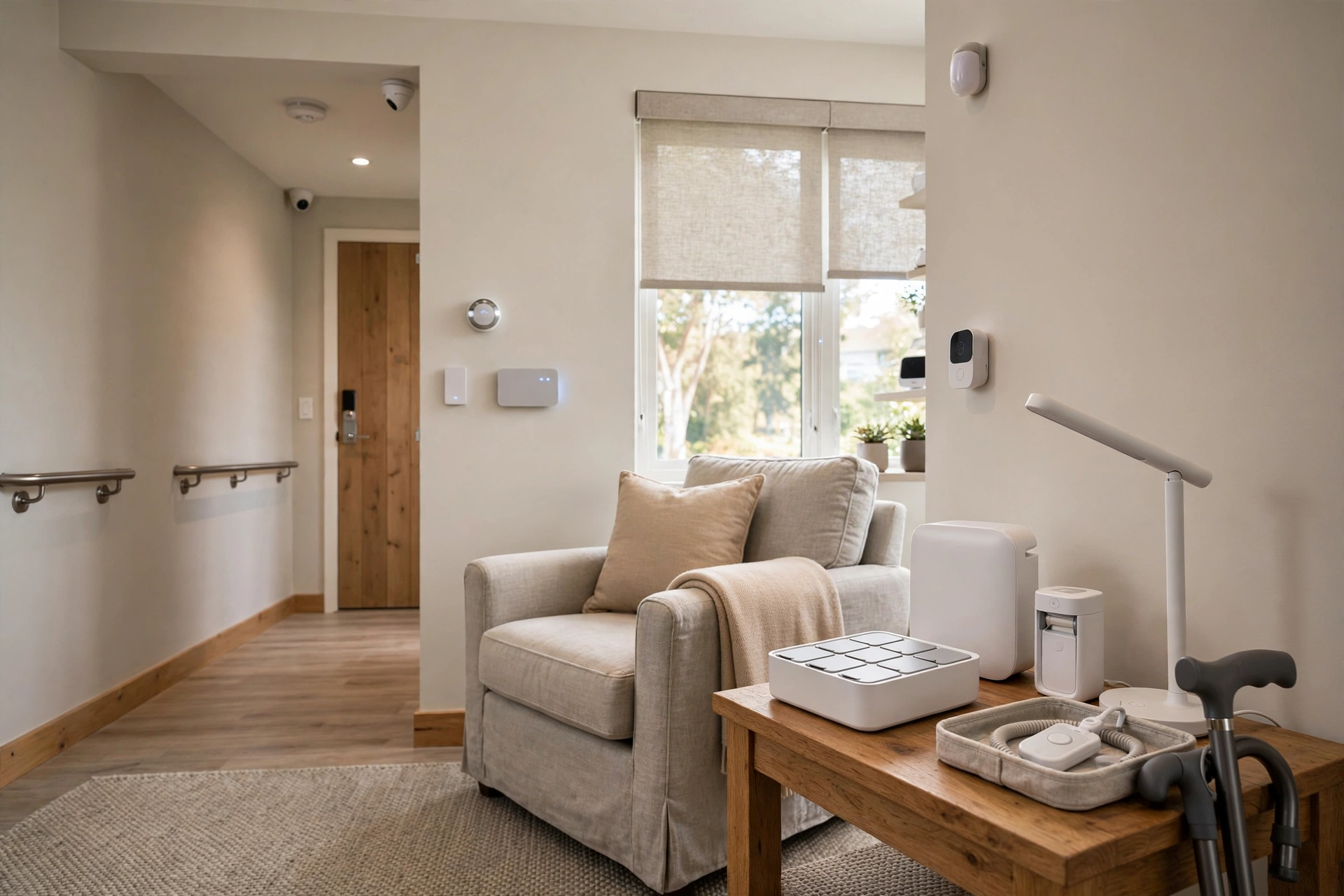
Smart Home Aging in Place: The Practical Tech Stack
Key takeaways
- Start with the foundation: reliable mesh Wi-Fi and one voice control platform — everything else depends on them.
- Motion-sensor nighttime lighting paths are the highest-impact safety upgrade, directly addressing the most common serious home falls.
- Layer safety tech: radar-based fall detection (no cameras, no wearables), stove auto-shutoff, and leak sensors with an automatic water shutoff valve.
- Video doorbells, smart locks, and remote thermostats deliver daily convenience plus remote reassurance for family.
- Protect privacy deliberately: cameras at entries only, prefer local processing, and make family monitoring explicitly consensual.
The most powerful aging-in-place upgrade isn't a grab bar or a wider doorway — it's the house itself paying attention. Lights that turn on before you reach the hallway. A stove that can't be left on. A doorbell that shows you who's there without getting up. Done thoughtfully, smart home technology extends independent living by years, and it does so invisibly: no wearables to remember, no pendants to charge, no feeling of being monitored.
This guide lays out a practical, layered tech stack for affluent homeowners planning ahead — what to install first, what each layer costs in 2026, how the pieces work together, and the privacy trade-offs worth understanding before you buy. The philosophy throughout: technology should reduce effort and worry, never add complexity.
Start with the foundation: voice control and a reliable network
Every other device in this guide works better with two foundations. First, a robust home network — a mesh Wi-Fi system with coverage in every room, including the garage and patio, professionally installed if your home is large or has challenging construction. Smart devices on a flaky network aren't smart; they're frustrating.
Second, voice control through a mainstream platform (Amazon Alexa, Google Home, or Apple HomeKit). Voice is the great equalizer: it works with arthritic hands, low vision, and limited mobility alike. "Turn on the kitchen lights," "lock the front door," "call my daughter" — no phone to find, no app to open. Choose one platform and standardize on it; a house split across three ecosystems is a house nobody fully controls.
Moen Home Care 24-Inch Stainless Steel Concealed Screw Grab Bar (8724)

Supports up to 500 lbs with SecureMount anchoring in showers and tubs
*Affiliate Disclosure: As an Amazon Associate, Elevate Home earns from qualifying purchases. Pricing and availability subject to change.
Layer 1: Lighting that anticipates you
Automated lighting is the highest-impact, lowest-friction upgrade in the entire smart home. Falls happen most often at night, in the dark, on the way to the bathroom — and this layer directly addresses that.
- Motion-sensor path lighting: low-level lights along the bedroom-to-bathroom route that fade on automatically at night. No switches to find, no blinding overheads at 3 a.m.
- Smart switches and dimmers on main fixtures, controllable by voice, schedule, or phone. Set entryway and kitchen lights to come on at dusk automatically.
- Gradual wake lighting: bedroom lights that ramp up gently in the morning — easier on aging eyes than a sudden blast.
A whole-home lighting layer professionally installed typically runs $2,000–$8,000 depending on home size, covering smart switches, sensors, and setup. Costs are 2026 US market ranges; get itemized local quotes. Have a licensed electrician handle any switch or fixture replacements — smart switches still involve mains wiring.
Layer 2: Safety systems that watch without hovering
Fall detection and emergency response
Traditional medical alert pendants work, but compliance is their weakness — they only help if worn. Newer options reduce that burden: smartwatches with automatic fall detection that call emergency services if you don't respond, and a new generation of wall-mounted radar sensors that detect falls in a room with no wearable and no camera. The radar sensors are particularly dignified — they see movement patterns, not images — and typically cost a few hundred dollars per room plus installation.
Stove and appliance shutoff
Forgetting a burner is one of the most common and dangerous kitchen incidents. Smart solutions range from induction cooktops with automatic shutoff timers to aftermarket stove monitors that cut power when they detect unattended cooking or smoke. A smart stove shutoff device professionally installed typically costs $400–$900. If you're renovating anyway, specify appliances with built-in auto-shutoff — it's a standard feature on quality induction ranges.
Water leak and temperature monitoring
Leak sensors under sinks, behind toilets, and near the water heater — paired with an automatic main water shutoff valve — can prevent the kind of slow-leak damage that devastates homes and displaces residents for months. A sensor set plus auto-shutoff valve professionally installed runs $800–$2,000. Temperature and humidity sensors in the same system can alert family if the home gets dangerously cold (furnace failure) or hot.
Layer 3: Entry, access, and peace of mind
Video doorbells and smart locks are the most immediately appreciated devices in this entire guide. See and speak to visitors from the couch, the bedroom, or across the country. Grant a caregiver or family member a temporary code instead of hiding a key. Auto-lock the door at night on a schedule. A quality video doorbell plus smart deadbolt professionally installed costs $500–$1,200.
Garage and gate control matters more than people expect: checking "did I close the garage?" from bed, or opening it for a visiting nurse without getting up, removes real daily friction. Smart thermostats with remote sensors keep the bedroom at the right temperature overnight and let family confirm the heat is on during a cold snap — a genuine safety feature in northern winters.
Layer 4: Health-adjacent conveniences
Beyond safety, a few devices meaningfully smooth daily life. Voice-controlled blinds and shades eliminate corded blinds (a strangulation hazard for visiting grandchildren, incidentally) and the daily reach to high windows. Robot vacuums handle the floors that bending and pushing make difficult. Smart medication dispensers — locked, scheduled, and alerting — support complex medication routines with dignity rather than nagging. None of these are medical devices; all of them reduce the small frictions that accumulate into "I can't manage alone."
| Layer | Key devices | Typical 2026 installed cost | Impact |
|---|---|---|---|
| Foundation | Mesh Wi-Fi, voice platform | $400–$1,500 | Enables everything else |
| Lighting | Smart switches, motion path lights | $2,000–$8,000 | Nighttime fall prevention |
| Safety | Fall detection, stove shutoff, leak sensors + auto valve | $1,500–$4,000 | Fire, flood, and emergency protection |
| Entry & comfort | Video doorbell, smart lock, thermostat, shades | $1,500–$5,000 | Daily convenience, remote reassurance |
Privacy: the conversation worth having
Smart home devices collect data — that's how they work. The dignified approach is informed choice, not avoidance. A few principles:
- Prefer local processing where available: some platforms process voice commands and automation on a hub in your home rather than in the cloud. Ask about this when choosing.
- Cameras belong at entries, not in living spaces. Video doorbells and exterior cameras are reasonable; indoor cameras in bedrooms and bathrooms are not — use radar-based fall sensors instead.
- Read the data policy of any device with a microphone or camera. Prefer established platforms with clear, published privacy commitments over obscure bargain brands.
- Family access should be consensual. Remote monitoring by adult children can be a wonderful safety net or an intrusive panopticon — the difference is an explicit conversation about what gets shared and when.
"The families who do this best treat it like estate planning: a calm, explicit conversation while everyone is well. 'Here's what the house will do, here's who sees what, and here's how we change it.' Technology without that conversation breeds resentment."
Putting the stack together
You don't need everything at once. A sensible sequence: network and voice first, then nighttime lighting paths, then the safety layer (leak shutoff, stove monitoring, fall detection), then entry and comfort devices. Budget $5,000–$15,000 for a comprehensive professionally installed stack in a large home — less if you're handy with the simpler devices, more with extensive lighting and shading. Costs are 2026 US market ranges; get itemized local quotes.
Consider a professional smart-home integrator for the full stack rather than assembling it piecemeal. The value isn't just installation — it's a single coherent system with one app, one voice platform, and one person to call when something misbehaves. For the person living there, the technology should feel like the house simply became more considerate. That's the whole point: not a smarter home, but an easier life in the home you love.
Amazon Echo Dot (5th Gen, 2022 Release)

A strong alternative to our top pick — compare features and reviews before you buy.
*Affiliate Disclosure: As an Amazon Associate, Elevate Home earns from qualifying purchases. Pricing and availability subject to change.
Frequently asked questions
What smart home devices should I get first for aging in place?
Start with a reliable mesh Wi-Fi network and a voice control platform, then add motion-sensor nighttime lighting paths. Those two steps deliver the most independence per dollar. Add safety devices (leak shutoff, stove monitoring, fall detection) next, then entry and comfort devices.
Is smart home technology worth the cost for seniors?
It's the most cost-effective safety upgrade available. A professionally installed lighting layer typically runs $2,000–$8,000 and directly addresses nighttime falls — the most common serious home accident. Voice control adds accessibility for arthritic hands and low vision at minimal cost.
What's the best fall detection that doesn't use cameras?
Choose radar-based fall sensors, which detect falls by movement pattern with no camera and no wearable. Smartwatches with automatic fall detection are the mainstream alternative. Traditional pendant alarms work but only help if worn consistently.
How do I protect privacy with smart home devices?
Use cameras only at entries and exteriors — never in bedrooms or bathrooms. Prefer platforms with local (in-home) processing and published privacy policies. And have an explicit family conversation about who can see what; consensual monitoring is a safety net, secret monitoring is a problem.
Should I hire a professional to install smart home aging-in-place tech?
Yes — this is one of the strongest arguments for professional installation. A smart-home integrator delivers one coherent system: one app, one voice platform, scheduled maintenance, and a single support number. Piecemeal DIY setups across three ecosystems are what give smart homes a bad name.
Can smart home tech really delay the need for assisted living?
It can meaningfully extend it — some gerontologists describe well-designed home technology as adding years of safe independent living. But it's a complement to, not a replacement for, human connection: regular visits, community, and professional care when needed. Technology handles the house; people handle everything else.
Keep reading
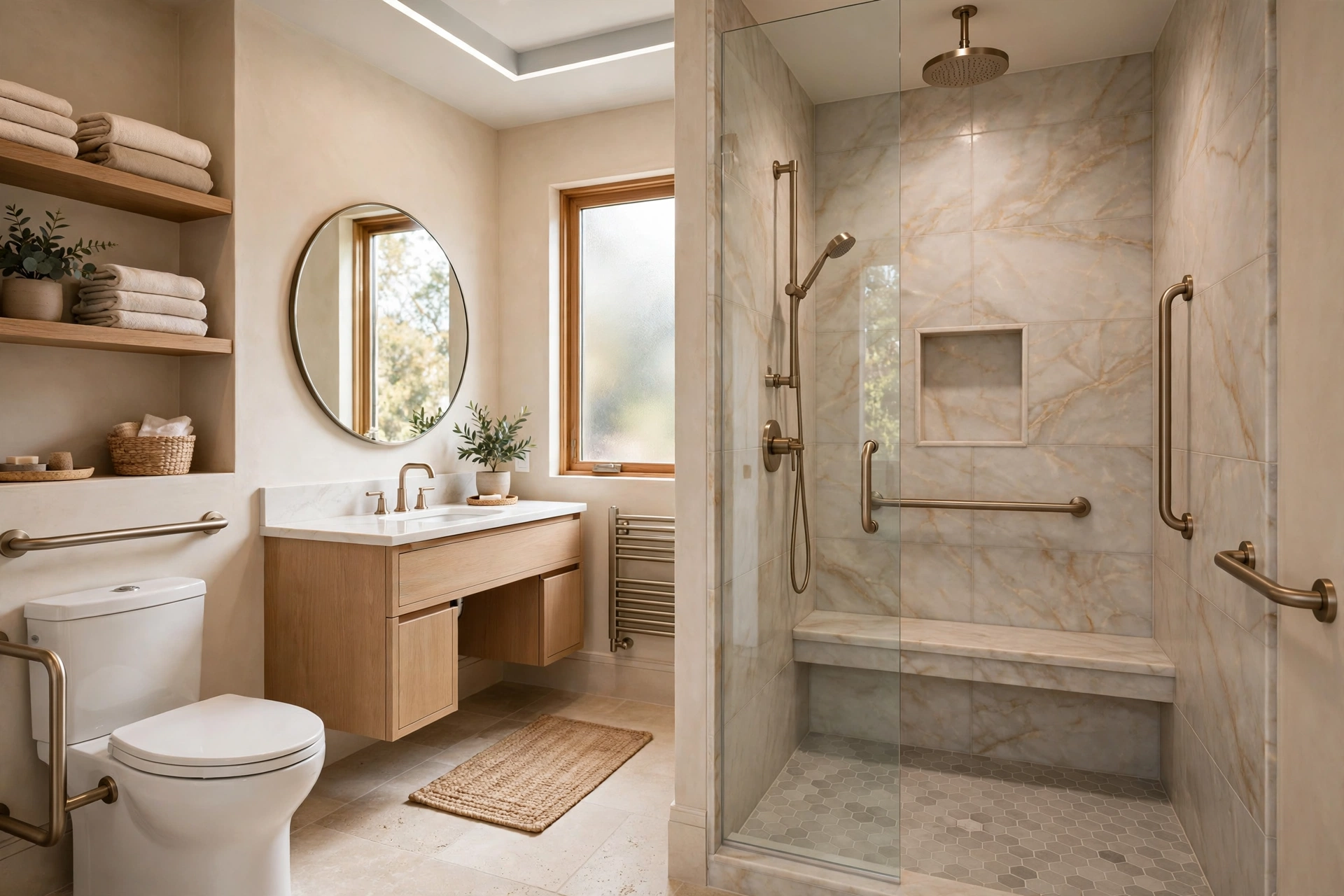
Cost Guide
Aging in Place Renovation Cost: 2026 Luxury Guide.
High-end aging in place renovation cost in 2026: US cost ranges for luxury accessible bathrooms, kitchens, lig…
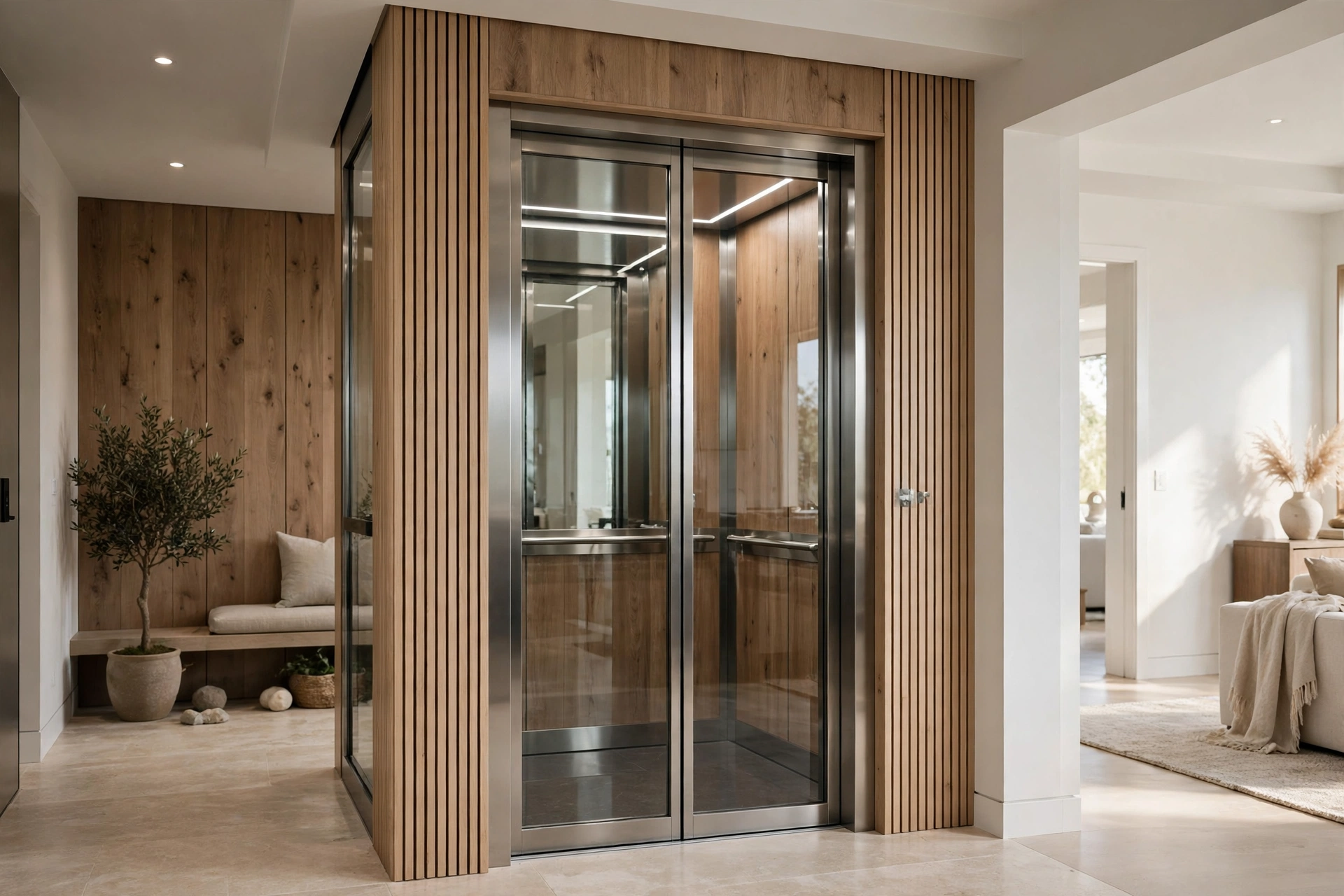
Comparison
Home Elevator Cost vs Stairlift: 2026 Comparison Guide
Home elevator cost vs stairlift: compare 2026 US cost ranges, space needs, aesthetics, maintenance, and resale…
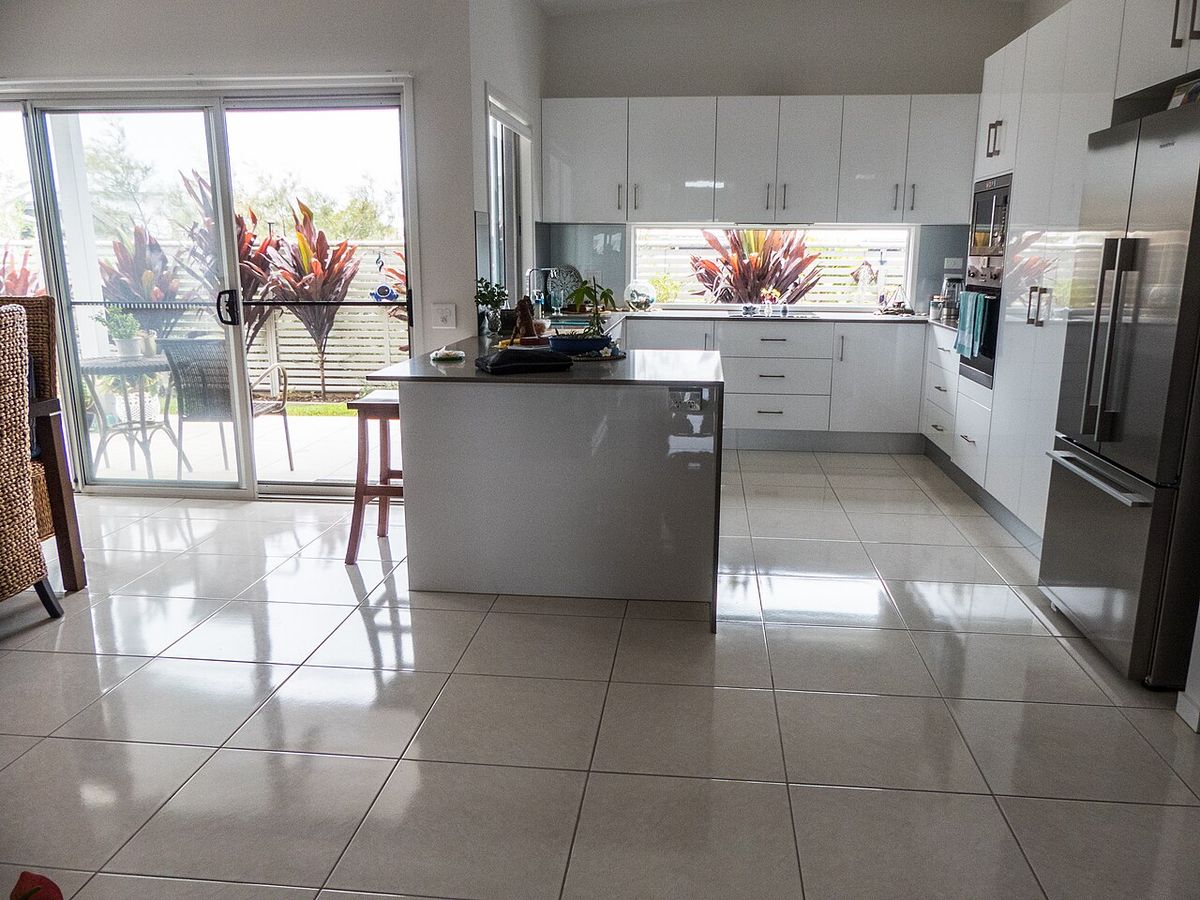
Design Guide
Accessible Kitchen Design: A Luxury Guide for Ageless Homes
Accessible kitchen design doesn't have to look clinical. Counter heights, appliance placement, lighting and co…
Comparison
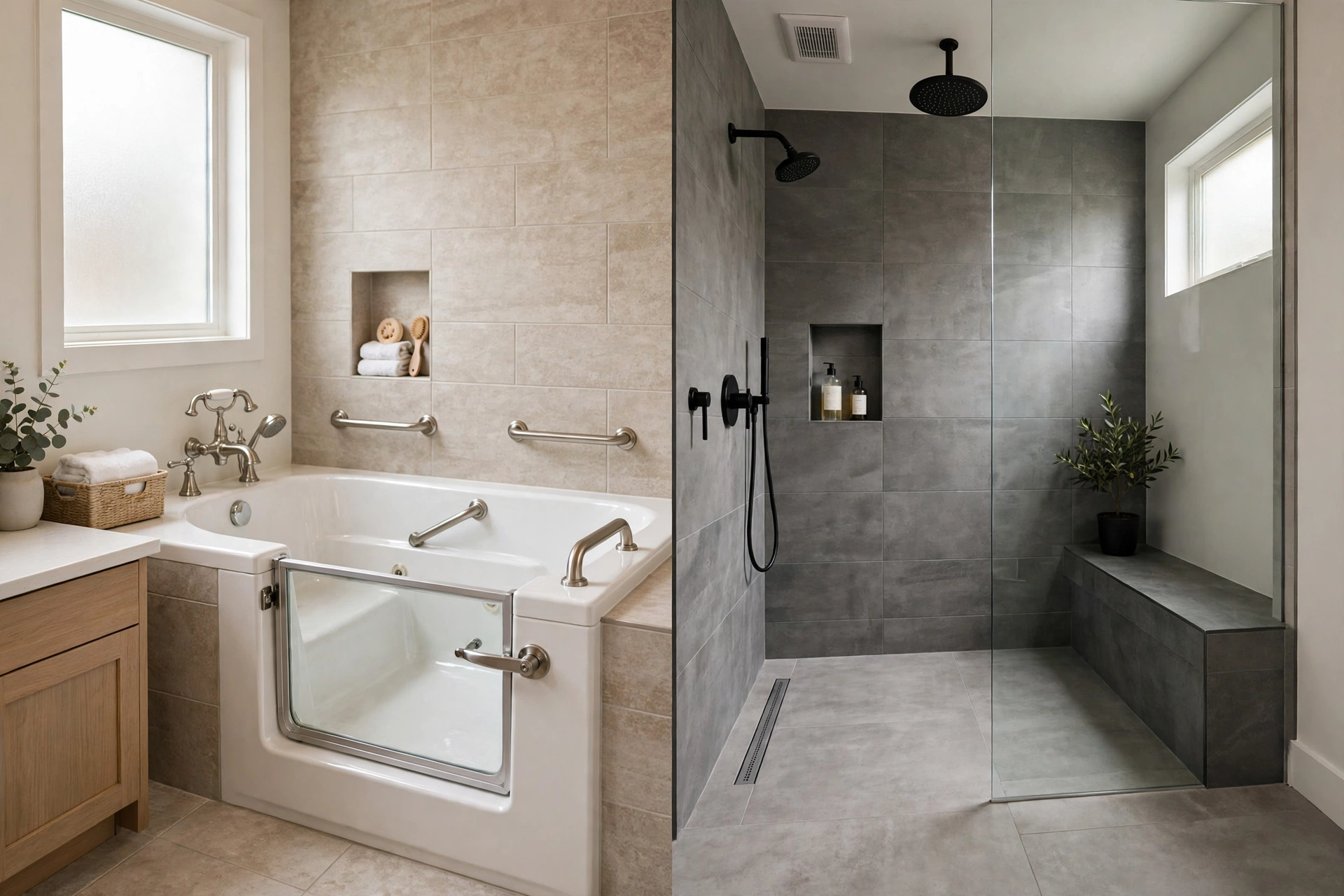
Walk In Tub vs Curbless Shower: Honest 2026 Comparison
Walk-in tub vs curbless shower: honest 2026 costs, accessibility, cleaning, and resale compared. Which bathing…
Interactive Tool
Aging in Place Renovation Cost Estimator 2026 Guide
Budget your aging-in-place renovation with our interactive estimator. Price accessible bathrooms, kitchens, el…
Transfer Equipment
100A vs 200A Automatic Transfer Switch
100 amp vs 200 amp transfer switch: service-entrance vs subpanel topology, when each is required, costs, and l…