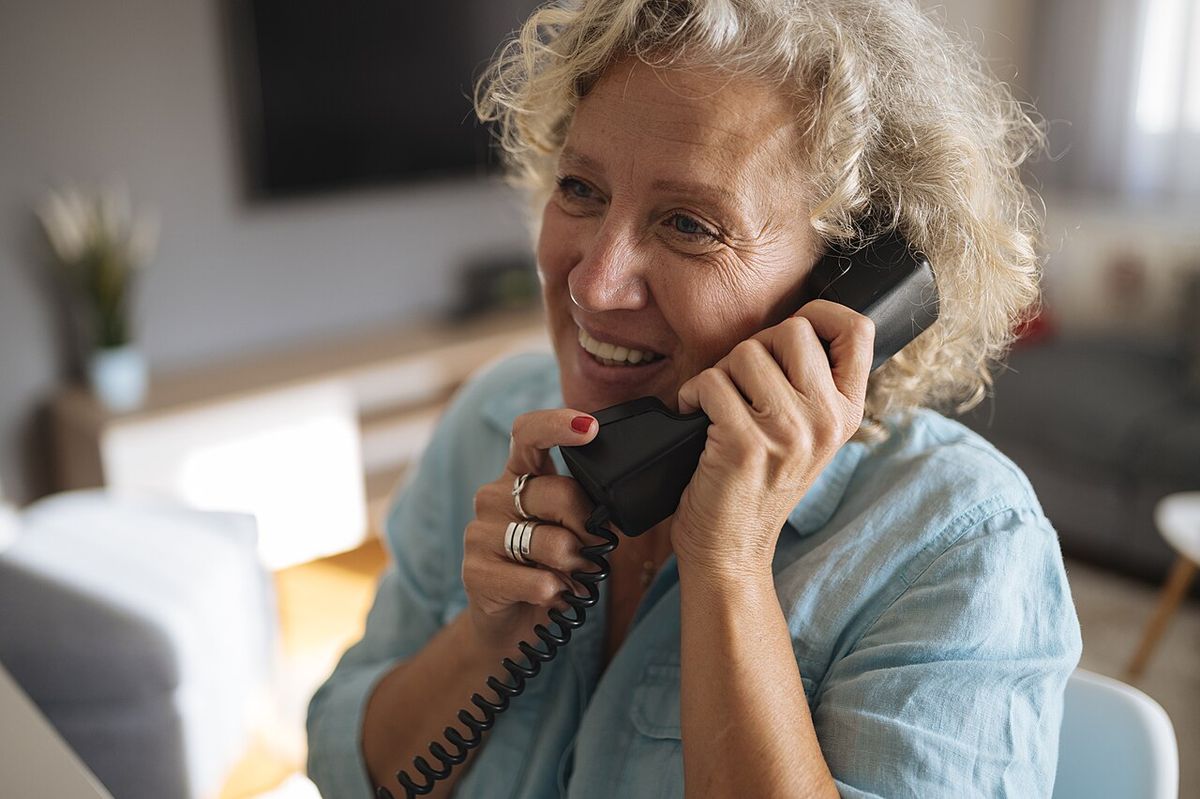
Fall Detection Systems for Seniors: Guide
Key takeaways
- Fall detection comes in three forms — wearables, home sensors, and pendant-based medical alert systems — and the right choice depends on whether the senior will reliably wear a device.
- Wearable watches detect falls with reasonable accuracy but suffer false alarms from hard arm movements; radar-based home sensors need no wearable but cost more upfront.
- A monitoring plan (who answers the alert, 24/7) matters more than the sensor: unmonitored systems that only text family fail when family misses the message.
- Expect $200–$500 for equipment plus $25–$60/month for monitored medical alert service; installed home-sensor systems run $1,000–$3,500.
- Trial the system for two weeks and deliberately trigger test alerts — false-alarm rate in your parent's actual routine is the number that decides.
A fall is the event every family dreads: a parent alone, on the floor, unable to reach the phone. Fall detection systems for seniors exist to close exactly that gap — sensing the fall and summoning help when the person cannot. But the market is crowded with watches, pendants, wall sensors, and radar units that all promise protection, and they differ enormously in what they actually detect, how often they cry wolf, and what happens after the alarm. This guide compares the three approaches honestly — wearables, home sensors, and pendant-based medical alert systems — on detection accuracy, false alarms, monitoring plans, and 2026 costs, so you choose the system your parent will actually keep using.
The uncomfortable starting point: no system detects every fall, and every system produces false alarms. Your job is not to find the perfect device. It is to match the technology to your parent's habits — especially whether they will reliably wear something every day — and to make sure a real human answers when the alarm goes off. Costs are 2026 US market ranges; get itemized local quotes.
Fall detection systems for seniors: the three approaches
Every product on the market falls into one of three architectures, and the differences matter more than any brand name. Wearables — smartwatches and wristbands with fall detection — use accelerometers and gyroscopes to sense the signature of a fall: a sudden drop followed by stillness. Home sensors — radar or infrared units mounted on walls or ceilings — watch rooms for the same signature without anything worn on the body. Pendant-based medical alert systems combine a wearable button or automatic fall-detection pendant with a base station and a 24/7 professional monitoring center.
The decision tree starts with one question: will your parent wear a device consistently, including in the bathroom? Falls cluster in bathrooms and bedrooms, often at night — precisely when watches come off for charging and pendants get left on the nightstand. If the honest answer is “probably not always,” that pushes you toward home sensors or at minimum a system with strong passive coverage. If your parent already wears a watch daily and charges it religiously, a wearable is the least intrusive path.
| Factor | Wearables (smartwatch / band) | Home sensors (radar / IR) | Pendant + monitoring center |
|---|---|---|---|
| Needs to be worn | Yes — on the wrist, charged | No — mounted in rooms | Yes — pendant or wristband |
| Coverage | Everywhere the person goes | Only in rooms with sensors | Everywhere within base-station range |
| Bathroom falls | Only if worn in bathroom | Covered if sensor installed there | Only if pendant worn |
| False-alarm tendency | Moderate — hard arm motions | Low–moderate — pets, curtains | Low automatic; manual button can be forgotten |
| Who responds | You (app alerts) or emergency services | You (app alerts) or optional monitoring | 24/7 professional monitoring center |
| Typical 2026 cost | $200–$500 device, no monthly fee | $1,000–$3,500 installed | $50–$200 equipment + $25–$60/month |
| Best fit | Active seniors who wear a watch anyway | Seniors who won't wear devices; couples | Living alone; wants a human to answer |
GE Plug-in LED Motion Sensor Night Light (40 Lumens 2-Pack)

Illuminates hallways and stairs automatically without disturbing sleep
*Affiliate Disclosure: As an Amazon Associate, Elevate Home earns from qualifying purchases. Pricing and availability subject to change.
Wearables: the watch they already wear
Mainstream smartwatches with fall detection (roughly $200–$500) are the most popular option for a simple reason: millions of seniors already wear a watch, so protection rides along with a habit that exists. When the watch senses a hard fall, it taps the wrist, sounds an alarm, and displays an emergency call option; if the wearer doesn't respond within about a minute, it calls emergency services and notifies emergency contacts with a location.
Detection accuracy is genuinely good for the classic scenario — a standing-height fall followed by immobility. It is weaker for slow slides down a wall, falls from a chair or bed (lower height, softer signature), and falls where the person immediately gets up and moves around (the watch may conclude no help is needed — sometimes correctly, sometimes not). False alarms come from the opposite direction: clapping hard, swinging a tennis racket, chopping wood, or catching a heavy object can trigger alerts. Most users learn to dismiss false alarms within the countdown window, but a parent with cognitive decline or slow reaction time may not — which turns false alarms into 911 calls.
The practical failure mode is charging. A watch on the charger at 2 a.m. protects nobody, and nighttime bathroom trips are a peak fall window. If you go the wearable route, establish a daytime charging habit — charge while showering or watching the evening news, never overnight. And confirm the watch has cellular connectivity or the phone is always nearby; a watch that needs the phone in the next room is a watch that can't call for help from the bathroom floor.
Home sensors: protection without anything to wear
Radar-based fall detection sensors — small wall- or ceiling-mounted units, typically $200–$400 per sensor plus installation, with whole-home systems running $1,000–$3,500 — watch rooms continuously for the motion signature of a fall. They need no wearable, no charging, no remembering. For the parent who won't wear a device, or a couple where either partner might fall, this is the architecturally honest answer.
The technology has matured significantly: modern millimeter-wave radar distinguishes a fallen person from a pet, a dropped pillow, or curtains moving in a draft far better than the passive infrared sensors of a decade ago. But physics still imposes limits. Sensors cover the rooms they're in — hallways, stairwells, and the spaces between sensors are blind spots unless you add units. Bathrooms, where falls are most common and most dangerous, need a sensor rated for humidity and positioned to see the floor around the toilet and tub; confirm this explicitly with the installer rather than assuming.
Privacy is the honest objection to raise. A radar sensor doesn't produce video — it sees blobs and motion signatures, not images — but it does know which room someone is in, at all hours. For most families this is an acceptable trade for fall coverage, and it reads as far less surveillant than cameras. Discuss it openly with your parent; consent given freely is what keeps the system plugged in.
Pendant systems with monitoring: the classic medical alert
The traditional medical alert system — a pendant or wristband button plus a base station, backed by a 24/7 monitoring center — remains the right answer for many seniors living alone, and the category has added automatic fall detection to the classic push-button. Equipment typically runs $50–$200 (sometimes free with contract), with monitoring at $25–$60 per month depending on features: automatic fall detection, GPS for away-from-home coverage, and caregiver app access each add to the tier.
The monitoring center is the whole point. When an alarm triggers — button press or automatic detection — a trained operator speaks through the base station or the pendant itself, assesses the situation, and dispatches family, neighbors, or emergency services per the care plan you set up. For a parent living alone, this closes the loop that self-monitored systems leave open: with a watch or sensor that only texts family, a fall at 3 a.m. waits until someone wakes up and checks their phone.
Two things to verify before signing. First, the cancellation and contract terms — some providers lock in annual contracts with steep cancellation fees; prefer month-to-month or clear trial periods. Second, the fall-detection pendant's wearability: it must be waterproof (showers are a top fall location), lightweight enough to forget, and have a battery that lasts months, not days. A pendant that needs weekly charging will live in a drawer.
Detection accuracy and the false-alarm problem
Set expectations with numbers, not adjectives. No consumer system publishes audited detection rates you can take to the bank, and independent testing suggests real-world sensitivity in the 80–95% range for clear falls, lower for slow or partial falls. That means roughly one in ten to one in twenty real falls may not trigger an automatic alert — which is why every system should be treated as a layer, not a guarantee, and why the manual button or voice call-for-help remains essential backup.
False alarms are the tax on sensitivity. A system tuned to catch nearly every fall will also flag some non-falls, and the household's tolerance for this decides long-term success. During a two-week trial, deliberately trigger test alerts and log every false alarm: what caused it, what time, who got notified. More than a couple of false alarms a week — especially ones that reach a monitoring center or 911 — will train your parent to take the device off. That trial data is worth more than any brochure claim.
One underappreciated accuracy factor: the floor. Falls onto thick carpet or a bed produce softer signatures than falls onto tile. If your parent's highest-risk room has wall-to-wall carpet, mention it to the provider and ask how their system handles it. And remember that no sensor prevents the fall — grab bars, lighting, and clutter removal (see our home safety coverage) do more to reduce fall risk than any detector.
Monitoring plans: who answers at 3 a.m.?
This section matters more than the hardware. An alert nobody answers is just a notification, and the 3 a.m. scenario is the one you're buying protection for. Map the response chain explicitly before you buy: sensor triggers → who is contacted first, second, third → what happens if nobody answers → who has a house key → which neighbor or nearby contact can reach the home fastest.
Professional monitoring ($25–$60/month) buys a staffed center that answers in under a minute, follows your care plan, and stays on the line with your parent until help arrives. Self-monitored systems (most watches and home sensors) text or call family members — free, but only as reliable as the family's phone habits. A sensible hybrid many families use: a monitored pendant for the parent living alone, plus a smartwatch for the active hours. Redundancy here is a feature, not waste.
Whatever you choose, run a live drill in the first week. Trigger the system, confirm the alert reaches the right people, confirm the monitoring center has the current key-holder and gate-code information, and confirm your parent knows what happens when they press the button — many seniors fear “bothering” the monitoring center and won't press it. Tell them explicitly: pressing it is the job.
2026 cost ranges
Smartwatch with fall detection: $200–$500 one-time, no monthly fee (cellular models may add $10–$15/month to a phone plan). Pendant medical alert with 24/7 monitoring: $50–$200 equipment plus $25–$60/month. Installed radar home-sensor system: $1,000–$3,500 depending on room count, with optional monitoring add-ons of $15–$30/month.
Costs are 2026 US market ranges; get itemized local quotes.
Watch for the pricing traps: long contracts with cancellation fees, equipment “free” only with a 2–3 year commitment, and tier creep where fall detection, GPS, and caregiver apps are each a separate add-on. Get the all-in monthly number in writing for the exact feature set you want, and ask what happens to the equipment if you cancel.
“Buy the response, not the sensor. The best fall detector in the world is useless if the alert goes to a phone on silent at 3 a.m.”
Next steps: choosing and testing
Start with the wearability question, answered honestly about your specific parent — not the idealized version. Then get itemized quotes for one option in each architecture you're considering: a smartwatch, a monitored pendant system, and an installed sensor quote for the highest-risk rooms. Insist on a trial period (30 days is standard for monitored services), run the two-week false-alarm log, and do the live drill in week one.
Revisit the decision yearly or after any health change — a new medication that causes dizziness, a joint replacement, or the early stages of cognitive decline all change which system fits. And pair the technology with the unglamorous work: better lighting, grab bars, cleared pathways, and non-slip surfaces. The sensor is the backup plan; the home itself is the primary protection. Costs are 2026 US market ranges; get itemized local quotes.
LogicMark Freedom Alert Landline Personal Emergency Device

A strong alternative to our top pick — compare features and reviews before you buy.
*Affiliate Disclosure: As an Amazon Associate, Elevate Home earns from qualifying purchases. Pricing and availability subject to change.
Frequently asked questions
How accurate are fall detection watches, really?
Good for classic falls — a standing-height drop followed by stillness — with real-world sensitivity often cited in the 80–95% range. They're weaker on slow slides, falls from bed or chairs, and cases where the person gets up immediately. Treat any system as one layer of protection, not a guarantee, and keep a manual call-for-help option as backup.
Do I need the monthly monitoring plan, or is the watch enough?
For a senior living alone, the monitoring plan is usually worth it: a staffed center answers in under a minute and follows your care plan at 3 a.m., when family members' phones are on silent. A watch alone only texts family — fine as a supplement, risky as the only response chain for someone truly alone.
My parent won't wear a pendant. What are the options?
Radar-based home sensors mounted on walls or ceilings detect falls with nothing worn on the body — the honest answer for device-resistant seniors. They cover only the rooms they're installed in, so prioritize the bathroom, bedroom, and the path between them, and confirm bathroom placement explicitly with the installer.
How do I deal with false alarms?
Run a two-week trial and log every false alarm — cause, time, and who was notified. More than a couple per week will train your parent to remove the device. Most systems let you adjust sensitivity or set a longer cancellation window; find the setting where real falls still trigger but daily life doesn't, and confirm it with deliberate test alerts.
Are radar fall sensors a privacy problem?
Less than cameras: radar sees motion signatures and room occupancy, not images or identifiable video. It does know which room someone is in around the clock, so discuss it openly with your parent. Consent given freely is what keeps the system installed and working.
What should I check before signing a medical alert contract?
Four things: contract length and cancellation fees (prefer month-to-month or a clear trial period), the all-in monthly price for your exact feature set, whether the pendant is waterproof with a months-long battery, and that the monitoring center has your current key-holder, gate code, and care plan. Get the pricing in writing.
Keep reading
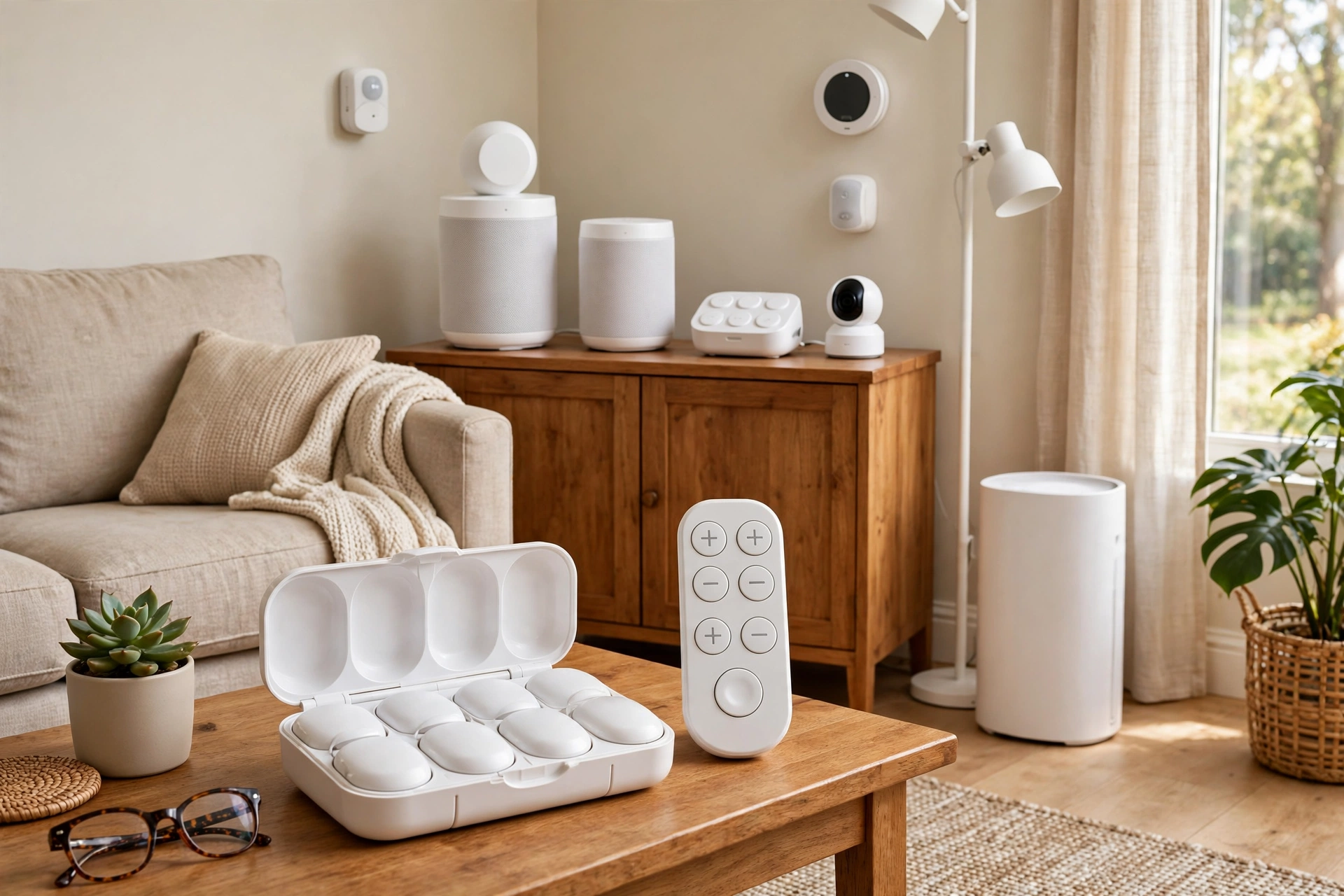
Senior Tech
Smart Home Tech for Seniors: 2026 Guide
Smart home technology for seniors, honestly assessed: what aging parents actually use, what gets abandoned, 20…
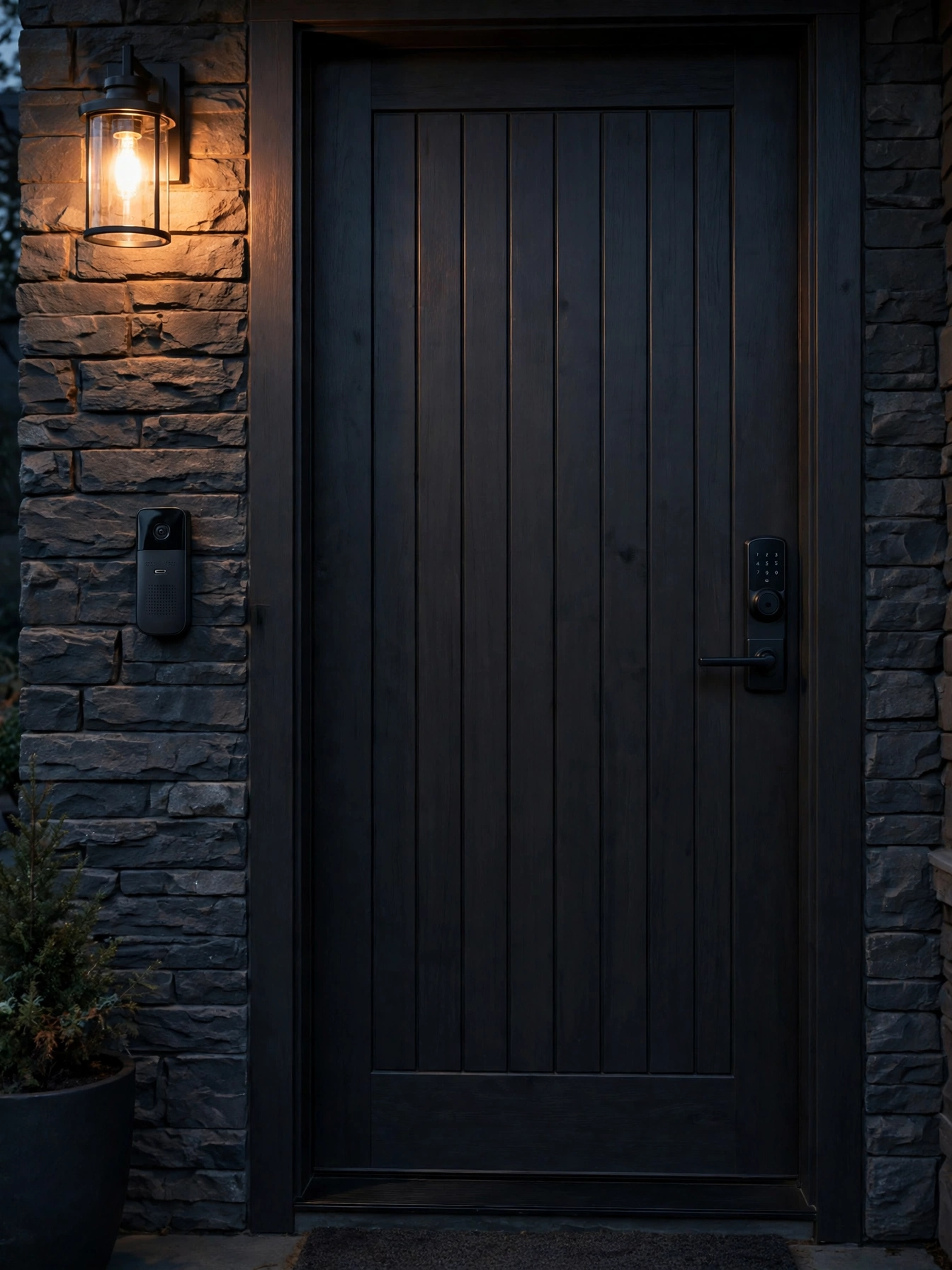
Senior Tech
Smart Locks & Doorbells for Seniors: Guide
Smart locks for seniors compared: keypad vs fingerprint vs voice, video doorbells with large displays, package…

Condition Guides
Aging in Place with Parkinson’s: Home Guide
Aging in place Parkinson’s home modifications: freezing-of-gait flooring, grab-bar sequencing, tremor-fr…
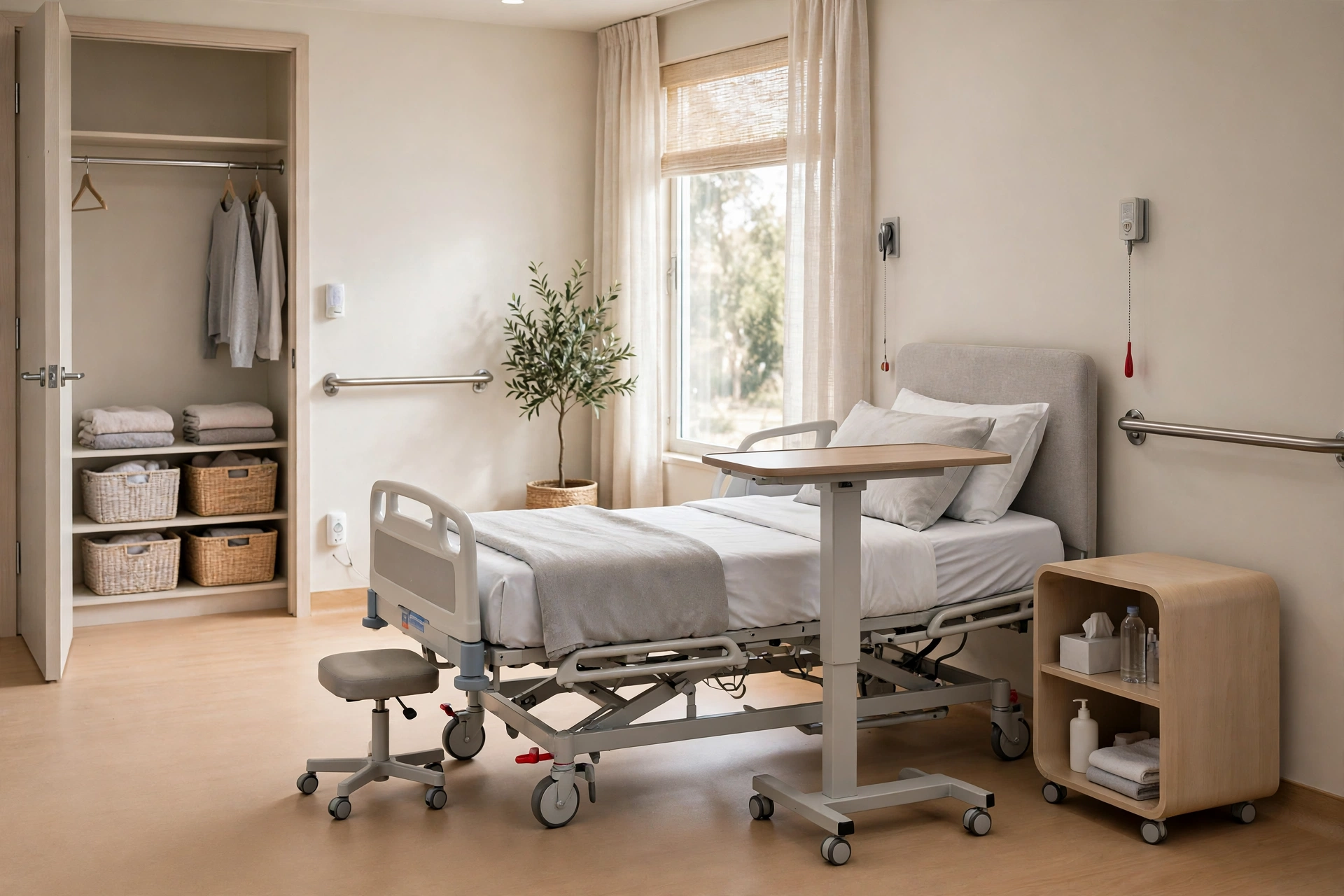
Caregiving
Setting Up Home for a Live-In Caregiver
Setting up home for a live-in caregiver: private quarters, bath access, privacy boundaries, safety without sur…
Interactive Tool
Aging in Place Renovation Cost Estimator 2026 Guide
Budget your aging-in-place renovation with our interactive estimator. Price accessible bathrooms, kitchens, el…

Transfer Equipment
100A vs 200A Automatic Transfer Switch
100 amp vs 200 amp transfer switch: service-entrance vs subpanel topology, when each is required, costs, and l…