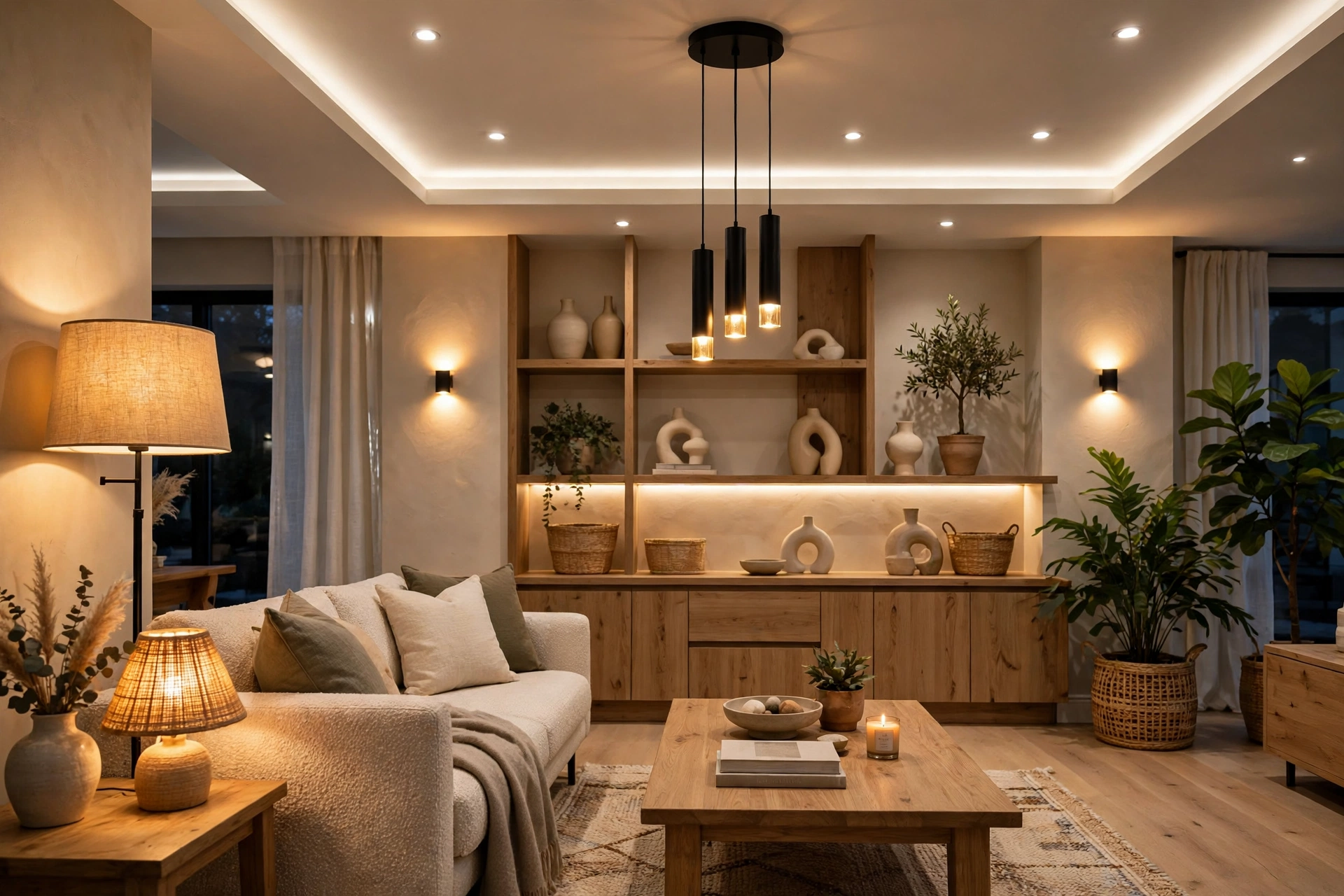
Lighting Scenes Design Guide: 2026
Key takeaways
- Design for the weekly-press test: six to eight scenes with life-based names (Evening, Cooking, Movie, Goodnight) beat thirty forgotten presets.
- Goodnight from the bedside keypad — whole house to path-light levels — is the most-loved scene in residential lighting; never ship without it.
- Tune scenes in place during an evening walkthrough; levels set at noon in an empty house will be wrong at night.
- Pair shades with scenes as single actions ('Movie' closes shades and dims together) — that's what makes integrated systems feel worth it.
- Budget pro programming at $1,500–$5,000 including the evening tune-in plus one post-occupancy tweak session a month later.
The difference between a house with smart lighting and a house with great lighting is scenes. Individual dimmers and app sliders are ingredients; a scene — one button that sets every light in the space to the right level, color, and combination for what you are actually doing — is the meal. And yet most lighting systems ship with a handful of generic presets nobody uses, because nobody designed the scenes around the household’s real life.
This smart lighting scenes design guide is about designing scenes that get pressed daily: the core scene set every home needs, the design rules that keep scenes useful instead of overwhelming, keypad layouts and engraving that make scenes findable in the dark, programming and commissioning details, how scenes pair with shades, and the mistakes that turn a $20,000 lighting system into a wall of confusing buttons. Costs are 2026 US market ranges; get itemized local quotes for programmed systems.
What a scene actually is (and is not)
A scene is a stored combination of light levels — and, where the hardware supports it, color temperatures and shade positions — recalled by a single action: a keypad button, a voice command, a time trigger, or a sensor. “Evening” might mean the kitchen pendants at 60%, the island task lighting off, the living room lamps at 30% warm, and the shades lowered. One press, whole mood.
What a scene is not: a party trick. If a scene exists but nobody presses it, it is clutter — in the app, on the keypad, and in the commissioning budget you paid for. The test of every scene in this guide is brutal and simple: will someone press this button at least weekly? If not, it does not ship. A system with six beloved scenes beats a system with thirty forgotten ones, and it costs less to program.
Kasa Smart Plug with Energy Monitoring (EP25 4-Pack)

Automates scheduling and tracks electricity draw on individual plugs
*Affiliate Disclosure: As an Amazon Associate, Elevate Home earns from qualifying purchases. Pricing and availability subject to change.
The core scene set: the scenes every home needs
Across hundreds of real installations, the same handful of scenes earns daily use. Start here and add only what your household’s life demands.
Morning / Wake. Gentle ramp-up rather than full blast: bedroom and bath path lights rise over 10–20 minutes, kitchen to a bright but warm work level. The point is supporting the body’s wake cycle, not interrogation lighting. If you have tunable-white fixtures, this is where a cooler morning temperature earns its keep.
Cooking / Task. Full, bright, even light where work happens — kitchen counters, island, pantry — while adjacent living spaces stay comfortable. Task scenes should be the brightest in the house; everything else is tuned relative to them.
Evening / Relax. The workhorse: living areas drop to warm, low levels — typically 20–35% on dimmers, color shifted warm on tunable systems. This is the scene the house lives in most hours, so tune it carefully during commissioning, in the actual evening, with the actual furniture.
Entertaining. Dining and gathering spaces set for guests: dining pendants at a flattering 40–60%, background areas low but not dark (guests should see where they are going), exterior and landscape lighting on. One button that makes the house party-ready is the scene guests remember.
Movie. Viewing-area lights to near-off, path lighting to a dim glow for safe movement, bias lighting behind the display if you have it. Pairs with shade closure in media rooms — scenes and shades programmed together feel like magic; programmed separately feel like chores.
Away / Vacation. Randomized occupancy simulation: lights follow believable patterns across evenings rather than a single timer’s rigid schedule. The best implementations vary timing nightly and include exterior lighting. This scene is security theater with real value — but only if the patterns look lived-in.
Goodnight. The whole house to off or night-path levels from the bedside keypad: a dim path from bedroom to bath and kitchen, everything else dark. This single button, reachable without getting up, is the most-loved scene in residential lighting. Do not ship a system without it.
Smart lighting scenes design rules: fewer, named for life, tuned in place
Rule one: cap the count. Six to eight scenes per area is the practical maximum before keypads become intimidating. It is better to have one great “Evening” than three near-identical variants nobody can distinguish. When a household asks for a ninth scene, the right response is usually to fix one of the eight.
Rule two: name scenes for life, not for lighting. “Evening,” “Cooking,” “Movie” — verbs and moments, not “Scene 4” or “Ambient B.” Engraved keypad buttons should read like the household talks: if the family says “movie time,” the button says Movie. Voice control follows the same logic — natural names are the difference between voice lighting that works and voice lighting that frustrates.
Rule three: tune in place, at the right time of day. Scene levels set at noon in an empty house will be wrong at 8 p.m. with furniture, art, and people. Insist that commissioning — whether by a dealer or by you — includes an evening walkthrough where every scene is viewed in its real conditions and adjusted. This single session determines whether the system feels bespoke or generic, and it is the part most often skipped.
Rule four: design the transitions, not just the endpoints. A scene that snaps from bright to dark feels broken; a two-to-four-second fade feels luxurious. Goodnight scenes can fade over ten seconds or more. These timings are free — they are just programming — and they separate professional results from amateur ones.
Keypad layouts that make sense in the dark
The keypad is the scene’s physical home, and its design decides whether scenes get used. The principles: group by area and by frequency. The buttons pressed daily — Evening, Goodnight, the room’s primary scenes — go at natural thumb positions, typically the top and center. Rarely used scenes (Away, seasonal) go lower or on a second page/screen.
Engraving is not decoration; it is usability. Every button gets a clear, backlit label in the household’s language. “All Off” must exist on bedroom and entry keypads and must do exactly what it says — the number of households where “All Off” leaves a mystery light on somewhere is a quiet scandal of the industry. Test every button in the dark, literally: if you cannot find and read the right button with the room dark, the layout failed.
For larger homes, use a consistent grammar across keypads: the same position always means the same kind of action (top button = brightest/task, bottom = off, middle = scenes). Consistency means a guest or a new housekeeper can operate any keypad in the house without a tutorial. Document the layout in the household manual — our maintenance guide covers that documentation habit.
Programming, commissioning, and what it costs
On pro platforms (Lutron RadioRA 3, HomeWorks, Control4, Savant), scene programming is dealer work — and it is a meaningful line item. Expect programming and commissioning to add roughly $1,500–$5,000 to a lighting project depending on scene count, keypad count, and integration with shades and AV. This is not padding; good commissioning is several site visits including the evening tune-in session.
On DIY platforms (Lutron Caséta, and similar), you are the programmer — which is fine, because the scene counts are smaller and the stakes are lower. The same design rules apply; the only difference is that the evening walkthrough is you walking around with the app, adjusting levels until they feel right. Give it the same seriousness a dealer would.
Either way, budget for one round of post-occupancy tweaks. Nobody — not the best designer alive — gets every scene right before the household lives with it. A month in, you will know that Evening is 10% too bright in the living room and that the kitchen needs a brighter Task variant for detailed cooking. Plan the tweak session upfront; systems that get it feel finished, and systems that do not feel perpetually “almost right.”
Scenes plus shades: the combination that sells the system
Lighting scenes reach their full potential paired with shade positions. “Movie” that also closes the media-room shades, “Morning” that raises bedroom shades with the light ramp, “Away” that manages shades for both privacy and heat gain — these combinations are what make integrated systems feel worth their price. Program them as single scenes, not as two separate actions the user must remember to combine.
The technical note: shades move slowly (a full traverse can take 30–60 seconds), so scene logic should command shades first and let lighting fades complete alongside. And always preserve manual override — a shade that cannot be stopped mid-travel by the wall control will eventually trap someone’s patience. Integration should reduce friction, never remove control.
Triggers beyond the keypad: sensors, schedules, and presence
Keypads are the primary interface, but the best scenes also fire on their own. Time-based triggers handle the predictable: exterior and landscape lighting on at sunset (astronomical clock, not a fixed time — sunset moves), Goodnight arming reminders at bedtime, Morning ramping with the alarm. Presence and sensor triggers handle the reactive: a motion sensor bringing the hallway path scene to 15% overnight so nobody fumbles in the dark, an occupancy sensor in the pantry firing Task lighting only while someone is in there.
The discipline is restraint. Automate the scenes whose timing is genuinely predictable — dusk, bedtime, arrival — and leave the judgment calls to buttons. The households that love their systems have a handful of invisible automations and deliberate manual scenes; the households that fight their systems usually have the ratio inverted, with motion sensors firing scenes nobody asked for at hours nobody wanted. Every automatic trigger should have an obvious manual override, and anyone in the house should be able to explain why each automation exists. If an automation surprises people, it is misconfigured — full stop.
Geofencing deserves a special caution. “Arrive home” scenes that light the house as you pull in are delightful when they work and maddening when the geofence drifts — which phone GPS does, regularly, especially in dense neighborhoods. Keep geofence-triggered scenes to low-stakes actions (entry path lighting, not disarming security or opening the garage), and always pair them with a manual alternative. Convenience that occasionally misfires is fine for lights; it is not fine for locks.
Common mistakes that ruin scene design
The hall of shame, all observed in real homes. Too many scenes: the 24-button keypad nobody touches except the top two buttons. Cryptic engraving: “Scene A” through “Scene F” might as well be blank. No All Off: the house can never be fully darkened from bed. Scenes tuned at noon: everything is wrong at night. No fade times: every transition snaps like a breaker. Shades not included: the “Movie” button leaves the room blazing with daylight. And the meta-mistake: designing for the demo rather than for Tuesday — scenes that impress visitors but ignore the household’s actual routines. Design for Tuesday; the demo takes care of itself.
Next steps: design on paper, tune in the evening
Before buying anything, write the scene list: walk through a typical day and a typical weekend, note every lighting moment that matters, and consolidate into six to eight scenes with life-based names. Sketch the keypad for each entry point — which buttons, in which order, engraved with what. Then get quotes: for pro systems, ask dealers to quote programming and commissioning as a separate line item including the evening tune-in and a post-occupancy tweak visit; for DIY, budget a weekend for installation plus an evening for tuning. The paper design costs nothing and determines everything. Costs are 2026 US market ranges; get itemized local quotes.
Kasa Smart Wi-Fi Light Switch Dimmer HS220

A strong alternative to our top pick — compare features and reviews before you buy.
*Affiliate Disclosure: As an Amazon Associate, Elevate Home earns from qualifying purchases. Pricing and availability subject to change.
Frequently asked questions
How many lighting scenes does a home actually need?
Six to eight scenes per area is the practical maximum — the core set most homes need is Morning, Cooking/Task, Evening, Entertaining, Movie, Away, and Goodnight. More than that and keypads become intimidating; it's better to have one great 'Evening' than three near-identical variants nobody can distinguish.
How should scenes be named and laid out on keypads?
Name them for life, not for lighting: 'Evening,' 'Cooking,' 'Movie' — verbs and moments the household actually says. Engrave keypad buttons in the household's language, keep a consistent button grammar across keypads (same position = same kind of action), and test every button in the dark.
Should lighting scenes include motorized shades?
Program them as single scenes, not two actions the user combines — 'Movie' closes the media-room shades and dims lights together; 'Morning' raises bedroom shades with the light ramp. Command shades first (they move slowly), always preserve manual override, and include shades in 'Away' scenes for privacy and heat-gain management.
What's the most important part of commissioning scenes?
Tune scenes in place, at the right time of day, during commissioning — levels set at noon in an empty house will be wrong at 8 p.m. with furniture and people. Insist on an evening walkthrough where every scene is viewed in real conditions and adjusted. Then budget one post-occupancy tweak session a month later.
How much does professional scene programming cost?
On pro platforms (RadioRA 3, HomeWorks, Control4, Savant), programming and commissioning typically adds $1,500–$5,000 depending on scene count, keypads, and shade/AV integration — and it's worth it. On DIY platforms like Caséta, you're the programmer; apply the same design rules and give the evening tuning session the same seriousness.
What are the most common scene-design mistakes?
Too many scenes, cryptic engraving ('Scene A'–'Scene F'), no true All Off on bedroom keypads, scenes tuned at noon instead of evening, zero fade times so transitions snap, and shades left out of scenes. The meta-mistake: designing for the demo instead of for Tuesday.
Keep reading
Lighting Control
Smart Lighting Control Cost Per Room: 2026
Smart lighting control cost per room in 2026: Caseta vs RadioRA 3 vs HomeWorks budgets, keypads vs dimmers, an…
Lighting Control
Panelized Lighting Systems Explained: 2026
Panelized lighting explained: centralized lighting panels vs smart switches, wiring, 2026 cost ranges, reliabi…
Lighting Control
Circadian Lighting Design Guide: 2026
Circadian lighting home design guide for 2026: tunable white vs Ketra, daily scene programming, realistic well…
Outdoor Smart
Outdoor Lighting Control Guide: 2026
What makes outdoor lighting control smart in 2026: transformers, zoning, astronomical timers, and app plus voi…

Transfer Equipment
100A vs 200A Automatic Transfer Switch
100 amp vs 200 amp transfer switch: service-entrance vs subpanel topology, when each is required, costs, and l…

Pillar 01 · Energy Resilience
10kWh vs 13.5kWh vs 20kWh Home Battery: Which Size Is Right? (2026)
10kWh vs 13.5kWh vs 20kWh home battery compared: usable capacity, backup runtime, solar pairing, and which tie…