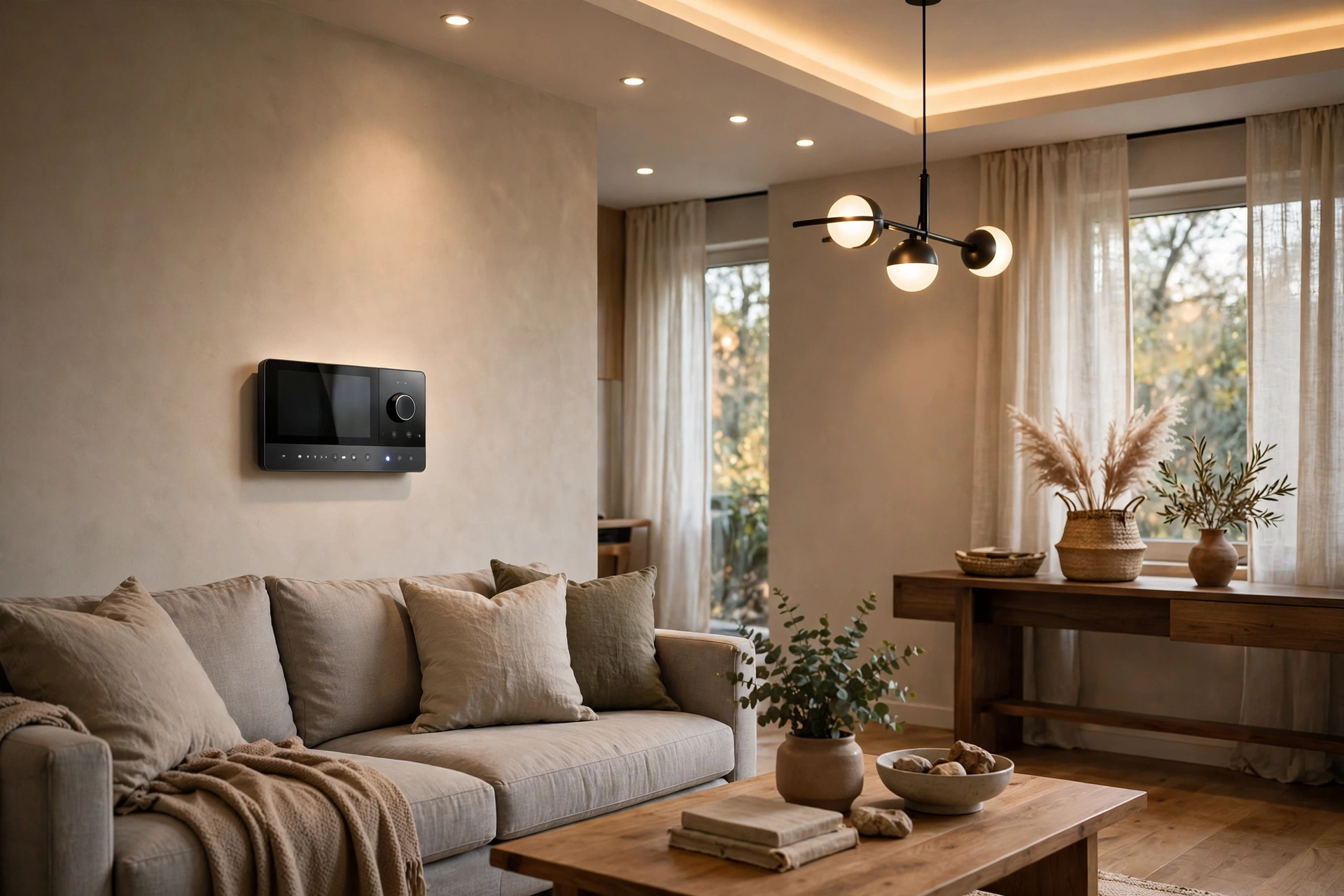
Smart Lighting Control Cost Per Room: 2026
Key takeaways
- Per-room cost is driven by controlled loads: Caséta DIY rooms run roughly $150-$600; RadioRA 3 pro-installed rooms run $600-$3,000; HomeWorks is quoted as a designed system at $2,000-$5,000+ per significant room.
- Keypads in primary living spaces plus simple dimmers in secondary rooms is the standard value pattern — full keypads everywhere is how budgets die.
- Programming and commissioning typically adds 15-30% on top of hardware and installation ($1,500-$4,000+ for RadioRA 3); ask what a post-handoff programming visit costs.
- Motorized shades are the cost multiplier at several hundred to $1,000+ per window — prewire for shades during construction even if you buy them later.
- Dimming quality lives or dies on the lamp list: budget for quality dimmable LEDs approved by your dealer, because no dimmer fixes a flickering bulb.
Smart lighting control is one of the few upgrades that changes how a house feels every single day — lights that fade on at dusk, a single keypad button that sets the whole first floor for dinner, shades and lights moving together. It is also one of the most confusing to price, because “smart lighting” can mean a $60 DIY dimmer or a $90,000 panelized HomeWorks system, and quotes rarely explain which one you are buying. The per-room cost depends on the platform tier, the number of controlled loads, keypads versus dimmers, and — the line item most quotes bury — programming.
This guide breaks down smart lighting control cost per room in 2026 across Lutron’s three tiers — Caséta, RadioRA 3, and HomeWorks — explains the keypad-versus-dimmer decision, shows what programming actually adds, and ends with per-room budgets matched to real home profiles.
The three tiers: Caséta, RadioRA 3, and HomeWorks
Lutron dominates pro lighting control the way a few brands dominate their categories: not because it is the only option, but because the alternatives rarely beat it on the things that matter daily — dimming quality, LED compatibility, and reliability. The three tiers are really three different products for three different homes.
Caséta is the DIY-friendly wireless tier. A Caséta dimmer or switch typically costs $60 to $80 per device, a smart bridge hub runs about $80, and Serena shades pair into the same app. You install it yourself, program scenes in the app, and expand room by room. It is real lighting control — schedules, scenes, voice control — without a dealer. Its limits are scale and sophistication: it suits homes where you want better lighting in the rooms you live in, not a whole-house keypad system with engraved buttons.
RadioRA 3 is the pro-installed wireless mid-tier and the sweet spot for most substantial homes. Devices cost more per point — dimmers, switches, and keypads typically run $150 to $300-plus per device installed — and the system needs a processor and professional programming, which adds $1,500 to $4,000 or more depending on scope. In return you get engraved keypads that replace banks of switches, Sivoia shade integration, and a system designed for homes up to roughly 10,000 square feet. It is the best retrofit answer: no new wiring, pro-grade results.
HomeWorks QSX is the flagship, a wired-and-wireless hybrid with effectively unlimited zones, panelized lighting options, and Ketra tunable-white integration for true circadian lighting. Per-room costs run dramatically higher — whole-home HomeWorks projects for a typical 2,500-square-foot home commonly land $15,000 to $22,000-plus for lighting and shading, and six figures for large luxury homes — because you are buying centralized panels, extensive programming, and a level of scene design the lower tiers cannot touch.
Kasa Smart Plug with Energy Monitoring (EP25 4-Pack)

Automates scheduling and tracks electricity draw on individual plugs
*Affiliate Disclosure: As an Amazon Associate, Elevate Home earns from qualifying purchases. Pricing and availability subject to change.
Smart lighting control cost: per-room math at each tier
Think in loads, not rooms: a room’s cost is driven by how many separately controlled lights it has. A bedroom with one overhead light and a fan is one or two loads. A great room with recessed cans on two zones, accent lighting, and a fireplace is four or five. Here is how typical rooms pencil out in 2026 installed ranges.
At the Caséta tier, a simple bedroom runs roughly $150 to $300: one or two dimmers plus a share of the $80 hub. A living room with three controlled loads runs roughly $250 to $450. A kitchen with four zones — cans, pendants, under-cabinet, island — runs roughly $350 to $600. These are DIY numbers; add an electrician’s visit if you are not comfortable swapping switches yourself, typically $150 to $300 for a small batch.
At the RadioRA 3 tier, installed per-room costs roughly double to triple, because every device is pro-installed and the system carries programming overhead. A bedroom with a keypad and two dimmers typically lands $600 to $1,200 installed. A living room with a keypad, three dimmers, and shade integration lands $1,200 to $2,500. A kitchen with a keypad and four or five loads lands $1,500 to $3,000. Then add system-level costs: the processor, programming, and commissioning, commonly $1,500 to $4,000-plus for a whole home, which amortizes across every room.
At the HomeWorks tier, per-room thinking breaks down — you are buying a designed system, not devices. Budget $2,000 to $5,000-plus per significant room all-in for a mid-size home, with panelized designs and Ketra pushing higher. The right way to evaluate HomeWorks is total project cost against the design deliverable: a lighting designer’s plan, engraved keypads, programmed scenes, and shade integration, quoted as one number.
Costs are 2026 US market ranges; get itemized local quotes.
Keypads vs. dimmers: the design decision that drives cost
The single biggest design choice in a pro lighting system is keypads versus individual dimmers, and it moves both cost and daily experience. A traditional wall has a bank of four dimmers, each controlling one load — you memorize which does what. A keypad replaces that bank with one elegant control: buttons labeled “Cook,” “Dine,” “Entertain,” and “Off,” each triggering a programmed scene across multiple loads.
Keypads cost more per wall — a keypad plus the hidden dimming modules or panelized controls behind it — but they transform usability. Guests can operate your house without a tutorial. The “all off” button by the front door becomes the most-used button in the home. Keypads also clean up the wall: one engraved keypad instead of a six-gang box of toggles is a visible design upgrade, and in high-end homes that aesthetic alone justifies the cost.
Dimmers at each location cost less and keep control obvious — the dimmer by the door controls the light by the door. For secondary spaces (bedrooms, bathrooms, laundry), individual dimmers or Caséta-level controls are usually the right economy: full keypads in every room is how budgets die. The standard pro pattern is keypads in primary living spaces, the master suite, and entries, with simple dimmers elsewhere. Ask your dealer to show you the keypad schedule room by room before you approve the quote; keypad count is one of the easiest places to value-engineer without hurting the experience.
What programming adds to the quote — and why it is worth it
Programming is the line item homeowners question most and dealers defend hardest, and the dealers are right. Hardware without programming is just expensive switches. Programming is what creates the scenes — the “movie night” that dims the cans, drops the shades, and sets the sconces to 10 percent; the astronomical clock that fades exterior lights on at dusk; the “away” mode that randomizes lighting for security.
Expect programming and commissioning to add roughly 15 to 30 percent on top of hardware and installation for a RadioRA 3 project — commonly $1,500 to $4,000-plus for a whole home, scaling with scene count and integration complexity. HomeWorks programming runs higher because the scene design is deeper. What you are buying is a programmer’s hours: scene creation, keypad engraving proofing, shade alignment, integration with the broader smart home, and the commissioning walkthrough where everything gets tuned to your actual life.
Two questions protect you here. First: what does a return visit to change programming cost after handoff? Life changes — rooms get repurposed, habits shift — and you will want scenes adjusted. Some dealers include a tuning visit; others bill hourly. Second: do you get the programming file and documentation? For systems you cannot reprogram yourself, owning the documentation is your leverage if you ever change dealers.
Shades change the per-room math
Lighting control quotes often arrive in two versions: lights only, and lights plus shades. Shades are the multiplier — motorized shades run several hundred to $1,000-plus per window installed — and they are also the feature that makes lighting control feel magical, because the system coordinates natural and artificial light together. A living room where the shades lower as the afternoon sun hits and the cans fade up as dusk falls is the experience people describe when they say the system was worth it.
Budget strategy: if the full lights-plus-shades number makes you flinch, do the lighting now and prewire for shades. Shade prewiring — low-voltage wire to each window location during construction or a planned battery-shade approach — costs little and preserves the option. Battery shades need recharging every 6 to 12 months; wired shades never do. For new construction, wire for shades the way you wire for EV chargers: while the walls are open, because retrofit shade wiring is disproportionately expensive.
Where the money is wasted: common over-spends
Three patterns burn lighting budgets. First, keypad sprawl — engraved keypads in closets, pantries, and powder rooms where a $70 dimmer would do. Second, scene sprawl — forty programmed scenes, of which the household uses six. A good dealer will talk you out of both; a bad one will happily sell them. Third, buying the flagship tier for a starter scope: HomeWorks hardware running three scenes in a 1,800-square-foot home is money that should have gone to shades or acoustic treatment. Match the tier to the ambition: Caséta for better daily lighting, RadioRA 3 for the real keypad-and-scene experience, HomeWorks when the lighting design itself is a luxury feature.
The other waste is invisible: cheap LED bulbs and fixtures with poor dimming behavior. A $300 dimmer cannot fix a $8 bulb that flickers at 20 percent. Budget for quality dimmable LEDs — and have the dealer approve the lamp list — because dimming performance is where the system meets the eye, literally.
Per-room budgets by home profile
For the practical updater doing the main living areas with Caséta: budget $1,000 to $2,500 total for five to eight rooms, DIY, plus an electrician visit if needed. You get schedules, scenes, voice control, and noticeably better daily lighting — the highest value per dollar in lighting control.
For the substantial retrofit going RadioRA 3: budget $9,000 to $14,000 all-in for a typical home — keypads in primary spaces, dimmers elsewhere, programmed scenes, and shade integration in the rooms where it matters. This is the tier where guests notice and the house starts to feel designed.
For the new build or luxury renovation going HomeWorks: budget $15,000 to $22,000-plus for a 2,500-square-foot home, scaling with panelized designs, Ketra tunable white, and whole-home shade integration. Get a lighting designer involved, not just an installer — at this tier the design is the product.
Next steps: getting quotes
Walk two Lutron dealers through the house — or the plans — and ask for the same scope from both: device count by room, keypad schedule, shade integration, programming hours, and the cost of a post-handoff programming visit. Compare total installed and programmed cost, not hardware price. Ask to see a working keypad and the app interface before you sign; you will live with both daily. And confirm the lamp list: great dimming starts with compatible bulbs. Costs are 2026 US market ranges; get itemized local quotes. Done right, lighting control is the upgrade you use fifty times a day without thinking about it — which is exactly the point.
Kasa Smart Wi-Fi Light Switch Dimmer HS220

A strong alternative to our top pick — compare features and reviews before you buy.
*Affiliate Disclosure: As an Amazon Associate, Elevate Home earns from qualifying purchases. Pricing and availability subject to change.
Frequently asked questions
How much does Lutron lighting control cost per room?
It depends on the tier. DIY Caséta rooms run roughly $150-$600 depending on load count. Pro-installed RadioRA 3 rooms run roughly $600-$3,000 installed, with keypads and programming. HomeWorks is quoted as a designed whole-home system, roughly $2,000-$5,000+ per significant room. Costs are 2026 US market ranges; get itemized local quotes.
What is the difference between Caséta, RadioRA 3, and HomeWorks?
Caséta is the DIY-friendly wireless entry tier with app programming. RadioRA 3 is the pro-installed wireless mid-tier with engraved keypads, Sivoia shade integration, and dealer programming — the sweet spot for most substantial homes and retrofits. HomeWorks QSX is the flagship wired/wireless hybrid with panelized options and Ketra tunable-white integration for luxury new builds.
Are keypads worth it over regular smart dimmers?
In primary living spaces, usually yes. One engraved keypad running programmed scenes (“Cook,” “Dine,” “Off”) replaces a confusing bank of dimmers and is usable by guests with no tutorial. In secondary rooms like closets and laundry, simple dimmers are the right economy. The standard pattern is keypads where you live, dimmers elsewhere.
How much does lighting programming cost?
For RadioRA 3, expect programming and commissioning to add roughly 15-30% over hardware and installation — commonly $1,500-$4,000+ for a whole home. It covers scene creation, keypad engraving, shade alignment, integrations, and the tuning walkthrough. Always ask what a return visit to change programming costs after handoff.
Should I add motorized shades to my lighting project?
Shades are what make lighting control feel magical, since the system coordinates natural and artificial light — but at several hundred to $1,000+ per window installed, they multiply the budget. If the full number is too much, do lighting now and prewire for shades during construction; wired shade power is cheap with open walls and expensive as a retrofit.
Why do my smart dimmers flicker or buzz?
Almost always the bulbs, not the dimmer. Cheap LEDs with poor dimming behavior flicker, buzz, or drop out at low levels regardless of the control hardware. Have your dealer approve the lamp list and budget for quality dimmable LEDs — dimming performance is where the system meets the eye.
Keep reading
Platform Comparisons
Lutron vs Control4 vs Savant: 2026 Guide
Lutron vs Control4 vs Savant compared for 2026: what each platform does, installed cost bands, dealer reality,…
Lighting Control
Panelized Lighting Systems Explained: 2026
Panelized lighting explained: centralized lighting panels vs smart switches, wiring, 2026 cost ranges, reliabi…
Lighting Control
Lighting Scenes Design Guide: 2026
Smart lighting scenes design guide for 2026: the core scene set, keypad layouts, programming costs, shade pair…
Lighting Control
Circadian Lighting Design Guide: 2026
Circadian lighting home design guide for 2026: tunable white vs Ketra, daily scene programming, realistic well…

Transfer Equipment
100A vs 200A Automatic Transfer Switch
100 amp vs 200 amp transfer switch: service-entrance vs subpanel topology, when each is required, costs, and l…

Pillar 01 · Energy Resilience
10kWh vs 13.5kWh vs 20kWh Home Battery: Which Size Is Right? (2026)
10kWh vs 13.5kWh vs 20kWh home battery compared: usable capacity, backup runtime, solar pairing, and which tie…