UPS for Home Networks: Keeping Wi-Fi Alive in Outages
Key takeaways
- Measure your real network load with a plug-in meter before buying — size the UPS watt rating at 2–3x your measured draw for headroom and efficiency.
- Line-interactive pure-sine-wave UPS units ($150–$400) suit most home networks; choose online double-conversion ($600–$1,500) for racks behind generators or with a NAS.
- A UPS is a bridge, not a power plant: target 30–60 minutes to cover blips and generator start, and layer a generator or whole-home battery for multi-hour outages.
- Keep high-draw devices like laser printers and space heaters off the network UPS, and give the home office its own separate desk UPS.
- Replace UPS batteries every 3–5 years (sealed lead-acid) and use a network management card so the UPS can alert you and shut the NAS down gracefully.
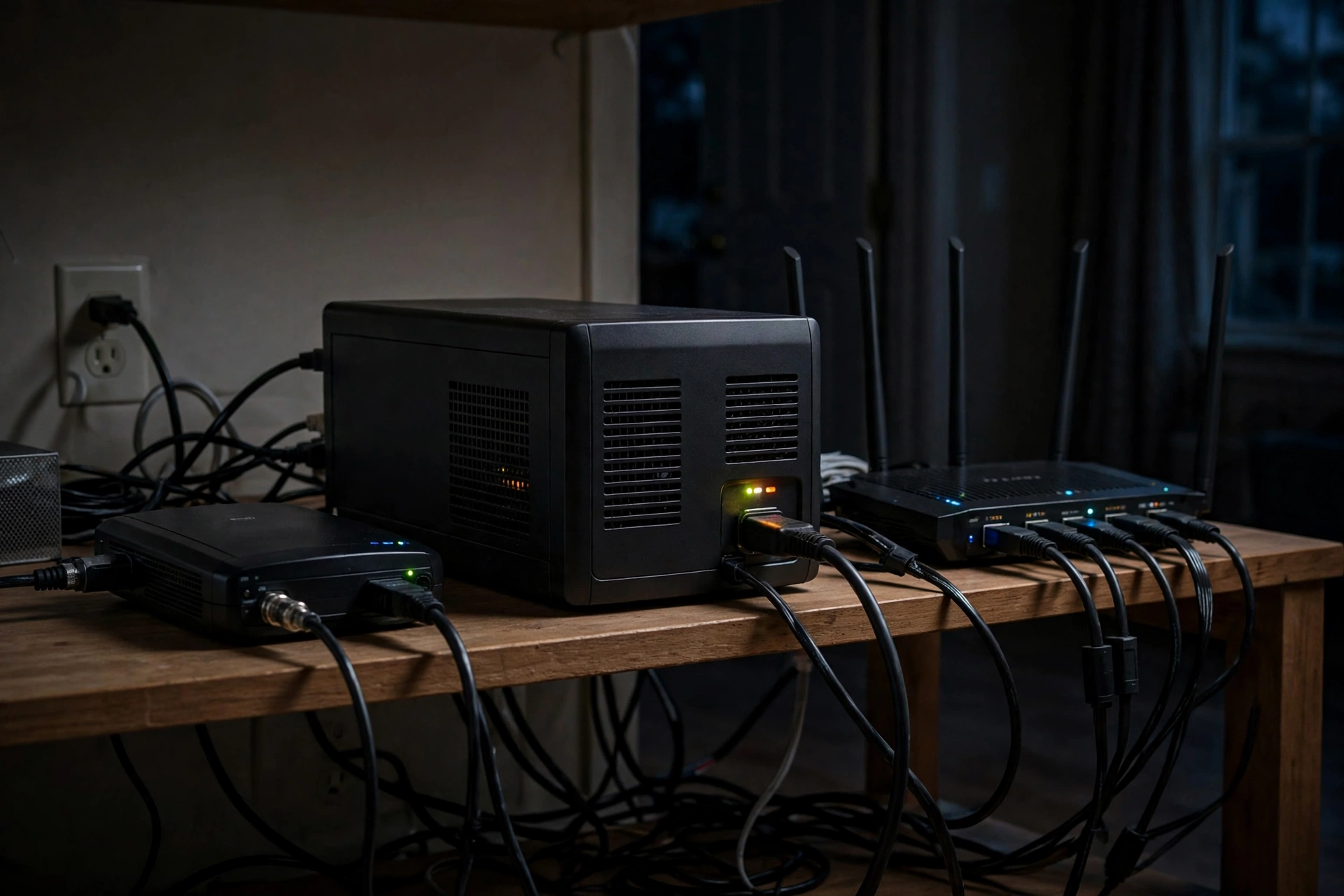
When the power goes out, your lights are the least of your worries — it is your network that dies first and matters most. The fiber ONT on the wall, the router, the PoE switch feeding your cameras, the smart home hub orchestrating everything: they all go dark the instant the grid blinks, taking your security cameras, remote work, and every automation with them. A properly sized uninterruptible power supply (UPS) keeps that entire stack alive through short outages and bridges the gap until a generator takes over. Here is how to size one correctly, which type to buy, and what it costs in 2026.
Why Your Network Dies First (and Why It Matters Most)
A modern affluent home’s network is really a chain of half a dozen devices, and every link needs power. Start at the demarcation: a fiber ONT or cable modem (typically 8–15 watts), then the router (10–25 watts), then a managed PoE switch (20–60 watts depending on load), then the access points, the smart home hub, and possibly a NAS. Lose any one link and the whole chain is useless — your cameras cannot record to a NAS they cannot reach, and your phone app cannot see a hub with no route to it.
The stakes go beyond streaming movies. Security cameras with no power create a surveillance gap precisely when you most want coverage — storms, grid failures, and the chaos around them. Smart locks, leak sensors, and environmental monitors all report through the network. If you work from home, a two-second utility blip that reboots your ONT and router can cost you twenty minutes of reconnecting to VPNs and video calls while the equipment reboots and renegotiates. A UPS does not just provide runtime; it conditions power through sags and brownouts that never fully kill the lights but still reboot sensitive electronics.
There is also an equipment-longevity angle. Network gear hates dirty power — the repeated micro-outages of storm season are harder on power supplies than one clean blackout. A line-interactive or online UPS feeding clean, stable voltage measurably extends the life of the power bricks and internal supplies in your rack. Think of it as insurance that also happens to keep the Wi-Fi on.
For households with a home office, there is a subtler benefit: power-event invisibility. A UPS with fast transfer means the two-second utility reclosures that utilities use to clear faults — the ones that make lights flicker but never fully die — never touch your equipment at all. No dropped VPN, no frozen video call, no corrupted file transfer. If your livelihood depends on connectivity, that invisibility alone justifies the purchase before you ever count outage minutes.
TP-Link Deco S4 AC1900 Mesh WiFi System (3-Pack)

Blasts whole-home wireless coverage up to 5,500 sq ft, eliminating dead spots
*Affiliate Disclosure: As an Amazon Associate, Elevate Home earns from qualifying purchases. Pricing and availability subject to change.
Sizing Math: Watts, VA, and Real Runtime
Sizing a UPS starts with one unglamorous step: measure your actual load. Do not trust nameplate ratings — a switch rated for 150 watts may idle at 22. Plug each device into a $25–$40 plug-in power meter for a day and record the real draw, including PoE cameras at night when their infrared LEDs are on (that is when they draw the most). A typical affluent-home network stack looks like this: ONT 10W, router 18W, PoE switch with four cameras 45W, two access points 15W, smart home hub 8W, NAS 35W — roughly 130 watts total.
Next, understand the two numbers on every UPS: VA (volt-amps) and watts. The watt rating is the real limit — your load in watts must stay under it with headroom. A common rule is to size the UPS watt capacity at two to three times your measured load, which keeps the UPS in its efficient, cool-running zone and leaves room for the access point you will inevitably add next year. For our 130W example, a UPS rated around 300–450 watts is the sweet spot.
Runtime is where marketing gets slippery. UPS runtime curves are brutally nonlinear: a unit rated “1500VA” might hold a 130W load for 45 minutes but a 400W load for only 8. Always check the manufacturer’s runtime chart at your wattage, not the headline number. Decide your target first: 30–60 minutes covers the vast majority of utility blips and gets you through to generator start; multi-hour runtime usually means stepping up to extended-battery models or a whole-home battery instead. Be honest about the goal — a UPS is a bridge, not a power plant.
Do the measurement on a normal evening, not an idle afternoon: streaming, cameras on night mode, and the NAS doing its backup is your realistic peak. Write the number on a label inside the rack door along with the date. When you add equipment later — and you will — that label is what keeps you from unknowingly overloading the UPS you carefully sized the first time.
UPS Topologies: Standby vs. Line-Interactive vs. Online
Not all UPS units protect equally, and the topology matters more for network gear than for a desk lamp. Standby (offline) units are the cheapest: they pass utility power straight through and switch to battery in a few milliseconds when power fails. That transfer gap is fine for most routers but can reboot sensitive gear, and they do nothing about sags or over-voltage in between.
Line-interactive is the sweet spot for most home networks. These units regulate voltage continuously through a transformer tap — boosting sags and trimming surges without touching the battery — and switch to battery in 2–4 milliseconds during a real outage. They cost $150–$400 for quality units in the 1000–1500VA range and handle everything short of truly dirty generator power.
Online double-conversion units are the premium choice: they continuously convert AC to DC and back to AC, so your gear always runs off a perfectly regenerated sine wave with zero transfer time. If your network rack sits behind a standby generator — whose frequency and voltage can wander during startup — double-conversion is worth the premium because it simply does not care what the generator is doing. Expect $600–$1,500 for rackmount units. For a rack with a NAS, a PoE switch, and any device with an active-PFC power supply, insist on pure sine wave output regardless of topology; cheap simulated-sine units can make active-PFC supplies buzz, overheat, or shut down.
One feature worth paying for on rackmount units is a maintenance bypass — either built in or as an external bypass panel. It lets you pull the UPS for battery replacement or service without powering down the rack. Without it, every battery swap is a planned outage for the whole network. For a wall of blinking gear that the household depends on, that is a small option with outsized real-world value.
What Goes on the UPS (and What Stays Off)
Prioritize ruthlessly, because every watt on the UPS is a minute off your runtime. The essential list: ONT/modem, router/firewall, core switch, PoE switch feeding cameras, wireless access points, smart home hub, and the NAS if you want recordings to continue. That is the “keep the house intelligent” stack, and it is usually 100–200 watts total.
Leave off everything with a heating element or a motor: printers (laser printers can spike over 1,000 watts when fusing), space heaters, and desktop PCs with big GPUs unless you have sized for them. A good compromise for the home office is a second, smaller UPS at the desk for the computer and monitor, keeping the network UPS dedicated to infrastructure. This separation also means a desk UPS battery failure does not take down the cameras.
Cable discipline matters more than people expect. Plug the UPS directly into the wall — never into a surge strip or another UPS — and plug the network gear directly into the UPS’s battery-backed outlets, not the surge-only ones (yes, they are different; read the labels). Label every cable at both ends. When the power fails at 2 a.m. and you are tracing a dark cable by phone flashlight, you will thank yourself.
When a Plug-In UPS Isn’t Enough: Batteries and Generators
A plug-in UPS covers minutes to about an hour. If your outage profile is “multi-hour winter storm” rather than “summer blip,” you need a bigger bridge. Extended-battery UPS systems add external battery packs to a rackmount UPS for 2–4 hours of network runtime at $1,200–$3,000 all-in — a clean, silent solution that lives in the rack and needs no permits.
Whole-home batteries (the wall-mounted lithium systems) keep the network alive as a side effect of keeping the whole house alive, with 8–16 hours of typical runtime. They are $12,000–$25,000 installed and absolutely require a licensed electrician, permits, and utility interconnection approval — this is not DIY territory. Standby generators with an automatic transfer switch are the classic multi-day answer at $12,000–$22,000 installed, also electrician-and-permit work.
The smart play for many affluent homes is layered: a double-conversion UPS on the network rack for perfect power quality and 30–60 minutes of bridge time, plus a standby generator or whole-home battery for the long haul. Size the UPS runtime to comfortably exceed your generator’s start-and-transfer time (usually under a minute, but size for the worst case, not the brochure). And put the generator’s own controller and the transfer switch’s electronics on UPS power too — a generator that cannot start because its controller browned out is an expensive lawn ornament.
2026 Costs, Batteries, and Buying Smart
Budget realistically across tiers. A quality line-interactive tower UPS (1000–1500VA, pure sine wave) for a basic network stack: $150–$400. A rackmount line-interactive unit with network management card (so it can gracefully shut down the NAS and text you): $400–$900. A rackmount online double-conversion unit: $600–$1,500. Extended battery packs: $400–$1,200 each. Costs are 2026 US market ranges; get itemized local quotes.
The recurring cost nobody budgets for is battery replacement. Sealed lead-acid UPS batteries last 3–5 years and cost $40–$150 per unit to replace; lithium-based UPS models cost more upfront but stretch replacement intervals toward 8–10 years. Mark the install date on the UPS with a label maker and set a calendar reminder — a UPS with a dead battery is just an expensive power strip, and it will fail exactly when you need it. Most quality units self-test the battery weekly and will beep or alert when it degrades; do not ignore it for six months.
Buy from established power-protection brands through authorized channels, and register the warranty — gray-market batteries are a real problem. For racks, choose a UPS with an environmental monitoring and network management card so it can email or message you during an outage and trigger an orderly NAS shutdown before the battery dies. That one feature is the difference between “survived the outage” and “survived the outage with all data intact.” Have a licensed electrician handle anything hardwired, and enjoy the quiet confidence of a network that simply does not notice the grid blinking.
Frequently asked questions
How long will a UPS keep my Wi-Fi running?
It depends entirely on your load versus the UPS capacity — check the runtime chart at your wattage, not the headline VA number. A typical 1000–1500VA unit holds a 100–150W network stack for roughly 30–60 minutes. For multi-hour runtime you need extended-battery models or a whole-home battery, since runtime scales poorly with plug-in units alone.
What size UPS do I need for a router, modem, and cameras?
Add up the measured draw: a fiber ONT/modem plus router is usually 20–40W, and a PoE switch with four cameras adds 30–60W. A 1000–1500VA pure-sine-wave UPS (roughly 600–900W capacity) comfortably covers that stack with headroom. Measure with a plug-in meter rather than trusting nameplate ratings, and size for about twice your measured load.
Can I plug my UPS into a generator during long outages?
Yes, but generator power can be electrically noisy during startup, which is exactly why an online double-conversion UPS is the right choice in generator-backed homes — it regenerates clean power regardless of input quality. Also keep the generator's controller and transfer-switch electronics on UPS power so a brownout cannot prevent the generator from starting.
Do PoE security cameras need any special UPS consideration?
The cameras themselves just need their PoE switch on battery backup, but budget for their night-time draw when infrared LEDs are on — that is their peak. Also make sure the NAS or NVR recording the footage is on the UPS too, or the cameras will have power with nowhere to send video. A UPS network card can alert you the moment the outage starts.
Pure sine wave or simulated sine wave — does it actually matter?
For network gear, yes. Many NAS units, PoE switches, and modern power supplies use active power-factor correction (PFC), which can buzz, overheat, or shut down on the stepped waveform of cheap simulated-sine UPS units. Pure sine wave costs only modestly more in 2026 and eliminates the entire class of problem, so specify it for any rack or NAS application.
How often do UPS batteries need replacing?
Sealed lead-acid batteries — still the most common — last 3–5 years and cost $40–$150 to replace per unit. Lithium-based UPS models cost more upfront but stretch toward 8–10 years. Label the install date on the unit, enable its automatic self-test alerts, and replace proactively: a UPS with a dead battery is just an expensive power strip.
Keep reading
Network & WiFi
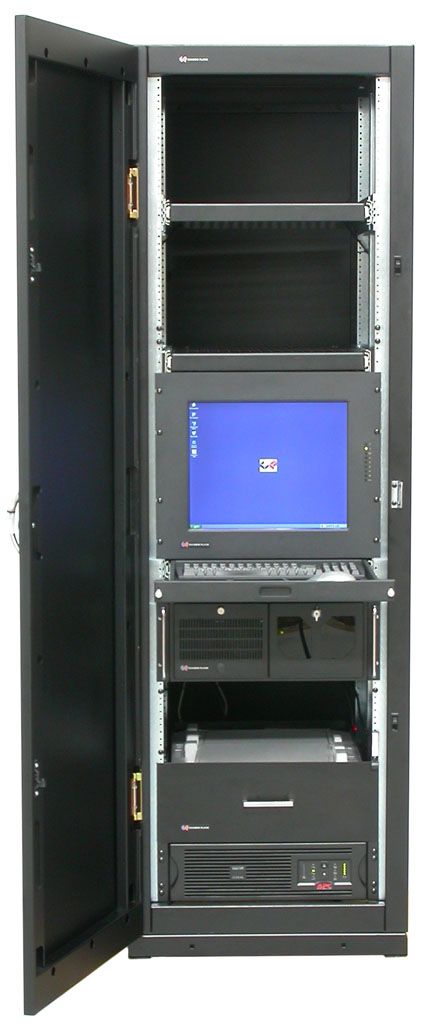
Home Network Rack Build Guide: 2026
Home network rack setup guide for 2026: sizing, patch panels, managed PoE switch and UPS selection, cable labe…
Network & WiFi
UniFi vs Eero for Large Homes: 2026 Guide
Best wifi for large home UniFi Eero compared for 2026: wired APs vs mesh, 5,000+ sq ft coverage math, backhaul…
Electrical
Whole-Home Surge Protection Guide: 2026
Whole home surge protector cost for 2026: Type 1 vs Type 2 SPDs, layered protection strategy, what they do and…
Energy
Generator + Smart Home Integration: 2026
Standby generator smart home integration for 2026: ATS monitoring, load-shedding automation, Generac vs Kohler…

Transfer Equipment
100A vs 200A Automatic Transfer Switch
100 amp vs 200 amp transfer switch: service-entrance vs subpanel topology, when each is required, costs, and l…

Pillar 01 · Energy Resilience
10kWh vs 13.5kWh vs 20kWh Home Battery: Which Size Is Right? (2026)
10kWh vs 13.5kWh vs 20kWh home battery compared: usable capacity, backup runtime, solar pairing, and which tie…