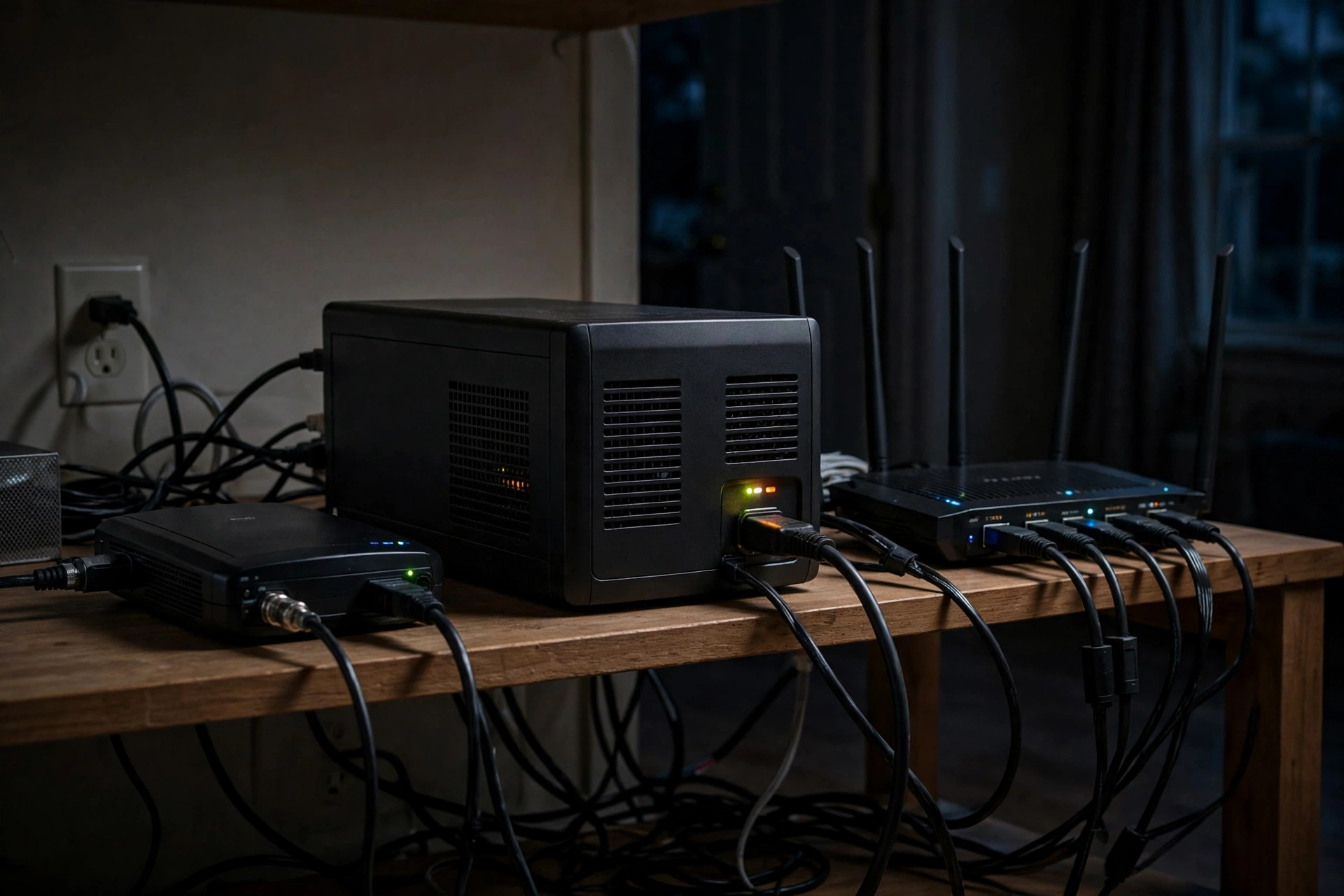
Home Battery Backup for Home Security System: Keep Cameras and Alarms Online (2026)
Key takeaways
- A home battery backup for home security system needs to power the whole chain, not just the alarm panel: cameras, NVR, PoE switch, modem and router all have to stay up together.
- Most full security stacks draw only 100 to 185 watts continuous, so even a mid-size portable power station can run one for many hours.
- Switchover speed matters more than raw capacity for cameras: look for a UPS mode under 20 milliseconds so devices never reboot mid-outage.
- Size with the runtime formula: usable watt-hours divided by total watts equals hours of coverage, then add a 25 percent margin for inverter losses and battery aging.
- A small UPS covers short outages for a router and panel; a portable power station with UPS mode covers multi-hour outages for the full camera stack; a whole-home battery covers multi-day outages.
A home battery backup for home security system keeps your cameras recording, your alarm panel armed and your alerts flowing when the grid goes down, but only if it powers the entire chain at once. The most common failure is not a dead battery: it is a live alarm panel sitting behind a dead router, or cameras with power but no network path to send a single frame.
That distinction shapes every decision in this guide. A security system is a chain of devices, and an outage breaks the chain at its weakest link. Work through the chain, add up the watts, pick a backup tier that matches your outage history, and you end up with a system that actually protects you during the exact event you bought it for.
Why Your Security System Goes Dark in an Outage
Most homeowners assume their alarm panel's built-in battery covers them. It does, for the panel itself. A typical panel battery keeps the panel and its wireless sensors alive for several hours, and monitored systems usually add a cellular communicator that does not depend on your home internet at all. That is genuinely useful, and it is also only one link in the chain.
Cameras are where the chain usually breaks. A wired PoE camera gets its power from a network switch, not from the panel. A Wi-Fi camera gets its connection from your router. An NVR that records locally needs power of its own, and so does the modem that carries alerts to your phone. If any one of those devices loses power, you lose recording, live view, or notifications, even while the panel itself happily reports that all is well.
There is a second, subtler failure mode: rebooting. Many backup devices take seconds to switch over when grid power drops. That is fine for a lamp. For a camera system it means every camera, the switch and the NVR reboot in sequence, and some devices take minutes to come back, if they come back cleanly at all. A backup with a true UPS mode switches in milliseconds, so nothing in the chain ever notices the outage. For security gear, that switchover speed is worth more than extra capacity you will never use.
Finally, consider what happens when power returns. A surge on restoration can damage exactly the gear you just protected, and a system that comes back in the wrong order, router last instead of first, can leave cameras stranded without an address on the network. Good backup gear includes surge protection and clean sine-wave output, and a sensible setup order in the network closet prevents most restoration headaches.
EF ECOFLOW Portable Power Station DELTA 3 Plus 1024Wh with Extra Battery

★ 4.6 stars; 1,024Wh LFP station with 10ms UPS mode sized for a 100-185W security stack (cameras, NVR, router) through multi-hour outages - best fit for security-continuity buyers
*Affiliate Disclosure: As an Amazon Associate, Elevate Home earns from qualifying purchases. Pricing and availability subject to change.
How Much Power Does a Security Stack Actually Draw?
The good news is that security gear is light on power. Unlike heating, cooling or a well pump, a full security stack is a small, steady load, which is why modest batteries deliver surprisingly long runtimes. The table below uses typical continuous draws from manufacturer specifications and installer measurements; your exact numbers will vary with camera count, infrared night mode and NVR drive count, so measure your own stack with a plug-in meter if you want precision.
Two planning lessons fall out of that table. First, the network gear is a large share of the total, which is why backing up only the cameras never works. Second, the total is small enough that runtime math, not capacity bragging rights, should drive the purchase. A battery that looks small next to a whole-home unit can still carry a security stack through an entire evening.
Three Backup Tiers for Security Systems, Compared
Backup options for a security stack fall into three tiers. Each tier solves a different outage length, and buying a tier above your actual need mostly buys weight, cost and a battery you will never fully use. The honest move is to match the tier to the outages your area actually gets: brief flickers and one-hour interruptions, multi-hour storm outages, or multi-day events.
For most homes, the middle tier is the sweet spot. A portable power station in the roughly one-kilowatt-hour class sits in the network closet or near the NVR, stays plugged in and charged, and takes over in milliseconds when the grid drops. It is also portable in the literal sense: the same unit can run a fridge for a few hours or power tools later, which a wall-mounted UPS cannot. If your area regularly loses power for days, the whole-home tier is the honest answer, and our whole-home battery backup cost guide walks through that decision in full.
One more distinction worth making: a portable station and a whole-home battery are complements, not rivals, for security. Even homes with a whole-home battery benefit from a small UPS on the network closet, because it bridges the fraction of a second some transfer systems need and keeps gear alive if the main battery is ever taken offline for service. Our UPS for home network outages guide covers that closet-level setup in detail.
Sizing Your Battery: The Runtime Formula
Sizing is simple arithmetic once you know your stack's watts. The formula is: usable watt-hours divided by total watts equals runtime in hours. Two adjustments keep the estimate honest. First, use usable capacity, not nameplate capacity: inverter losses typically consume 10 to 15 percent, so multiply nameplate watt-hours by 0.85. Second, add a 25 percent margin for battery aging and for the extra draw of infrared cameras at night, which is exactly when you most want the system running.
Worked examples make the point. A 150-watt stack on a 1,024-watt-hour station gives about 870 usable watt-hours, which is roughly 5.8 hours before margin, or about 4.5 hours with a prudent margin. That same stack on a 6,144-watt-hour home battery gives roughly 35 hours before margin, more than a day of continuous recording and alerts. And a small UPS rated for a few hundred watt-hours may give the same stack only 30 to 60 minutes, which is plenty for a flicker and useless for a storm outage.
Run the formula for your own stack before buying, and decide your target runtime first: through the night, through a workday, or through a multi-day event. Our home battery sizing guide extends this math to whole-home loads if you later decide to back up more than security. If the answer lands between two sizes, buy the larger one: the cost difference is usually small next to the value of a camera that keeps recording at hour nine of an outage.
What to Look For When Buying
Switchover speed comes first. Confirm the unit has a dedicated UPS mode with a published switchover time under 20 milliseconds, and confirm it applies to the AC outlets you will actually use, not just a USB port. Some stations advertise UPS functionality that only covers part of their output, which defeats the purpose for a camera stack.
Output waveform comes second. Sensitive network gear and NVR drives prefer pure sine-wave output, which matches grid power. Cheaper stepped-approximation output runs most gear fine, but pure sine wave removes a whole category of weird reboot and drive problems, and it is the safer default for equipment that records evidence.
Battery chemistry comes third. Lithium iron phosphate (LFP) cells last far more charge cycles than older lithium chemistries and far longer than the sealed lead-acid batteries in most small UPS units, which is why a station can be a decade-long purchase while a UPS becomes a battery-replacement subscription. If you buy a small UPS, check the replacement battery model and availability before purchase, because that replacement is a certainty, not a possibility.
Then check the practical details: enough AC outlets for the modem, router, switch and NVR without a power strip daisy chain; pass-through charging so the unit can stay plugged in indefinitely without cycling its battery; a capacity display or app that shows remaining runtime in watts and hours; and, if you ever want solar recharge during a long outage, solar input with a realistic wattage rating. A unit that accepts solar can stretch a multi-hour outage into a multi-day one in daylight, which changes the whole calculation for storm country.
Setting It Up: The Network Closet Checklist
Installation is mostly placement and plugging things in, but the order matters. Put the backup unit in the same place as the gear it protects, ideally the network closet or wherever the modem, router, switch and NVR already live. Plug the modem, router, PoE switch and NVR into the battery-backed outlets, and only the battery-backed outlets. Anything plugged into a surge-only outlet will die with the grid, and surge-only outlets are the single most common setup mistake.
Keep the alarm panel on its own path. Most panels have their own internal battery and a cellular communicator, so they do not need the station, and keeping them separate avoids a single point of failure. Do verify, though, that your monitoring company knows your panel can reach them without home internet: a cellular communicator is what makes that true, and it is worth confirming rather than assuming.
Test the setup the way an outage would. Unplug the backup unit from the wall, not just the gear from the unit, and watch what happens: cameras should keep streaming, the NVR should keep recording without a gap, and your phone should keep receiving alerts. Check the recording timeline afterward for a gap at the moment of switchover. If you find one, something in the chain is on the wrong outlet or the switchover is too slow, and both are fixable before a real outage finds them for you.
For hardwired whole-home batteries, the rules change: that work involves your main panel, permits and, in most jurisdictions, a licensed electrician. Do not improvise a hardwired connection to save a service call. The portable and UPS tiers in this guide are plug-in devices precisely so they avoid that work, and that is part of their appeal for a security-only job.
The Verdict: Which Tier Should You Buy?
Buy the tier that matches your outage history, not your anxiety. If your outages are brief and your stack is small, a quality UPS on the network closet plus the panel's own battery is enough, and the money saved can go toward an extra camera or better lighting. If your outages run for hours, which is the common storm pattern across much of the US, a portable power station with a genuine UPS mode is the right tool: it keeps the full stack recording through the night and stays useful for everything else in the house afterward. If your outages run for days, or you want security plus refrigeration and lights from one system, step up to a whole-home battery and treat security as one backed-up circuit among several. Our smart-home battery integration guide shows how that whole-home layer fits with the rest of an automated home, and our portable station versus home battery comparison settles the middle-versus-top tier question in more depth.
Whatever tier you choose, the principle stays the same: back up the chain, not the device. A security system that survives an outage intact is worth more than a bigger battery that leaves the router dark, and the cheapest way to get there is to add up your watts, check the switchover time, and test the setup before you need it.
Frequently asked questions
Will a home battery keep my security cameras recording during a power outage?
Yes, if the battery powers the cameras, the PoE switch or router they connect through, and the NVR that records them. Backing up only the cameras is not enough: if the network gear or recorder loses power, recording and alerts stop even though the cameras themselves may have power.
How long will a portable power station run a home security system?
Divide the station's usable watt-hours by your stack's total watts. A typical 100 to 185 watt security stack runs roughly 4 to 6 hours on a 1,024 watt-hour station after inverter losses and a safety margin, and proportionally longer on larger batteries. Measure your own stack's watts for a precise figure.
Do I need a UPS, a portable power station, or a whole-home battery for security cameras?
A small UPS suits short outages for a router and panel. A portable power station with a true UPS mode under 20 milliseconds suits multi-hour outages for a full camera stack. A whole-home battery suits multi-day outages and also covers refrigeration, lights and other essentials.
Does my alarm panel battery already cover me during an outage?
It covers the panel and its wireless sensors, and a cellular communicator keeps monitoring alive without home internet. It does not power cameras, the NVR, the router or the modem, so video recording and app alerts still need their own backup.
What size battery backup do I need for 8 security cameras?
An 8-camera PoE stack with NVR, switch, modem and router typically draws 130 to 185 watts. For overnight coverage of about 8 hours, plan for roughly 1,500 to 1,800 usable watt-hours after losses and margin; for a full day, double that. Start from your measured watts, not from camera count alone.
Keep reading
Never Lose Signal
UPS for Home Networks: Keeping Wi-Fi Alive in Outages
UPS for home networks in 2026: how to size battery backup for routers, switches, and cameras — runtime math, U…
Energy
Integrating Home Batteries With Smart Home Platforms
Integrate home batteries with smart home platforms: rate-shifting automations, storm mode, outage load sheddin…
System Sizing
How to Size a Home Battery Backup System: Partial vs Whole Home, Worked Math (2026)
Size a home battery step by step: critical loads, kWh math, surge checks, multi-day outages, and the partial v…
Backup Power Compared
Portable Power Station vs Installed Home Battery: Costs & Tradeoffs
Portable power station vs home battery: honest cost-per-kWh math, real runtime numbers, and when the $1,500 po…
Interactive Tool
Home Battery Size Calculator: What Size Do You Need?
How many kWh of battery storage do you need? Our free home battery size calculator estimates your backup need,…
Interactive Tool
Power Outage Cost Calculator: What Blackouts Cost You
What do blackouts really cost you? Our power outage cost calculator totals food loss, hotels, lost work, and f…