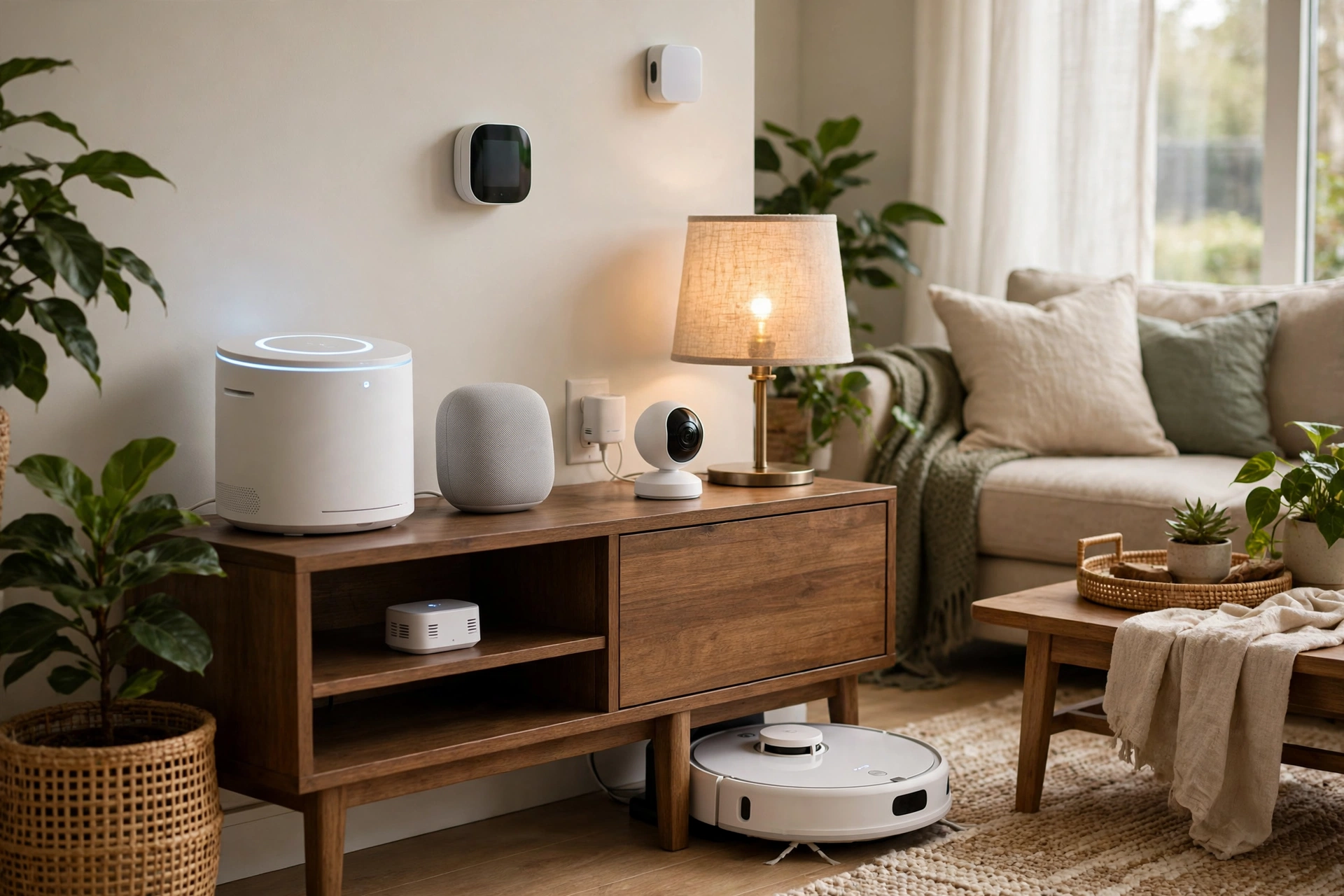
Local-Only Smart Home: No-Cloud Automation Guide
Key takeaways
- A local-only smart home runs automations on a hub inside your house, so lights, locks, and climate keep working through internet outages.
- Home Assistant on dedicated hardware ($250–$450 mini PC with SSD and wired Ethernet) is the de facto standard hub for serious local control.
- Build on Zigbee, Z-Wave, or Thread/Matter devices with verified local control; avoid cloud-only Wi-Fi gadgets for anything important.
- Design for graceful degradation: critical automations trigger from local events and control local devices, so the house gets dumber — never stupider — offline.
- Use a VPN for remote access and accept minimal cloud push for alerts; chasing 100% purity wastes weekends better spent enjoying the house.
When your internet goes down, should your lights still turn on? For most smart homes the honest answer is no — and that is a design choice, not a law of physics. Every automation that round-trips through a distant cloud server is an automation that dies with your broadband, slows to a crawl on a bad day, and hands a stranger’s company a log of when you wake up. A local-only smart home flips the model: a hub inside your house runs everything, devices talk to each other over your own network, and the internet becomes an optional accessory rather than a single point of failure. Here is how to build one in 2026, what it costs, and what still needs the cloud.
Why Go Local: Outages, Privacy, and the Longevity Problem
The outage argument is the one everyone feels first. Cloud-dependent devices — and that is most of what big-box stores sell — need a working internet connection for even the simplest local action. Internet blips, and the light switch that worked for a century suddenly needs a data center in another state to turn on a bulb ten feet away. A local system keeps working through all of it: the automations live on a hub in your home, the commands travel over your own Wi-Fi or mesh radio, and nothing outside your walls is consulted.
Privacy is the quieter argument and, for many, the stronger one. Cloud smart home platforms inherently learn your patterns — when rooms are occupied, when the house is empty, when you sleep. A local system keeps that data on hardware you own, which matters more as insurers, advertisers, and data brokers grow hungrier for behavioral signals. Local control is not paranoia; it is simply the difference between a diary kept in your desk and one mailed to a corporation.
Then there is longevity. Cloud products die when companies pivot, get acquired, or sunset a server — and the smart home industry has a long trail of bricked hubs and abandoned apps. Local-first devices built on open standards keep working regardless of any single company’s fate, because the intelligence lives in your hub, not their balance sheet. For a home you plan to keep for decades, that durability is worth real money. The goal is not to be anti-internet; it is to make the internet optional for the things that should never depend on it.
Kasa Smart Plug with Energy Monitoring (EP25 4-Pack)

Automates scheduling and tracks electricity draw on individual plugs
*Affiliate Disclosure: As an Amazon Associate, Elevate Home earns from qualifying purchases. Pricing and availability subject to change.
The Hub: Home Assistant on Dedicated Hardware
The center of a local-only system is Home Assistant, the open-source home automation platform that has become the de facto standard for serious local control. It runs on a small computer in your home — a dedicated mini PC, a compact single-board computer, or the project’s own plug-and-play hardware — and speaks to hundreds of device types directly, no cloud account required for core operation. The software itself is free; you are paying for hardware and your time.
Hardware choice matters more than newcomers expect. A $100–$200 compact board handles a medium home fine, but affluent homes with 100+ devices, cameras, and energy monitoring deserve a proper mini PC in the $250–$450 range with an SSD (not an SD card, which wears out under constant logging) and wired Ethernet to your switch. Put the hub on the same UPS as your network gear — a hub that dies with every power blip will corrupt its database eventually, and that is a miserable weekend to spend rebuilding.
Budget a real learning curve: Home Assistant rewards tinkering and punishes impatience. The first weekend is installation and adding devices; the second is automations; the third is when it starts feeling magical. If that sounds like fun, you are the target audience. If it sounds like a chore, a professionally installed system from a dealer platform that supports local operation may serve you better — just verify the “local” claim, because several pro platforms still phone home for licensing or remote access.
Protocols That Survive Without the Internet: Zigbee, Z-Wave, Thread, and Matter
Your hub is only as local as the devices it talks to, so protocol choice is the architecture. Zigbee and Z-Wave are the veteran mesh-radio standards: devices form a self-healing mesh, commands never leave your house, and both have enormous device ecosystems — switches, dimmers, sensors, locks, shades. Z-Wave operates on a less congested frequency with strict certification (devices reliably interoperate); Zigbee is cheaper and more varied but can be fussier to pair. Either is a fine backbone, and many hubs run both radios simultaneously.
Thread is the newer IP-based mesh radio, and Matter is the application standard running on top of it (and on Wi-Fi). Matter’s headline promise is genuine: devices are designed for local control, and a Matter device paired to a local hub should keep working with no internet. The honest caveat is commissioning — initial setup typically goes through a phone app and often wants internet for account or certificate steps. Once paired, though, day-to-day control stays local. In 2026 Matter is mature enough to buy into, but keep Zigbee or Z-Wave for anything mission-critical until you have lived with Matter for a season.
Wi-Fi devices are the mixed bag. Many inexpensive Wi-Fi switches and plugs are cloud-only by design and go dumb without internet — avoid those for anything important. But Wi-Fi devices with local APIs or open firmware can be excellent local citizens; the rule is to verify before buying, not after. When in doubt, the device’s spec sheet should say “local control” or “works without internet” explicitly. Vague marketing about “smart” with no mention of local operation usually means cloud-dependent.
Designing Automations That Survive Real Outages
Local hardware is necessary but not sufficient — your automations themselves must be outage-proof. The golden rule: every critical automation must trigger from a local event and control local devices. A motion sensor (Zigbee) turning on a hallway light (Zigbee) via the hub is bulletproof. A motion sensor triggering a cloud routine that calls a webhook that eventually toggles the light is three failure points wearing a trench coat.
Audit your automations by asking “what breaks if the fiber line is cut?” for each one. Lighting scenes, occupancy-based climate setbacks, leak-sensor shutoff valves, and scheduled shade movements should all be fully local. Time-based schedules deserve special attention: use the hub’s local clock, and make sure the hub has a battery-backed real-time clock or NTP fallback so a power-plus-internet outage does not leave schedules drifting. Test the failure mode deliberately — unplug the modem on a Saturday and walk the house. What still works is your real system; the rest was decoration.
Back up the hub’s configuration automatically to a local NAS, and keep an off-site copy too (encrypted, on your own terms). A hub failure without a backup turns a $300 hardware swap into a full rebuild. With a backup, you are back online in under an hour. This is the single most skipped step in DIY smart homes, and the single most regretted.
Voice Control and Remote Access Without the Cloud
Two features test every local-only ambition: voice control and away-from-home access. For voice, the mainstream assistants are cloud services — there is no way to make a standard smart speaker fully local. The local options are a hub-connected local voice pipeline (wake word, speech-to-text, and command parsing all running on your own hardware) or physical controls: well-placed keypads, scene controllers, and good old switches that always work. Many local-first households end up with a hybrid — local voice or keypads for daily use, and a single cloud speaker in one room for the genuinely cloud things like general knowledge questions.
Remote access without cloud relay is a solved problem: a VPN into your home network gives your phone full local control from anywhere, with no third-party server in the middle. Modern mesh VPN tools make this nearly painless to set up on the hub or router, and it doubles as secure access to cameras and the NAS. The tradeoff is that you administer it — there is no “forgot password” email when you lock yourself out, so document the setup and keep recovery keys somewhere safe.
Notifications are the last gap: push alerts to your phone typically transit a cloud service. Fully local options exist (local push within the home network, or SMS via a cellular gateway for true emergencies like water leaks), but most people accept a minimal cloud notification path for alerts while keeping all control local. That is a reasonable compromise — a leak alert that needs the cloud is infinitely better than no leak alert, as long as the shutoff valve itself triggers locally.
What Still Honestly Needs the Internet (Plan for It)
Intellectual honesty requires naming what local control cannot do. Firmware updates come from the internet; schedule them, do not fear them, but never let a device auto-update during a dinner party. Weather-dependent automations (close shades before the heat peak, pre-cool ahead of a heat wave) need forecast data. Voice AI beyond basic commands, music streaming, and video doorbell clip storage all have legitimate cloud components. And remote access for family members who will never configure a VPN may justify a carefully chosen cloud relay — pick one with a clear privacy policy and local-first architecture.
The design principle is graceful degradation: when the internet dies, the house should get dumber, not stupider. Lights, locks, climate schedules, leak protection, and security sensors keep working; the weather-aware shade choreography and the voice assistant’s trivia skills wait for broadband to return. Write that expectation down and design to it, and nobody in the household will ever be stranded by a cut fiber line again.
One more honest note: “no-cloud” is a spectrum, not a purity test. A system that is 95 percent local with a VPN for remote access and cloud push for alerts captures nearly all the resilience and privacy benefits. Chasing the last 5 percent can consume weekends better spent enjoying the house. Build the 95 percent first; purify later if you still care.
2026 Costs: Budgeting a Local-First System
For a medium-to-large home, budget $2,500–$6,000 in equipment for a solid local-first foundation: hub hardware ($250–$450), Zigbee/Z-Wave/Thread radios ($30–$80 each), 20–40 switches and dimmers ($35–$70 each installed DIY, more with an electrician), sensors ($20–$45 each), and a UPS for the hub and network gear ($150–$400). Whole-home coverage with shades, locks, leak sensors, and energy monitoring typically lands at $8,000–$20,000 in hardware. Costs are 2026 US market ranges; get itemized local quotes.
Labor is the variable. DIY keeps costs to hardware, but budget your weekends honestly. A licensed electrician for switch and dimmer installation runs $150–$300 per device in many markets, and a smart-home integrator to design and commission the whole system typically adds $3,000–$10,000 depending on scope. Permits are generally not required for plug-in and battery devices, but anything involving line-voltage wiring should be done or verified by a licensed electrician — insurance and resale both care about that.
Phase the build: hub plus lighting control first (the daily-touch surfaces), then sensors and leak protection (the insurance-value layer), then shades, climate, and the nice-to-haves. Each phase should be fully working before the next begins. And keep a printed “when the internet is down” card on the fridge for the first month — the family’s confidence in the system is built in the first outage it sails through, not in the demo.
Frequently asked questions
Does Home Assistant work without an internet connection?
Yes — core operation is fully local: automations, dashboards on your home network, and control of Zigbee, Z-Wave, Thread, and local-API devices all work with the internet disconnected. You lose firmware updates, weather data, cloud voice assistants, and remote access unless you have set up a VPN. Test by unplugging the modem on a Saturday and walking the house.
Can I control my home remotely without any cloud service?
Yes, with a VPN into your home network — modern mesh VPN tools make this nearly painless to run on the hub or router. Your phone then controls everything as if you were home, with no third-party relay server. The tradeoff is self-administration: document the setup and keep recovery keys somewhere safe, since there is no password-reset email.
Do I need to replace all my existing smart devices to go local?
Not necessarily. Audit each device: many Wi-Fi devices have local APIs or open firmware options, and hubs like Home Assistant integrate hundreds of brands locally. Replace the cloud-only devices that control critical functions first (lighting, locks, leak sensors) and keep cloud gadgets for non-essential roles. Phase the migration rather than ripping everything out at once.
Is a local-only smart home actually more private?
Meaningfully, yes. Cloud platforms inherently log occupancy patterns, sleep schedules, and comings and goings on someone else's servers; a local system keeps that data on hardware you own. No system is perfectly private — firmware updates and any cloud features you keep still involve outside servers — but local-first removes the largest and most continuous data flow.
What happens when the power and internet both go out?
Put the hub and network gear on a UPS and the system rides through short outages seamlessly; schedules continue on the hub's local clock. For long outages, a standby generator or whole-home battery keeps everything alive. Without backup power, even a local system stops — local control removes the internet dependency, not the electricity dependency.
How much does a local-only smart home cost in 2026?
A solid foundation for a medium-to-large home runs $2,500–$6,000 in equipment: hub hardware, radios, switches, dimmers, and sensors, plus a UPS. Whole-home coverage with shades, locks, leak sensors, and energy monitoring typically lands at $8,000–$20,000 in hardware, with electrician or integrator labor on top. Costs are 2026 US market ranges; get itemized local quotes.
Keep reading
Voice & Hubs
Home Assistant vs HomeKit vs Alexa: 2026
Home Assistant vs HomeKit vs Alexa in 2026: local control, voice quality, privacy, Matter support, and which p…
Safety
Smart Home Privacy & Security Hardening
Smart home privacy security hardening guide for 2026: VLANs, local-first devices, camera privacy zones, and th…
Voice & Hubs
Thread vs Zigbee vs Z-Wave: 2026 Guide
Thread vs Zigbee vs Z-Wave compared for 2026: reliability, range, interference, device choice, and which proto…
New Construction
Smart Home Prewire Guide: New Builds 2026
Smart home prewire new construction guide 2026: full Cat6A, speaker, camera, and conduit plan, builder negotia…

Transfer Equipment
100A vs 200A Automatic Transfer Switch
100 amp vs 200 amp transfer switch: service-entrance vs subpanel topology, when each is required, costs, and l…

Pillar 01 · Energy Resilience
10kWh vs 13.5kWh vs 20kWh Home Battery: Which Size Is Right? (2026)
10kWh vs 13.5kWh vs 20kWh home battery compared: usable capacity, backup runtime, solar pairing, and which tie…