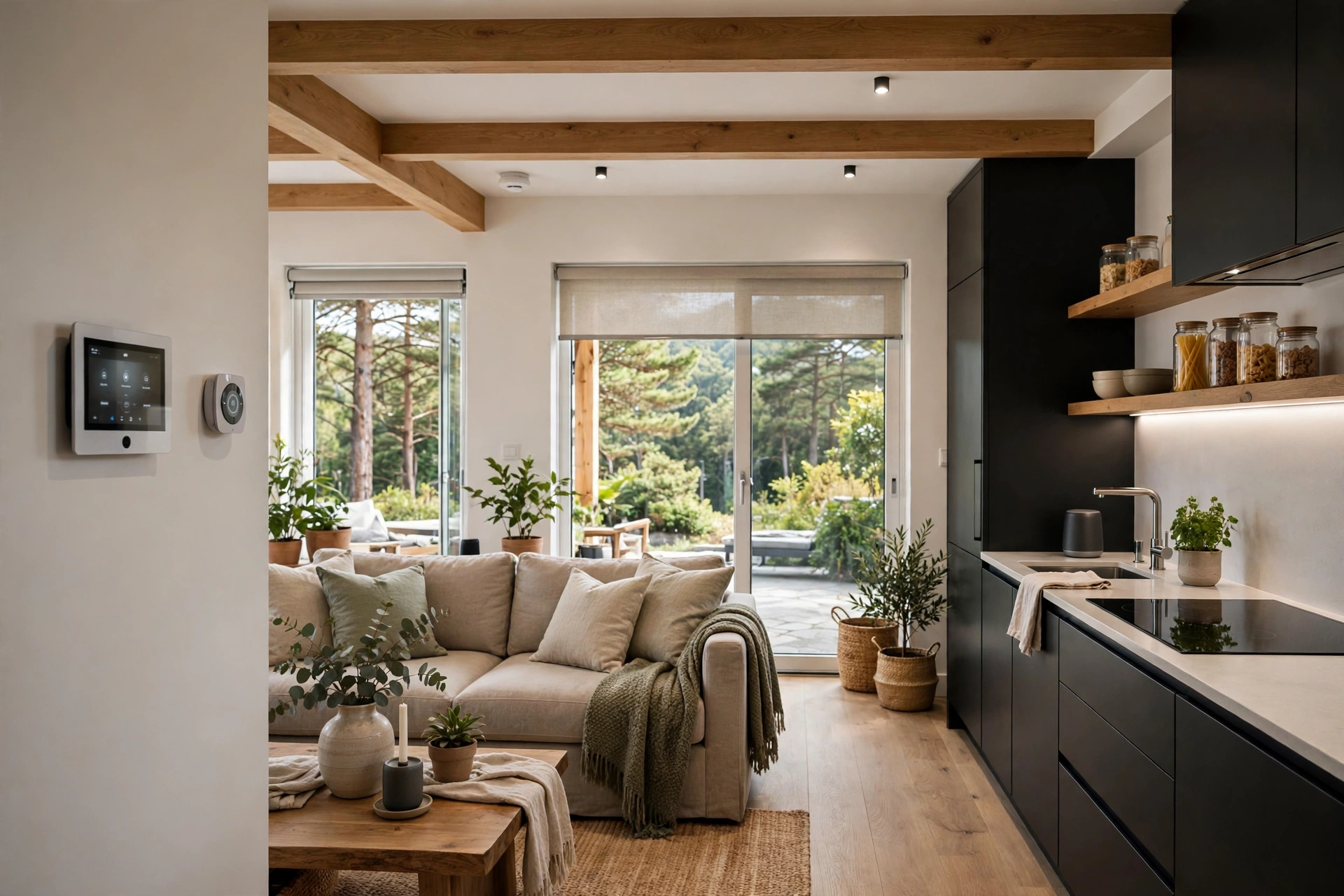
Smart Home for Second Homes: 2026 Guide
Key takeaways
- Design remote-first: every device must be viewable and controllable from your phone and usable by guests without an app — physical controls stay primary with a dumb fallback.
- Smart locks with unique, auto-expiring codes per guest eliminate key handoffs; verify codes work offline and keep a physical key backup with your caretaker.
- Climate does two jobs: protect the house (55°F floor, low-temp alerts) when empty and pre-condition comfort before arrivals via manual or scheduled triggers.
- Run every device through the caretaker test — 30-second explanation or it doesn't belong — and document everything on a laminated sheet they demonstrate back.
- A complete second-home smart setup runs roughly $2,000–$6,000 in hardware plus $500–$1,500 for professional configuration; costs are 2026 US ranges, get itemized quotes.
A second home runs on a different logic than a primary one. You’re not there to flip switches, notice the weird noise, or let in the plumber — so every system has to work without you, welcome guests without you, and survive neglect gracefully. Designing a smart home for a second home isn’t about more gadgets. It’s about remote-first reliability: keyless entry that never strands a guest, freeze protection that acts while you sleep three states away, and systems simple enough that a caretaker can actually manage them.
This smart home second home design guide covers what matters in 2026: the remote-first principles that separate a house that runs itself from one that pages you at midnight, guest-ready entry and comfort systems, the simplicity test for caretakers, and realistic cost ranges. If you’re starting from the monitoring stack, read our vacation home remote monitoring guide first — this one is about the lived experience of the house, not just its alarm systems.
The remote-first design principle
Every device in a second home should answer yes to three questions. Can you see its status from your phone? Can you control it from your phone? And can a guest or caretaker use it without an app, an account, or a tutorial? The third question is the one primary-home setups fail. Your carefully built Home Assistant dashboard with twelve custom cards is magnificent at your desk; it’s useless to a caretaker standing in the laundry room at 9 PM trying to figure out why the dryer circuit is off.
Remote-first means physical controls stay primary. Smart switches should still work as switches. The thermostat should still have buttons. Door codes should work even when the internet is down — and the best smart locks store codes locally for exactly this reason. Design every system with a “dumb fallback”: if the hub dies, the internet drops, or the guest deletes the app, the house must still be livable. Anything that fails the dumb-fallback test doesn’t belong in a house you visit monthly.
It also means preferring boring, proven ecosystems over bleeding edge. A second home is the wrong place for beta firmware and kickstarter sensors. Choose devices with years of track record, broad installer support, and local control — Ecobee or Honeywell thermostats, Schlage or Yale locks, Lutron lighting — because when something breaks, you need a local pro who’s seen it before, not a forum thread from 2023.
Kasa Smart Plug with Energy Monitoring (EP25 4-Pack)

Automates scheduling and tracks electricity draw on individual plugs
*Affiliate Disclosure: As an Amazon Associate, Elevate Home earns from qualifying purchases. Pricing and availability subject to change.
Keyless entry: the guest experience starts at the door
The smart lock is the highest-impact device in a second home. Unique codes per guest or per stay eliminate key handoffs, lockouts, and the “where did we leave the spare” ritual. Set codes that auto-expire: the cleaning crew’s code works Tuesdays 10–2, the weekend guests’ code works Friday through Sunday, the caretaker has a permanent code you can audit. Schlage Encode Plus and Yale Assure Lock 2 both handle this well; the Encode’s built-in Wi-Fi means no separate hub, while Yale’s Matter-over-Thread models integrate cleanly with Apple Home or Google Home setups.
Design for the arrival experience, not just the lock. A guest arriving at 10 PM to a dark house should find the entry and living areas lit (a “guest arrival” scene triggered by their code), the thermostat already at a comfortable temperature (pre-conditioned remotely an hour before), and the Wi-Fi credentials on a card by the door — or better, a QR code on the fridge. The lock code can trigger the welcome scene automatically on most platforms; that single automation does more for guest satisfaction than any amount of hardware.
Two hard rules: the lock must store codes locally so it works during internet outages (verify this — some cloud-dependent locks don’t), and you need a physical key backup stored with your caretaker or in a lockbox. Smart locks are reliable, but “reliable” at a house you visit monthly still means planning for the 1 percent.
Smart home second home climate: freeze protection plus guest comfort
The second-home thermostat does two jobs: protect the house when empty, comfort the humans when occupied. The empty-house job is the critical one: a hard floor of 55°F in winter with low-temperature alerts (see our monitoring guide), and in humid climates, summer dehumidification control to prevent the closed-house mustiness that greets you in July. Smart thermostats with remote sensors — Ecobee’s SmartSensors are the classic example — let you verify the far bedroom is at temperature, not just the hallway.
The occupied job is about pre-arrival. The pattern that works: an “away” schedule holding the house at its protective setpoint, and a pre-arrival routine you trigger from the car — or scheduled around your typical arrival — that brings the house to 70°F an hour or two before you walk in. Geofencing automations sound elegant but misfire often enough (phone in airplane mode, location permissions revoked) that a manual trigger or a calendar-based schedule is more dependable for a house you don’t live in.
One caution about smart thermostats in second homes: guests will touch them, and guests misunderstand them. Set reasonable limits — most smart thermostats allow min/max setpoint locks — so a well-meaning guest can’t set the heat to 85°F and leave, or crank the AC to 60°F in a house with marginal insulation. A short, friendly card next to the thermostat (“please keep between 68 and 74”) prevents most of it.
The caretaker test: systems a real human can manage
Your caretaker is the most important user of this system, and they didn’t choose it. Run every device through the caretaker test: can a non-technical adult operate it with a 30-second explanation? The devices that pass: smart locks with codes (explain once, done), thermostats with physical buttons and a setpoint range card, lighting on simple schedules or motion sensors, leak sensors that beep locally. The devices that fail: anything requiring an app login you control, voice assistants with custom routines only you know, lighting scenes buried three menus deep.
Build the caretaker a kit: a laminated one-page sheet with the Wi-Fi network, the lock codes that matter, the thermostat limits, the water and electrical shutoff locations, and your preferred plumber/HVAC/electrician with phone numbers. Walk them through it once in person. Then — this is the part people skip — ask them to demonstrate it back. The sheet they’ve read and the system they’ve touched are two different things, and the difference shows up at 11 PM during a leak.
Compensate for the monitoring burden honestly. A caretaker who checks the house weekly, tests sensors quarterly, and responds to alerts is providing real labor; price it like labor, not a favor. The best second-home setups have a professional property manager on a monthly retainer ($100–$300/month in many markets) precisely because “call my neighbor” stops scaling the first time the neighbor is on vacation too.
Internet resilience: the foundation everything stands on
Every remote-first system assumes connectivity, so connectivity gets its own design. The essentials: a quality router (not the ISP’s rental unit) on a UPS ($100–$200) for short outages, and for homes in outage-prone or storm-exposed areas, a cellular failover — either a router with built-in LTE/5G backup or a security system with cellular monitoring that keeps critical alerts flowing. Starlink has become a genuine option for rural second homes where cable and fiber don’t reach; budget roughly $120/month and verify the clear-sky requirement for your lot.
Segment the network. A separate IoT/guest Wi-Fi network keeps guests’ devices off your cameras and locks, and a guest network with a simple password (changed between long-term renters) is basic hygiene. Enable automatic firmware updates on the router and hub where available — a second home is exactly the place where “I’ll update it next visit” means it never happens — but schedule updates for times you can verify recovery, not the night before guests arrive.
Entertainment and lighting: the guest-comfort layer
Guests judge a second home by comfort, not by your automation resume. The entertainment setup should be ruthlessly simple: one streaming device per TV (Apple TV or Roku — pick one platform house-wide), logged into a house account, with a one-page “how to watch TV” card. Hotel-mode the TVs if the platform supports it, so guests can’t accidentally log you out of everything or buy movies on your account. Whole-home audio — a few Sonos speakers or a simple multi-zone amp — is a genuine delight for weekend guests and nearly zero maintenance.
Lighting for guests means scenes, not switches. “Arrival,” “Evening,” “Movie,” and “All Off” cover 95 percent of use; put them on a keypad by the entry and in the primary bedroom, and label them in plain English. Motion-activated low lighting on the hallway and bathroom path prevents the 3 AM stumble without anyone learning anything. Keep one room — usually the primary bedroom — fully manual with simple dimmers, because someone in every group just wants a switch that works like a switch.
What this costs in 2026
A well-designed second-home smart setup — beyond the monitoring stack — commonly runs $2,000–$6,000 in hardware plus any professional help. Roughly: two smart locks $200–$350 each, smart thermostat with remote sensors $200–$300, entry keypad and lighting scenes $500–$1,500 depending on platform (Lutron Caséta is the sweet spot for second homes: reliable, hub-based, works when the internet doesn’t), router plus UPS $250–$500, streaming devices $50–$180 per TV, a few smart speakers $100–$300 each. Professional configuration — someone to set up the scenes, codes, automations, and caretaker documentation properly — runs $500–$1,500 and is money well spent; it’s the difference between a system and a pile of devices.
Ongoing costs stay modest if you design for it: no camera cloud subscriptions (use local recording), thermostat and lock apps are free, cellular backup $10–$20/month only where the outage risk justifies it. Costs are 2026 US market ranges; get itemized local quotes for any electrical work, which belongs to a licensed electrician.
Seasonal rhythms: running a summer house and a winter house
Most second homes have two personalities — the summer season of frequent visits and guests, and the winter season of long empty stretches — and the smart setup should shift between them. Build two profiles into every system. The occupied-season profile keeps guest-ready defaults: comfortable temperature bands, the arrival scene armed, cameras on standard alert sensitivity, and the caretaker on a light-touch schedule. The deep-absence profile tightens everything: thermostat at its protective setpoint, water-heater vacation mode or the main shut off for long stretches, lighting on randomized away patterns rather than guest scenes, camera alerts at maximum sensitivity, and the caretaker on weekly interior checks.
Switching profiles should be one action, not twelve — a single “winter shutdown” scene or routine that sets the thermostat, adjusts the water heater, arms the away lighting, and notifies the caretaker beats a checklist you’ll half-complete at 9 PM the night before you leave. Program both profiles when the system is installed, test the transition once while you’re there to watch it, and document what each profile does on the caretaker sheet. The houses that get into trouble are the ones stuck between seasons: guest settings running in an empty house all winter, burning energy and masking the alerts that matter.
Next steps: getting quotes
Start with the arrival experience: stand at your front door and walk the guest journey — entry, lights, temperature, Wi-Fi, TV — and list what needs to work without you. Then apply the caretaker test to every device you’re considering, and cut anything that fails it. Get one or two quotes from a smart-home integrator (not just an electrician) for the configured package — locks, thermostat, lighting scenes, network, and the caretaker documentation — and ask them to demonstrate the guest-arrival automation and the internet-outage fallback before you pay the final invoice. A second home that runs itself is designed, not accumulated.
Blink Outdoor 4 Wire-free Smart Security Camera

A strong alternative to our top pick — compare features and reviews before you buy.
*Affiliate Disclosure: As an Amazon Associate, Elevate Home earns from qualifying purchases. Pricing and availability subject to change.
Frequently asked questions
What makes a second home smart setup different from a primary home?
Every device must be viewable and controllable from your phone, and usable by a guest or caretaker without an app or tutorial — physical controls stay primary, codes work offline, and there's always a 'dumb fallback.' Prefer proven, boring ecosystems over new gadgets, because you'll be troubleshooting from three states away.
Which smart lock is best for a second home with guests?
Schlage Encode Plus and Yale Assure Lock 2 are the mainstream leaders — both support unique codes per guest with auto-expiry. Verify the lock stores codes locally so it works during internet outages, set reasonable expectations (cleaning crew Tuesdays 10–2, guests Friday–Sunday), and keep a physical key backup with your caretaker.
How should I set up the thermostat at my vacation home?
Use a protective setpoint (55°F minimum in winter) with low-temperature alerts, plus a pre-arrival routine you trigger manually or on a schedule — geofencing misfires too often to trust for a house you visit monthly. Set min/max setpoint locks so guests can't push the system to extremes, and leave a friendly instruction card.
How do I make the system manageable for my caretaker?
Apply the caretaker test: can a non-technical adult operate it with a 30-second explanation? Smart locks with codes, thermostats with physical buttons, and scheduled lighting pass. App-only controls and custom voice routines fail. Build a laminated one-page sheet with Wi-Fi, codes, shutoff locations, and your pros' numbers — and have the caretaker demonstrate it back.
How do I keep internet reliable at a second home?
A quality router on a UPS ($100–$200) covers short outages; cellular failover ($10–$20/month) or a security system with cellular backup covers extended ones. Segment guest Wi-Fi from your devices, enable automatic firmware updates scheduled for times you can verify recovery, and consider Starlink (~$120/month) for rural homes without cable or fiber.
How do I handle the changeover between guest season and empty months?
Build two profiles into every system: an occupied-season profile (guest-ready temperatures, arrival scenes, light caretaker schedule) and a deep-absence profile (protective thermostat setpoint, water heater vacation mode, away lighting patterns, maximum camera sensitivity, weekly caretaker checks). Switching should be one scene or routine, not a twelve-step checklist — program and test both profiles at install time.
Keep reading
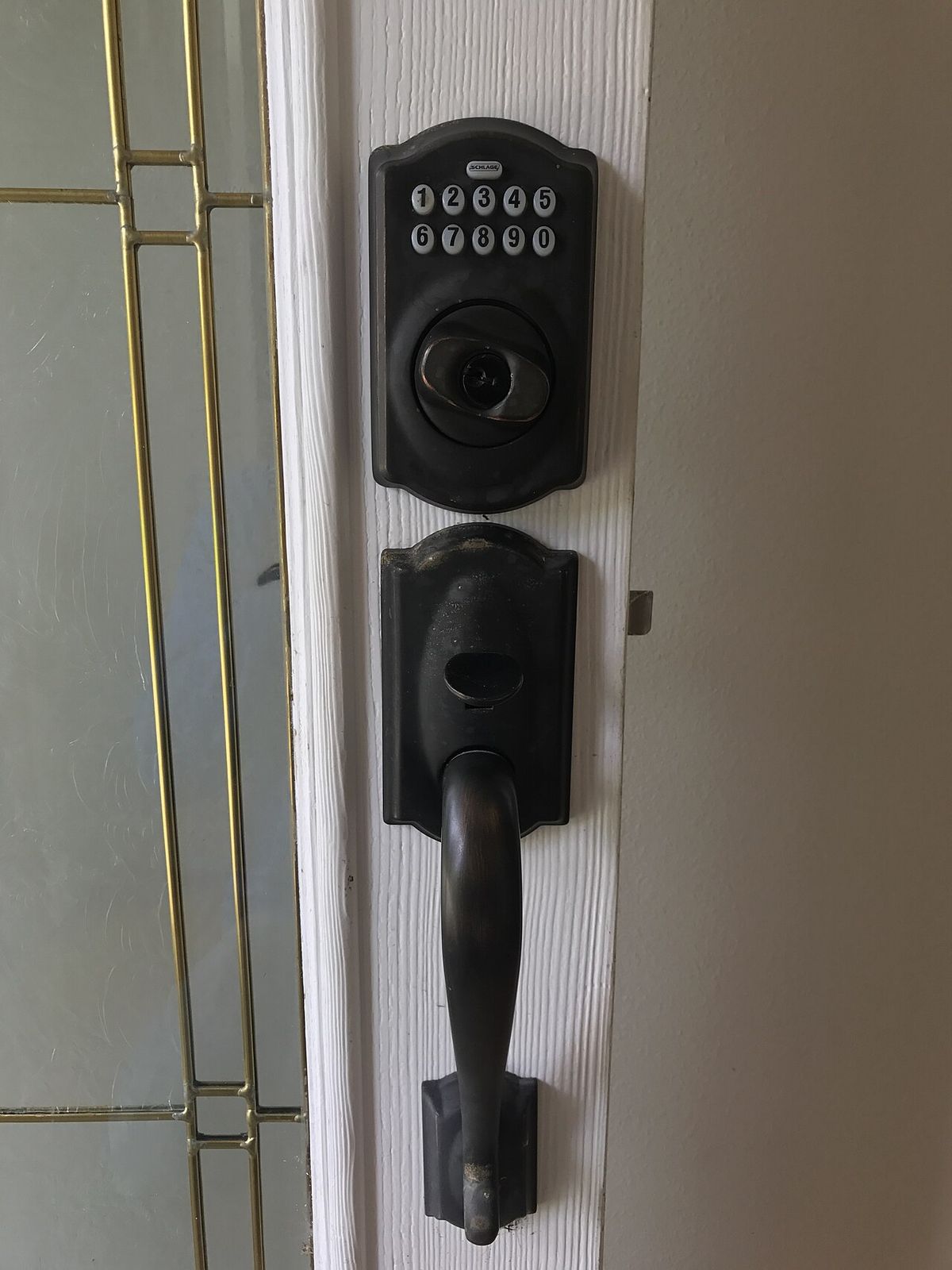
Smart Locks
Keypad Locks for Guest Houses & Rentals: Guide
Keypad door lock guest house guide: unique guest codes, Wi-Fi vs hub vs offline, cold-weather battery tips, an…
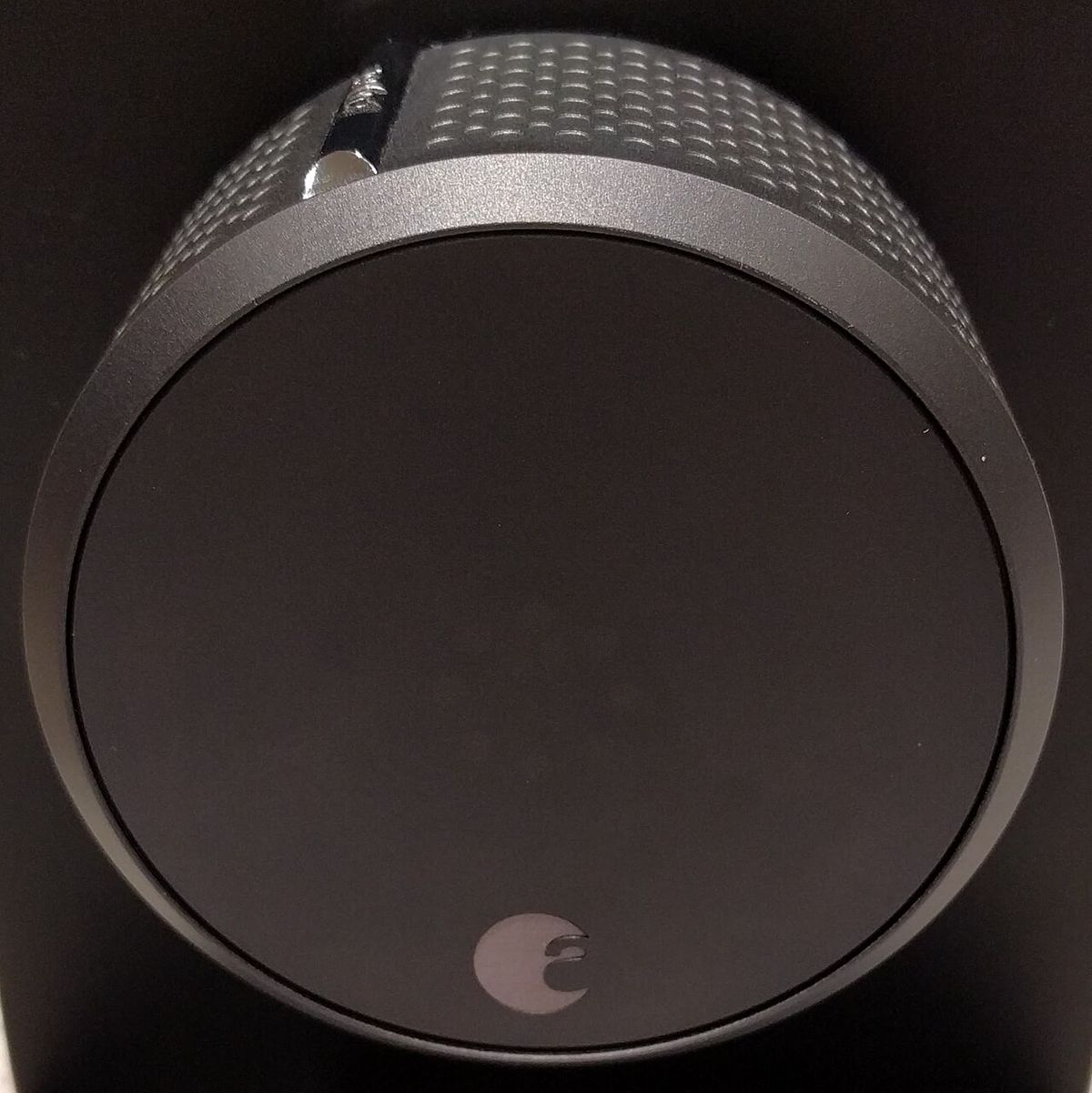
Smart Locks
Schlage vs Yale Smart Locks: 2026 Guide
Schlage vs Yale smart lock compared for 2026: Encode Plus vs Assure Lock 2 on security grade, Home Key, finger…
Second Homes
Vacation Home Remote Monitoring: 2026 Guide
Vacation home remote monitoring guide for 2026: the water, freeze, power, and camera sensor stack, cellular ba…
Battery Use Cases
Vacation Home Battery Monitoring Guide
Vacation home battery monitoring guide: what to watch remotely, alert setup, storm-season checklists, and keep…

Transfer Equipment
100A vs 200A Automatic Transfer Switch
100 amp vs 200 amp transfer switch: service-entrance vs subpanel topology, when each is required, costs, and l…

Pillar 01 · Energy Resilience
10kWh vs 13.5kWh vs 20kWh Home Battery: Which Size Is Right? (2026)
10kWh vs 13.5kWh vs 20kWh home battery compared: usable capacity, backup runtime, solar pairing, and which tie…